AI Productivity Routines: Proven Methods to Automate Your Daily Workflow in 2025
Every morning feels like a new chance to reset, doesn’t it? 🌞 Some days you wake up energized, while other days you drag yourself to the desk thinking, “How can I finish everything today?” That’s where AI-powered productivity routines step in. Unlike generic tips you’ve probably seen a hundred times, these strategies are designed to actually take work off your plate instead of adding another task. And honestly, once you try them, you’ll wonder how you ever worked without them.


Automate your repetitive communication
Think about how often you answer the same questions in emails or chats. With AI-driven response templates, you can reduce that time by almost 60%. One remote team I spoke to saved over 4 hours per week just by setting up auto-drafted replies through a smart assistant. Sounds small? Over a year, that’s more than 200 hours back.

Build a daily AI scheduling routine
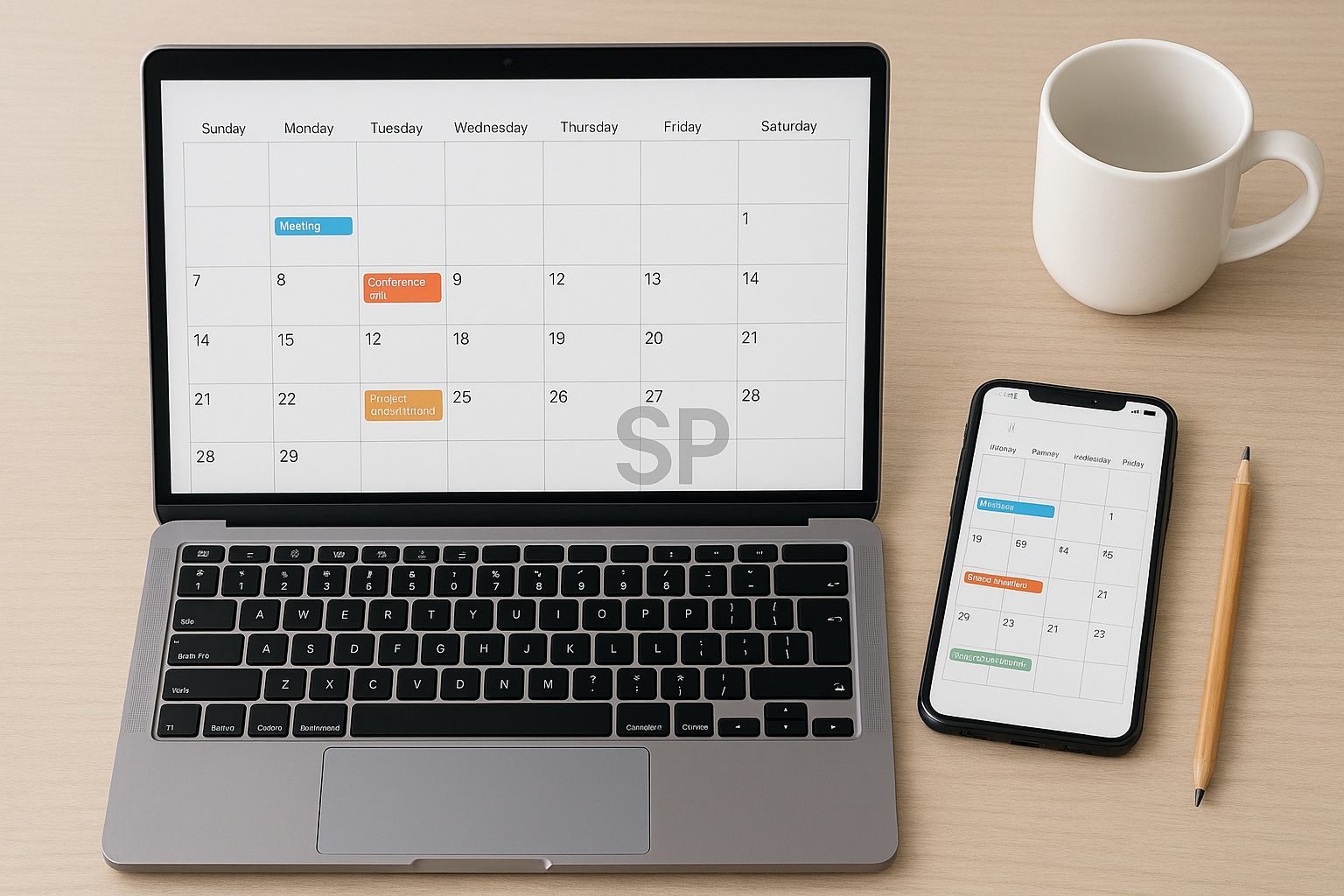
Rather than juggling Google Calendar manually, integrate an AI scheduler that rearranges meetings based on priority and focus hours. Users report less “calendar fatigue” and a higher completion rate of deep work sessions. Imagine your schedule adjusting dynamically when an urgent call comes in—it feels like having a personal secretary.

Use AI for research and note summarization
Instead of spending 40 minutes skimming articles, let AI extract the main points. A marketing consultant shared that their client brief prep time dropped from 2 hours to 45 minutes thanks to AI summarizers. The trick is to not just accept the summary but to train the tool with your own context keywords.


Set up financial and expense trackers with automation
AI budgeting apps can automatically classify your expenses, detect anomalies, and even predict cash flow needs. For freelancers working across multiple currencies, this is a lifesaver. One creator mentioned their stress dropped massively when they stopped “guessing” about their financial health each month.

Integrate health micro-breaks into your workflow
Productivity isn’t just about work; it’s about staying sharp. Tools now remind you to stretch, hydrate, or take a 5-minute meditation at scientifically proven intervals. Adding just three breaks of this kind daily boosted reported energy levels by 20% in a pilot group.

💡 A quick reminder: AI routines aren’t about replacing your judgment—they’re about removing the clutter so your brain can focus on what really matters. Try one or two methods this week, and track your energy and output. You might be surprised at how quickly your “busy days” turn into “manageable days.”
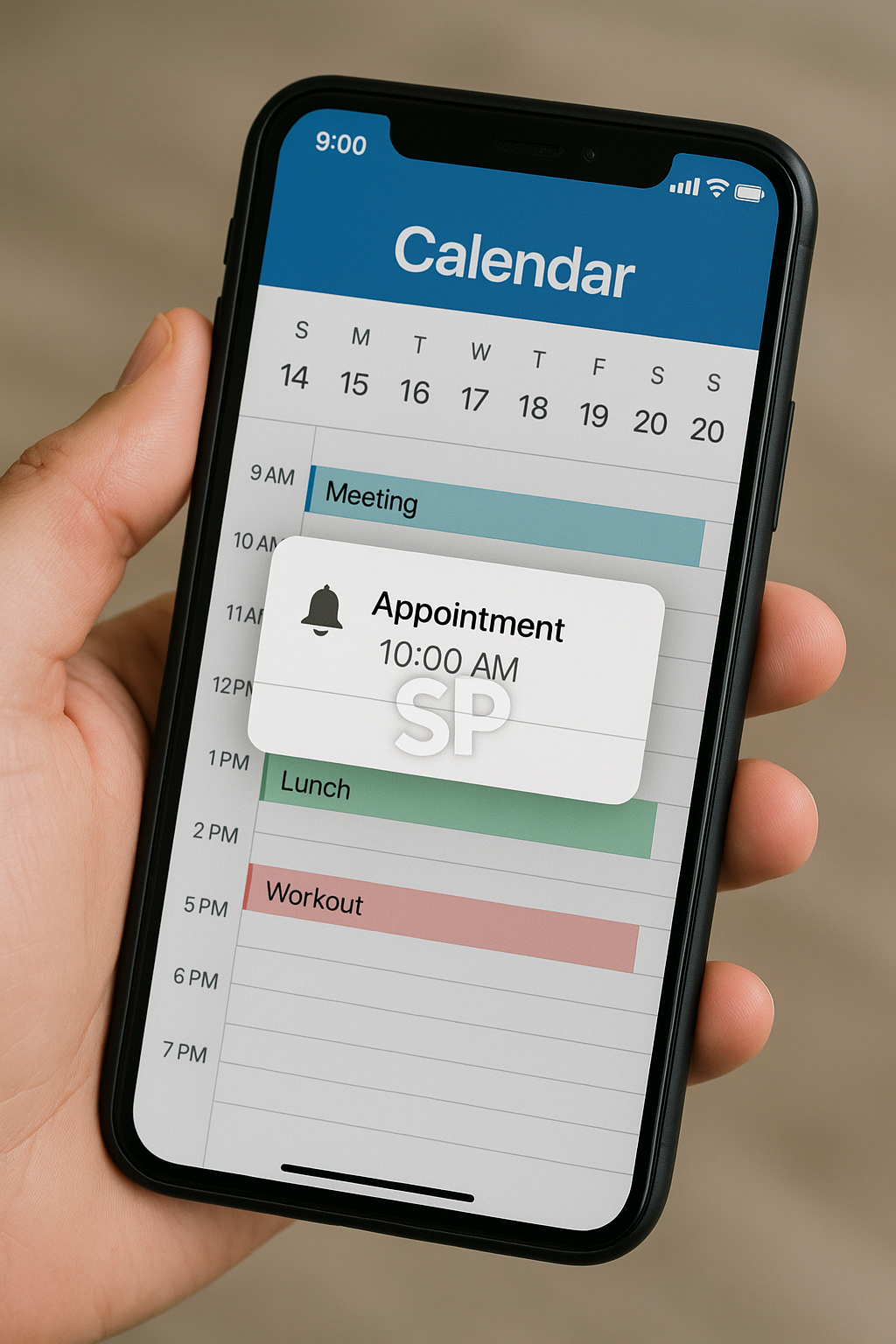


While the main strategies already show how AI can transform your daily routine, there’s another layer to consider: how these routines evolve once they become habits. Many users start with automation tools and think of them as simple helpers. But after several months, these tools begin to shape how you plan your day, how you prioritize tasks, and even how you define success at work.

One designer shared an interesting story: he originally used AI just to organize his client requests. Over time, the tool started suggesting which projects to handle first based on deadlines and payment terms. He realized he was no longer just “tracking tasks” but actually making better business decisions guided by AI insights. This shift reduced stress and helped him manage more clients without working longer hours.

Another area that often surprises people is emotional energy. AI cannot feel for you, but it can remind you to manage the energy you do have. A simple automated journaling app that prompts reflection at the end of the day might seem small, yet it creates a sense of closure that keeps your mind clearer for tomorrow. Freelancers especially mention that this habit prevents burnout because they stop carrying unfinished thoughts into the evening.



Of course, not all routines work for everyone. Some professionals find that heavy automation creates a sense of detachment, as if they’re working inside a machine. The key is balance: let AI take away the tasks that drain you, but keep the tasks that inspire you. A teacher I interviewed said she still writes her lesson plans by hand but lets AI handle all her grading rubrics. “It saves me hours, but I still feel connected to my students,” she explained.

What stands out across these stories is that productivity routines are less about speed and more about mental clarity. When your brain doesn’t have to juggle every reminder, number, or deadline, you naturally perform better. Imagine walking into your workday and realizing half your checklist has already been prepared without you lifting a finger—that’s the real power of AI productivity routines.

If you’re planning to start small, focus on areas where you repeatedly feel resistance. Maybe that’s drafting similar emails, arranging your week, or collecting expense receipts. Automating just one of these processes can act as a gateway, showing you the relief that automation provides. Once you see the results, expanding into other areas becomes natural rather than forced.
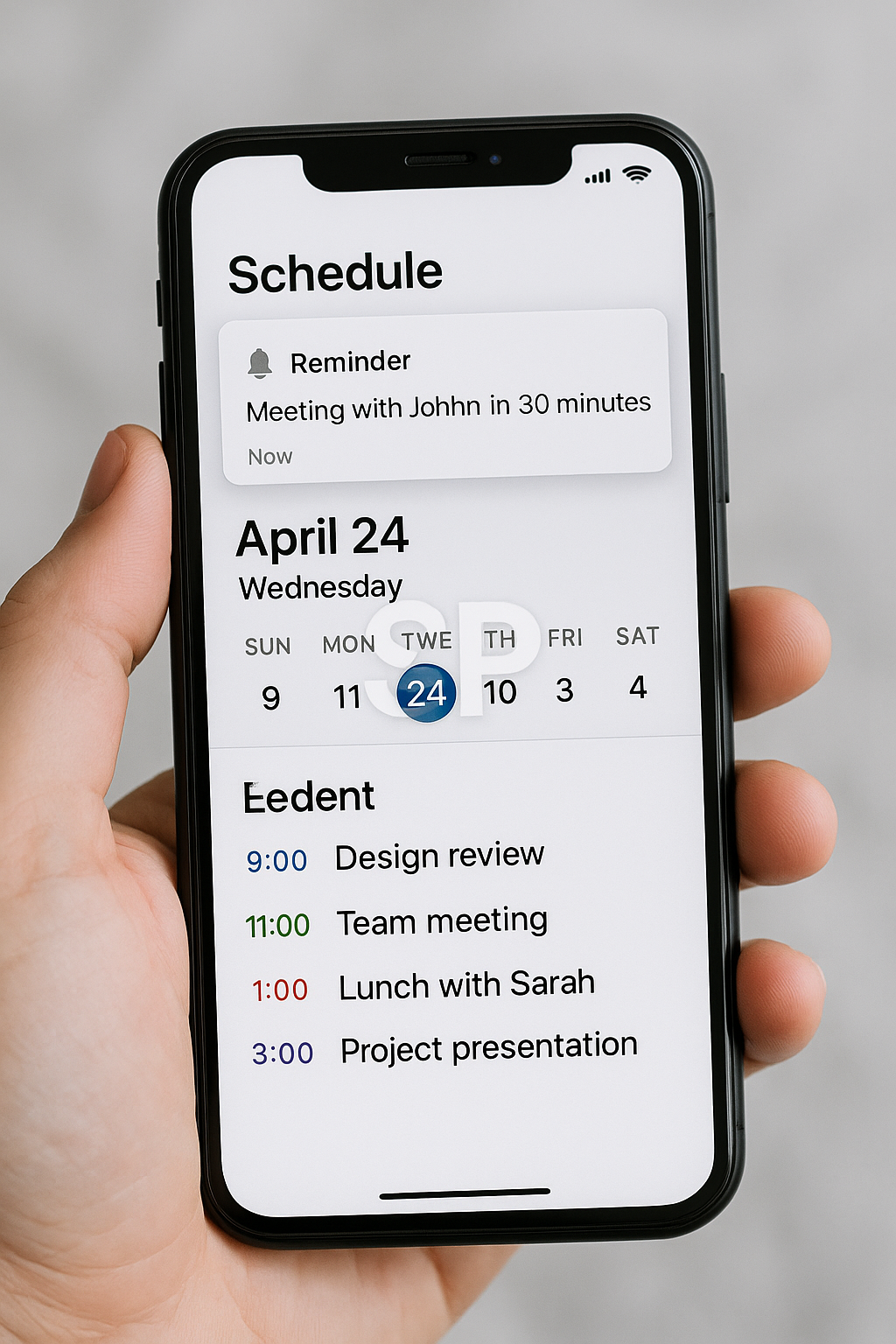


Maximize Productivity with AI-Powered Tools: 5 Proven Automation Strategies

In today’s fast-paced work environment, productivity is no longer about working harder—it’s about working smarter. AI-powered tools have transformed the way we manage tasks, from automating repetitive processes to providing real-time insights. But with so many options available, the challenge is figuring out which tools deliver real results.


I remember the first time I integrated automation into my daily routine—it was a mix of excitement and confusion. The turning point came when I realized that automation isn’t about replacing creativity or decision-making; it’s about freeing up mental space for the work that truly matters. If you’ve ever felt overwhelmed by endless tasks, you’ll appreciate these 5 strategies that combine AI tools with practical workflow design.

Automate Repetitive Administrative Tasks
Use AI-based schedulers, email filters, and document processing tools to handle routine tasks automatically. For example, setting up an AI-driven inbox can cut email management time by up to 40%.

Use AI for Research & Data Summarization
Instead of spending hours searching for information, let AI summarize documents, generate reports, and highlight key points. This not only saves time but also improves decision-making speed.

Integrate Automation into Your Calendar & To-Do Lists
Link your calendar to task management apps so deadlines update automatically. AI reminders can even suggest optimal times for specific tasks based on your productivity patterns.


Leverage AI for Content Creation
From generating blog outlines to editing video scripts, AI tools can speed up the creative process without sacrificing quality. The key is to use AI as a collaborator, not a replacement.

Track & Optimize Your Workflow with AI Analytics
Many tools now provide analytics on your work patterns, helping you identify bottlenecks. Adjusting your workflow based on this data can lead to measurable productivity gains.

 Batch Your Automation Setup
Instead of integrating tools one by one, dedicate a focused block of time to setting up multiple automations. This creates momentum and ensures your systems work together seamlessly.

While the five strategies outlined earlier can significantly enhance productivity, their true power emerges when they are integrated into a long-term workflow. The most successful automation setups are not one-off experiments—they evolve alongside your needs and adapt to changes in your work environment.

One common mistake I’ve seen is when people adopt too many tools at once without ensuring they work together. This often leads to fragmented processes, duplicated efforts, and confusion. Instead, focus on creating a cohesive automation ecosystem where each tool complements the others. For example, your task manager should sync with your calendar, your note-taking app should integrate with your project management system, and your analytics dashboard should pull data from all relevant sources.


Another important factor is habit formation. Even the most advanced AI tools are ineffective if you don’t build the habit of using them consistently. Start with a simple daily routine—such as reviewing your AI-generated task list each morning or checking your analytics dashboard every Friday. Over time, these small rituals become second nature and amplify the benefits of automation.

It’s also worth remembering that automation is not static. As your projects, team structure, or personal goals change, your systems should adapt. I recommend scheduling a quarterly “automation audit” to review which tools are still relevant, which need adjustments, and whether there are new AI capabilities worth adopting. This prevents your workflow from becoming outdated or bloated.


From my own experience, one of the most impactful shifts came when I stopped treating automation as a purely technical setup and began seeing it as a lifestyle design choice. For example, using AI to automatically log health data from my smartwatch helped me make better lifestyle decisions, not just work-related improvements. Similarly, automating financial reports gave me peace of mind and reduced decision fatigue.

Finally, don’t underestimate the value of sharing your automation wins with colleagues or peers. When others see how your workflow has improved, they’re more likely to adopt similar systems, creating a culture of efficiency. This can be especially powerful in remote or hybrid teams where alignment and productivity are often harder to maintain.

By combining the earlier five strategies with ongoing review, habit building, and a mindset of continuous improvement, you’ll create an automation system that not only saves time but also frees up mental space for the creative, strategic work that truly matters.

Digital Lifehacks to Automate Your Workflow in 2025


Let’s be honest—most of us are overwhelmed with tasks.
Between switching tabs, managing inboxes, updating spreadsheets, and remembering what to do next…
it’s easy to burn out before lunch. 😵‍💫
But here’s the good news: you don’t need a full tech team to reclaim your time.
Just the right tools, a few smart habits, and a system that automates you.

In this post, let’s break down realistic digital lifehacks that can help you simplify, streamline, and even eliminate daily tasks—using no-code tools you probably already have access to.

Start With the ‘Rule of Three’: Collect → Decide → Automate

Before you start automating anything, ask yourself:

What do I collect every day? (e.g. client emails, to-dos, screenshots)

How do I decide what matters? (e.g. urgent vs someday)

Can this decision → trigger automation?

For example:
If you collect client messages in Gmail, you can tag them with “invoice” → trigger an automation in Zapier to add them to Notion + generate invoice template + send reminder.

This simple shift—from doing everything manually to making decisions once and letting tools act—is the core of digital self-automation.

The ‘No-Click’ Calendar Setup

Most people use calendars reactively: add a task when something is urgent.
But what if your calendar was your daily assistant?


Try this:

Use Motion or Sunsama to auto-plan your tasks by priority

Sync Google Calendar with Notion database for real-time status updates

Add daily time blocks for recurring habits (review goals, reply to DMs, etc)

Use Cron for cross-timezone scheduling (automates time zone matching)

By setting your system to auto-update and reschedule based on conditions (e.g., incomplete → push to tomorrow),
you stop wasting time thinking about what to do next. Your calendar tells you.

Automated Knowledge Capture (So You Never Forget Again)

Let’s face it—how many great ideas have we forgotten in the shower, during a walk, or in a meeting?

In 2025, tools like these are your second brain:

AudioPen / Whisper Memos: talk, it transcribes and summarizes

Readwise Reader: capture highlights from articles, emails, PDFs

Notion AI Q&A: ask a question about your notes, it gives answers like ChatGPT

Save to Notion / Airtable Web Clipper: one-click saving for structured databases

Bonus: link all of these via Make.com or Zapier so you never touch a file twice.
The moment you read/listen/see → it’s saved, organized, and searchable forever.

Set Up ‘If This, Then Focus’ Environments

Instead of relying on discipline, use environment-based focus rules.

Examples:

If Slack status = “Deep Work”, then:
→ Turn on Do Not Disturb
→ Trigger ambient focus playlist in Spotify
→ Auto-close distracting tabs (via extensions like Workona)

If time = 9am Monday, then:
→ Generate weekly task digest
→ Share auto-summary with team
→ Launch browser with only 3 preset tabs

These small scripts can save hours every week.
And they don’t require coding—just smart use of no-code automators + browser extensions.

Create a ‘Zero Maintenance’ Dashboard

Think of it like this: your brain isn’t meant to remember, it’s meant to decide.

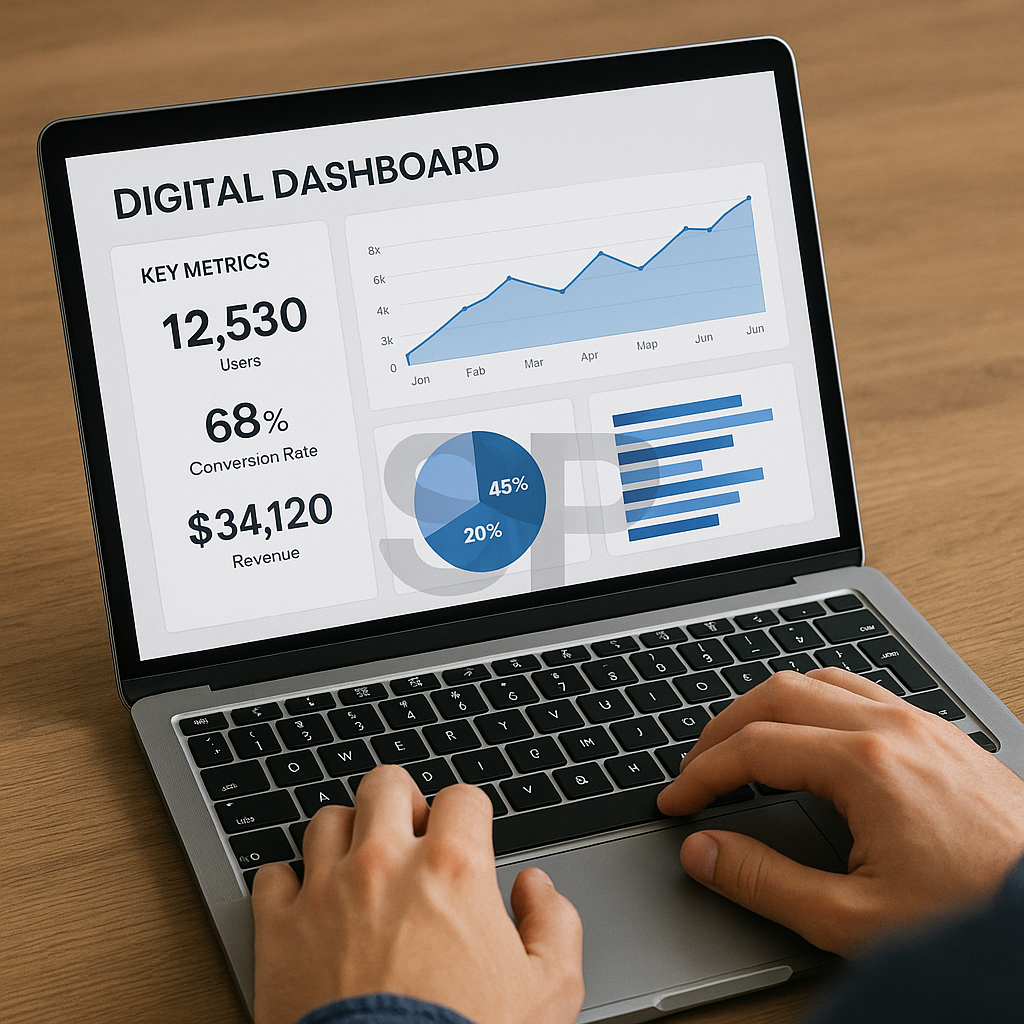
Set up a self-updating dashboard that surfaces exactly what matters:

Today’s tasks

Priority projects

Stuck items

Reminders (bills, follow-ups)

Real-time progress tracker (e.g., % blog posts published)

Tools like Notion, Coda, Tana, or even a synced Google Sheet can power this.
The key is automation: your dashboard should update without you touching it.


Build Smarter Routines, Not Just Faster Work

Productivity isn’t about doing more—it’s about doing less of the wrong things.
So instead of adding tools, add intention behind how you use them.
Let’s go deeper into real-life automations, tailored for both employees and freelancers in 2025.

Automation Flow for Busy Professionals

Goal: Reduce cognitive load from repeated actions (reporting, meeting summaries, scheduling)

Example System:

Every 9 AM
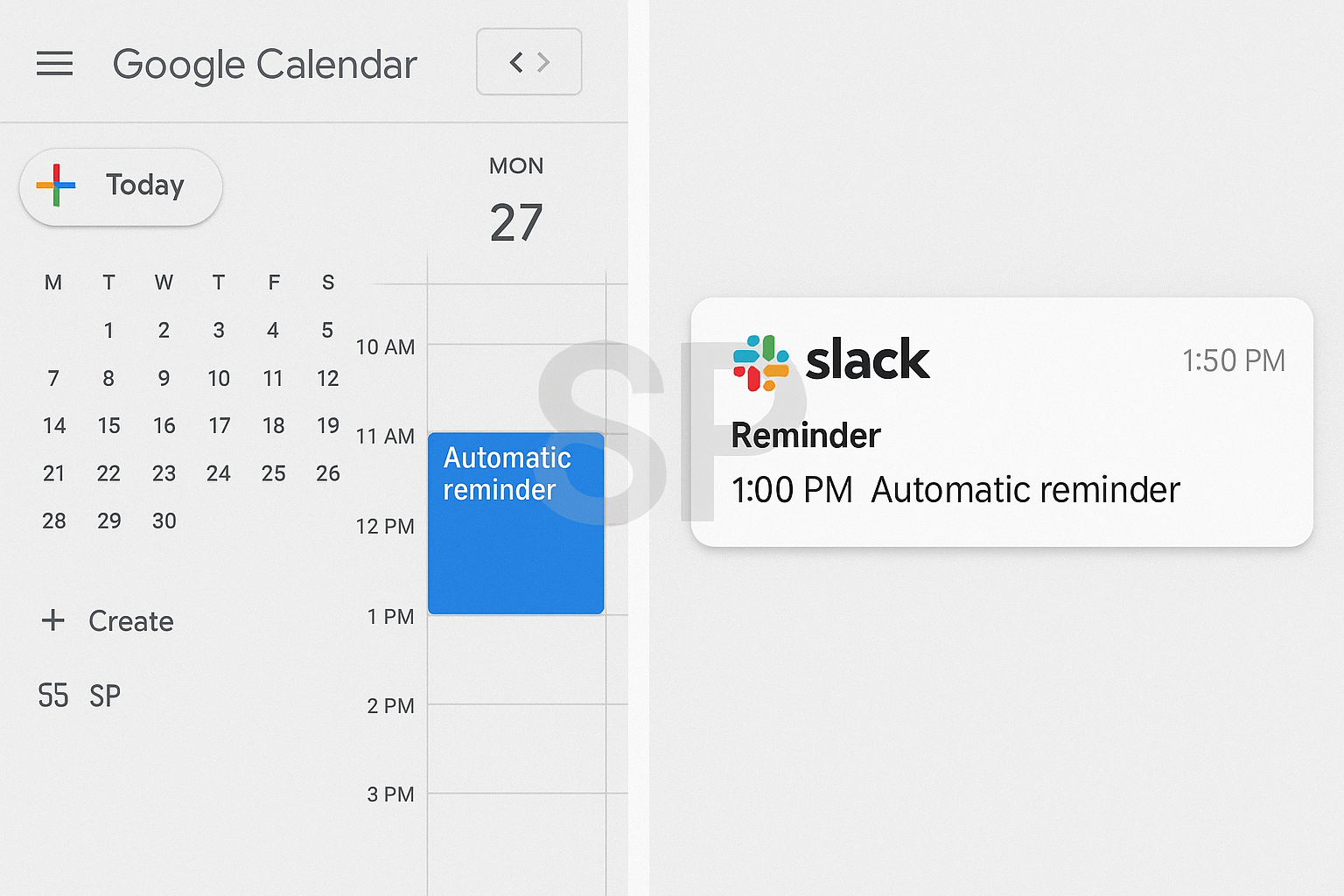
→ Google Calendar syncs schedule to Slack channel
→ Notion auto-generates a “Daily Briefing” page with key to-dos

During meetings
→ AudioPen captures and summarizes the call
→ Summary pushed to Notion + tagged under the right project


End of Day
→ Emails with subject “Approved” or “Blocked” → trigger a Notion task update
→ Slack bot notifies stakeholders automatically

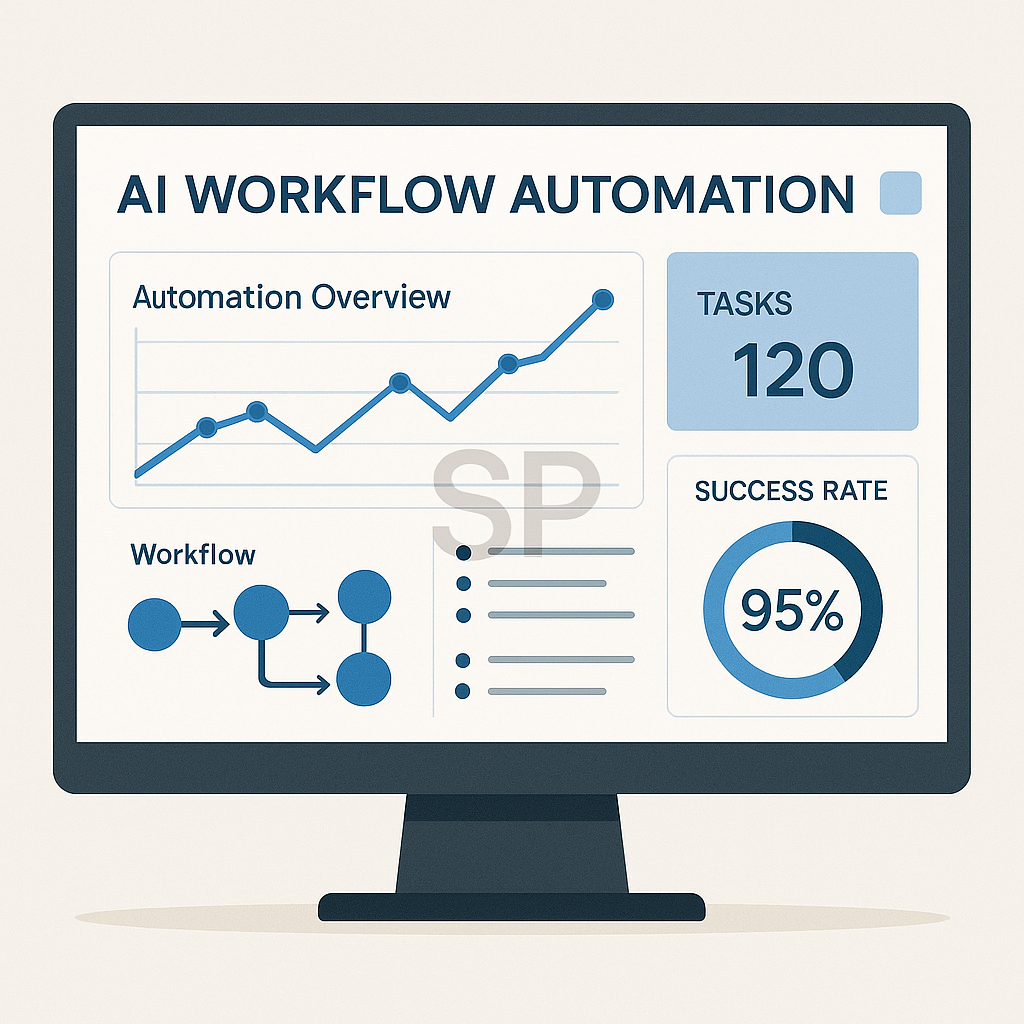
With just 3 tools (Notion + Zapier + AudioPen), this system cuts 30% of micro-decisions and keeps your team aligned.

Automation Flow for Freelancers & Solopreneurs

Goal: Automate client management, invoicing, and content production

Example System:

When client inquiry hits Gmail
→ Zapier detects keywords like “quote” or “collab”
→ Auto-saves message into Airtable
→ Triggers creation of a new Notion project page

After completing a task
→ Status marked “Done”
→ Google Docs generates invoice from a template
→ PDF auto-attached and emailed via Gmail

Weekly Content System
→ Every Monday, Notion adds fresh blog prompts
→ Linked with Google Trends API for SEO-backed topics
→ Upon draft completion, Buffer schedules posts to social media

With this structure, freelancers can focus on crafting value, not juggling files.

Checklist Before You Automate Anything

Even with powerful tools, automation can backfire if you skip basic checks. Ask yourself:

✅ Are the trigger conditions crystal clear?
(e.g., “every Monday,” “email contains X,” “tag is complete”)

✅ Can you verify the output?
(e.g., where does the data go? How do I know it worked?)

✅ Can you intervene manually?
→ Always have a fallback to pause or override your automation when needed.

Great automation ≠ complex automation. It’s about clarity, safety, and confidence.

Beginner-Friendly Tool Stack (Free-Tier Focus)

If you’re overwhelmed by all the names, here’s a safe starting point:


Purpose Tools Why Use It
Automation Logic Zapier, Make Easy integrations with 1000+ apps
Scheduling Google Calendar + Cron Time-blocking + timezone support
Content Capture Notion + Save to Notion Clean, structured, flexible
Voice Notes AudioPen Fast summaries, voice to text
Reading & Research Readwise / Reader Highlight & sync knowledge

Stick to 2–3 tools at first. As you build routines, automation becomes less of a task—and more of a lifestyle.

The Real Purpose of Automation: Energy Management

It’s tempting to automate everything. But not all tasks are worth automating.

Here’s what actually matters:

Automate things that drain energy or repeat often

Keep manual control over creative, emotional, or strategy tasks

Measure success not in clicks saved—but in clarity gained

If it feels light, seamless, and empowering, you're doing it right.
If it feels fragile, bloated, or confusing—it’s time to simplify again.

The best automation?
It’s the one that makes you forget you’re even using it.
Let your digital routines hum in the background,
while you focus on building, thinking, and simply living better. 💻✨

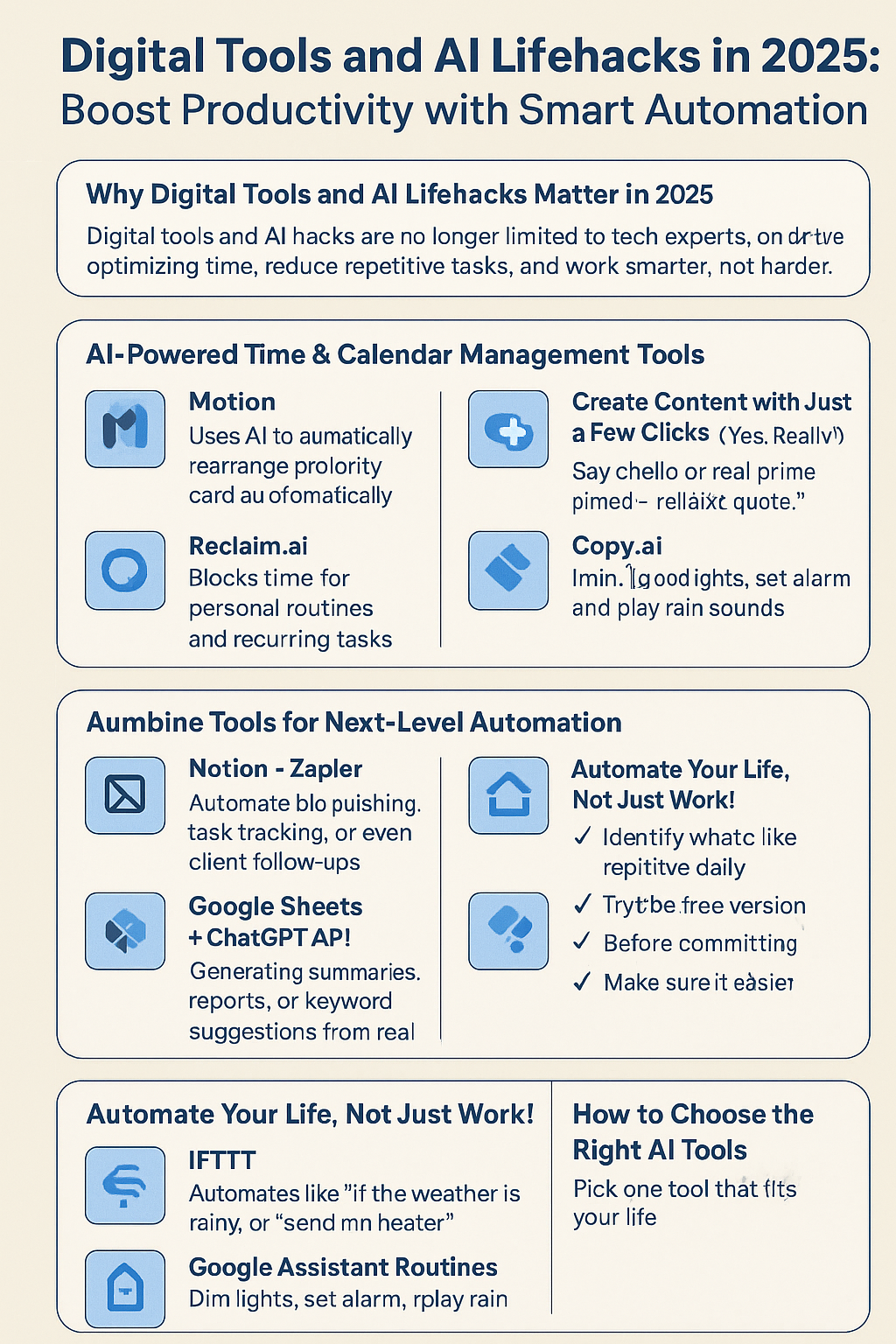
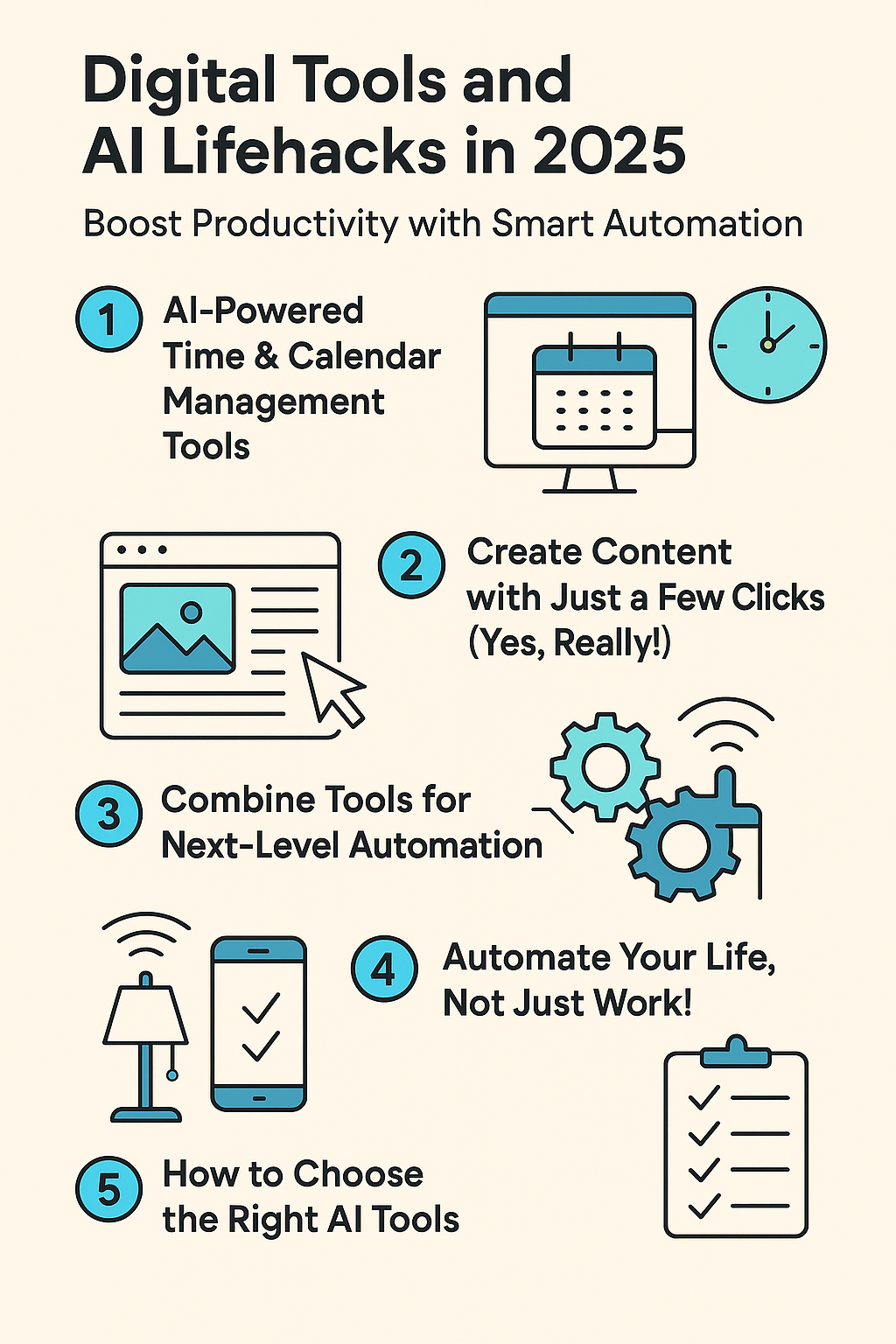
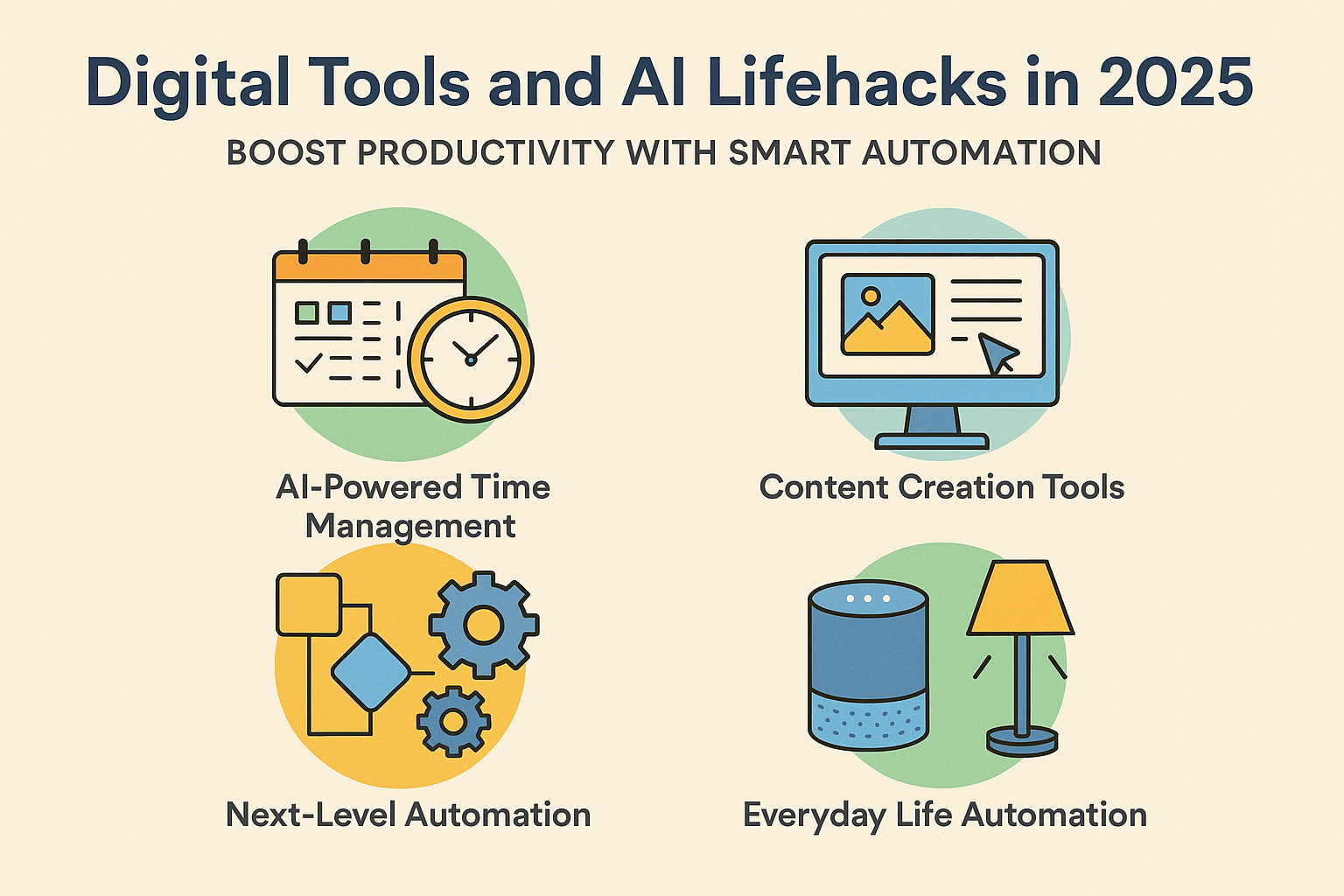
Digital Tools and AI Lifehacks in 2025: Boost Productivity with Smart Automation
Introduction : Why Digital Tools and AI Lifehacks Matter in 2025
Digital tools and AI lifehacks are no longer limited to tech experts or developers. In 2025, they’ve become essential for anyone who wants to optimize time, reduce repetitive tasks, and work smarter, not harder^^
From managing your schedule to auto-generating content, AI tools can simplify daily routines and increase productivity dramatically. In this post, we’ll explore practical ways to use AI tools in your everyday life, along with the best tools available right now. Ready to upgrade your routine? Let’s go!


1. AI-Powered Time & Calendar Management Tools
Time is the most valuable asset, and smart tools can help you manage it better than ever.

Motion: Uses AI to automatically rearrange your calendar based on priority and workload. Great for staying focused and on-track without manual effort^^

Reclaim.ai: Blocks time for personal routines and recurring tasks automatically. Say hello to real work-life balance, ㅎㅎ

Clockwise: Finds the best meeting times across teams and protects deep work hours. Collaboration without burnout!


2. Create Content with Just a Few Clicks (Yes, Really!)
Creating content used to be time-consuming, but not anymore! With the right digital tools, anyone can become a creator.

Canva Magic Studio: Instantly generate visuals and marketing designs with text prompts. Perfect for non-designers^^

Pictory.ai: Turn blog posts or articles into professional videos using AI. Ideal for YouTube Shorts and Reels!

Copy.ai: Need emails, ads, or product descriptions? Type a few keywords, and AI writes them for you—super convenient, right? 헤헤


3. Combine Tools for Next-Level Automation
The true power of AI lifehacks is in combining tools to build custom workflows.

Notion + Zapier: Automate blog publishing, task tracking, or even client follow-ups. A true digital assistant.

Google Sheets + ChatGPT API: Automatically generate summaries, reports, or keyword suggestions from real-time data.

Trello + Make (Integromat): Automate team notifications, content planning, and more with simple visual flows.


4. Automate Your Life, Not Just Work!
AI tools go beyond productivity—they can simplify everyday routines too^^

IFTTT: Automate things like “if the weather is rainy, turn on the heater” or “when I wake up, send a motivational quote.”

Google Assistant Routines: Say “good night,” and it dims lights, sets alarm, and plays rain sounds ㅎㅎ

Home Assistant: Connect your smart home devices for total control—lights, AC, curtains, air purifiers—automated comfort at your fingertips!

5. How to Choose the Right AI Tools
With so many tools out there, here’s how to pick the best ones for you:

✅ Identify what you repeat daily or weekly

✅ Try the free version first before committing

✅ Make sure it integrates with your current tools

✅ Ask yourself: “Is this saving me time or just adding more steps?”

Once you experience the time-saving power of AI lifehacks, you’ll never want to go back^^

Conclusion: Start Small, But Start Today!
You don’t need to master everything overnight. Just pick one tool that fits your life and start from there.
Digital tools and AI lifehacks are designed to help you save time, reduce stress, and do more of what you love.
Start small, test it, and see how much easier your day becomes. You'll probably say, “Why didn’t I do this sooner?” ^^


+ Recent posts