AI Task Manager: Turning Chaos Into Clear Routines
I used to juggle sticky notes, three different apps, and random calendar alerts—yet somehow still miss deadlines. It felt like my work was scattered everywhere. Then I discovered the concept of an AI task manager. Unlike basic to-do lists, these tools actively help you organize, prioritize, and even predict what needs attention next. It was like hiring a digital assistant without the salary.
What makes an AI task manager different
Traditional task managers are basically checklists. You write, you tick. An AI task manager, on the other hand, learns from your habits. It notices that you usually finish writing tasks in the morning and schedules them there. It sees that meetings leave you drained and avoids stacking heavy tasks afterward. Instead of forcing your life into a rigid system, it adapts around you.
Real-life examples of use
For teams: I once joined a project where everyone dumped tasks into a single board. Chaos. The AI system automatically grouped them into milestones, assigned owners, and even flagged overlapping deadlines. Suddenly the project went from “messy” to “manageable.”
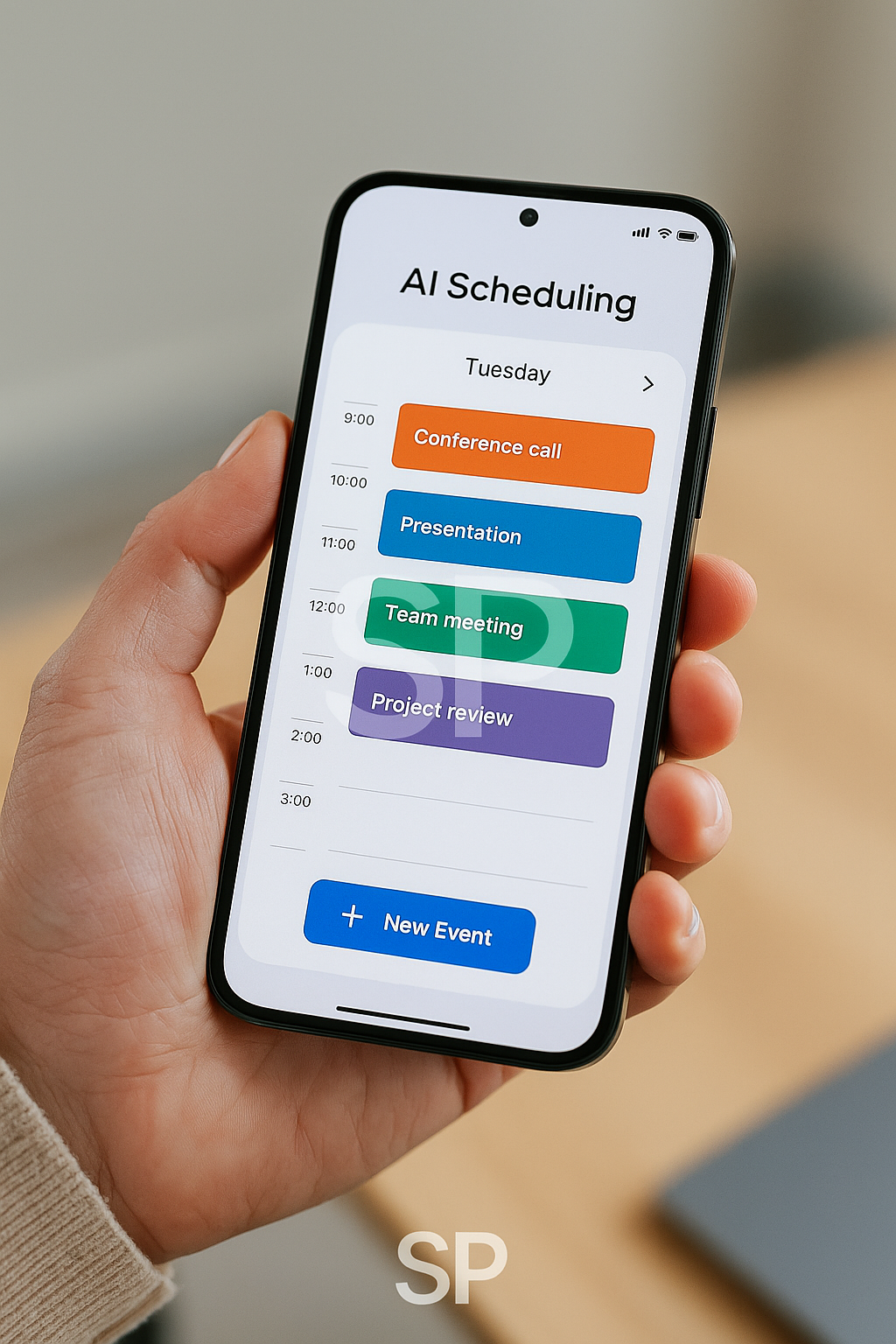
For individuals: A friend of mine set his AI manager to remind him about recurring chores like sending invoices. It wasn’t glamorous, but it freed his brain for creative work.
Benefits (and some downsides)
The big plus of using an AI task manager is reduced decision fatigue. You don’t spend energy deciding “what to do first” every day. That clarity lowers stress. Another benefit: notifications are smarter. Instead of constant pings, the AI chooses the right time to nudge you.
Downsides? Yes. Sometimes the predictions miss the mark. I once got a prompt to “start brainstorming” at midnight 😅. Also, syncing across all devices can be clunky with certain apps. Still, the pros far outweigh the quirks.
Tips for making it stick
Start simple: Let the AI handle just one project first.
Feed it data: The more you use it, the better it predicts your style.
Review weekly: Don’t just trust blindly—check what it schedules and adjust.
I found that after two weeks, my AI manager actually began predicting tasks better than I did. It was weirdly satisfying to see it suggest “review slides” on the exact morning I had planned to.
“Do I need to pay for these tools?”
👉 Many offer free versions, but premium plans unlock automation and integrations.
“Isn’t it overkill for simple jobs?”
👉 Maybe. If you only have five tasks a week, pen and paper might still win. But if you’re managing clients, deadlines, and personal goals together, it’s a lifesaver.
Closing thoughts
At first, I thought an AI task manager would make me robotic. But it turned out to be the opposite—it gave me breathing space. By automating the boring stuff and prioritizing what matters, I ended up with more time for things I actually enjoy.
If you’re drowning in scattered to-do lists, this might be the one tool that makes everything feel lighter. 🌍
When I fully switched to an AI task manager, the biggest surprise wasn’t the automation—it was how my stress levels dropped. Instead of staring at a messy to-do list every morning, I opened the app and saw a clean, prioritized plan. It sounds simple, but that clarity changed the way I started my day.
Everyday life with an AI task manager
I used to forget small but important things: following up with clients, sending receipts, even calling my landlord. The tool began catching those patterns. Now, it nudges me at the right time: “send invoice before 4 pm,” or “don’t forget weekly report.” It feels less like a machine and more like a polite assistant tapping me on the shoulder.
One funny moment: it once reminded me to “prepare slides” while I was literally at a barbecue with friends 😅. Not perfect, but at least I didn’t forget the slides later.
Teams using AI
I noticed teams benefit even more. In a small project I joined, the AI grouped tasks into milestones, flagged conflicts, and even suggested reallocating work when someone was overloaded. That prevented late-night scrambles before deadlines.
A friend working in marketing said his AI task manager reduced their weekly status meetings by half, because the app already produced updated progress reports. Meetings shifted from “what’s done?” to “what’s next?”
Downsides worth noting
No tool is flawless. Sometimes predictions miss, or integrations don’t sync smoothly. Privacy is another concern—some people hesitate to give apps access to emails or calendars. My approach: limit permissions and test gradually. Even with the quirks, the gains outweighed the risks.
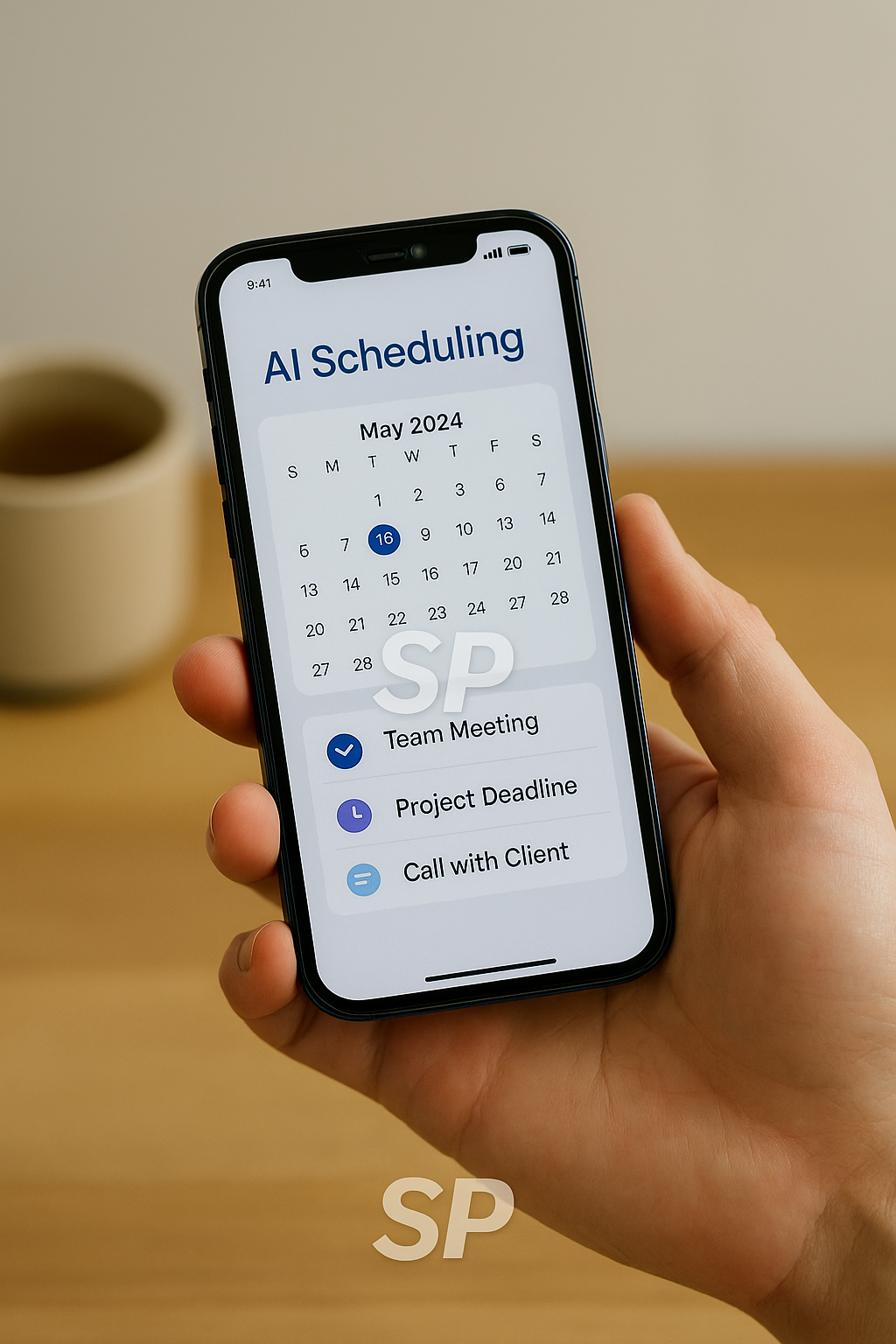
I created a simple habit: every Sunday evening, I open the app, review the week, and make small tweaks. That 15-minute ritual keeps my AI task manager accurate. It’s like teaching it my rhythms. Over time, the suggestions became surprisingly on-point, almost like it understood my personality.
Reader-style questions I’ve heard
“What if I’m not tech-savvy?”
👉 Most apps now are user-friendly, with drag-and-drop boards. If you can handle social media, you can handle this.
“Isn’t it overkill for freelancers?”
👉 Not really. Freelancers juggle multiple clients and deadlines. Automating reminders means fewer embarrassing missed emails.
The first time I realized how powerful this was: I finished my tasks by 5 pm on a Friday. No scrambling, no guilt. I actually cooked dinner calmly instead of eating fast food at midnight. For me, that’s the biggest win—time reclaimed.
'Productivity Tools & Apps' 카테고리의 다른 글
| AI Productivity Tools for Daily Workflow Automation (0) | 2025.08.27 |
|---|---|
| AI Automation Tools for Smarter Productivity (0) | 2025.08.23 |
| AI Productivity Tools That Actually Work (2) | 2025.08.21 |
| AI Productivity Tools: 5 Ways to Automate Workflows.. (1) | 2025.08.18 |
| Maximize Productivity with AI-Powered Tools (0) | 2025.08.14 |