Maximize Productivity with AI-Powered Tools: 5 Proven Automation Strategies
In today’s fast-paced work environment, productivity is no longer about working harder—it’s about working smarter. AI-powered tools have transformed the way we manage tasks, from automating repetitive processes to providing real-time insights. But with so many options available, the challenge is figuring out which tools deliver real results.
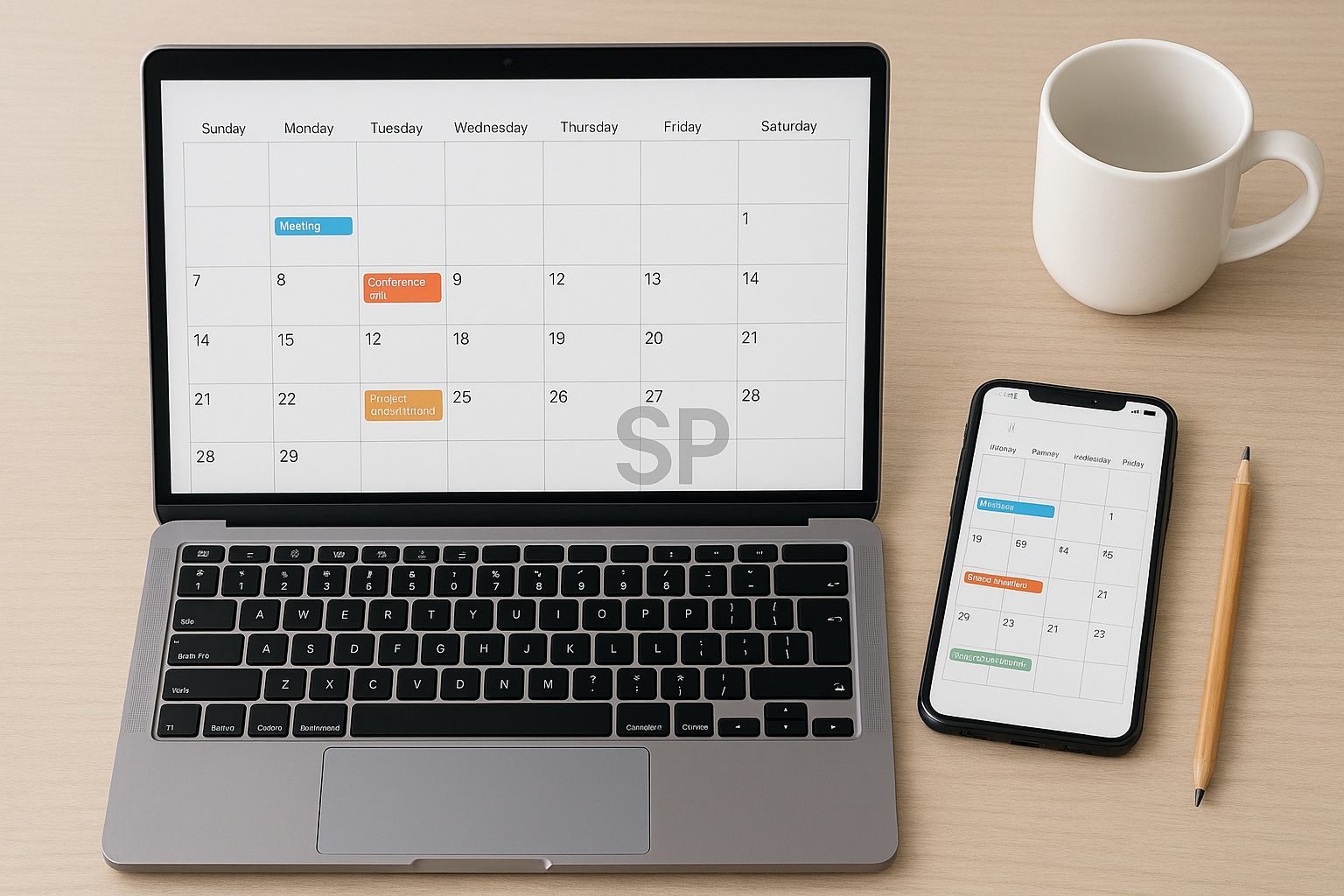
I remember the first time I integrated automation into my daily routine—it was a mix of excitement and confusion. The turning point came when I realized that automation isn’t about replacing creativity or decision-making; it’s about freeing up mental space for the work that truly matters. If you’ve ever felt overwhelmed by endless tasks, you’ll appreciate these 5 strategies that combine AI tools with practical workflow design.
Automate Repetitive Administrative Tasks
Use AI-based schedulers, email filters, and document processing tools to handle routine tasks automatically. For example, setting up an AI-driven inbox can cut email management time by up to 40%.
Use AI for Research & Data Summarization
Instead of spending hours searching for information, let AI summarize documents, generate reports, and highlight key points. This not only saves time but also improves decision-making speed.
Integrate Automation into Your Calendar & To-Do Lists
Link your calendar to task management apps so deadlines update automatically. AI reminders can even suggest optimal times for specific tasks based on your productivity patterns.

Leverage AI for Content Creation
From generating blog outlines to editing video scripts, AI tools can speed up the creative process without sacrificing quality. The key is to use AI as a collaborator, not a replacement.
Track & Optimize Your Workflow with AI Analytics
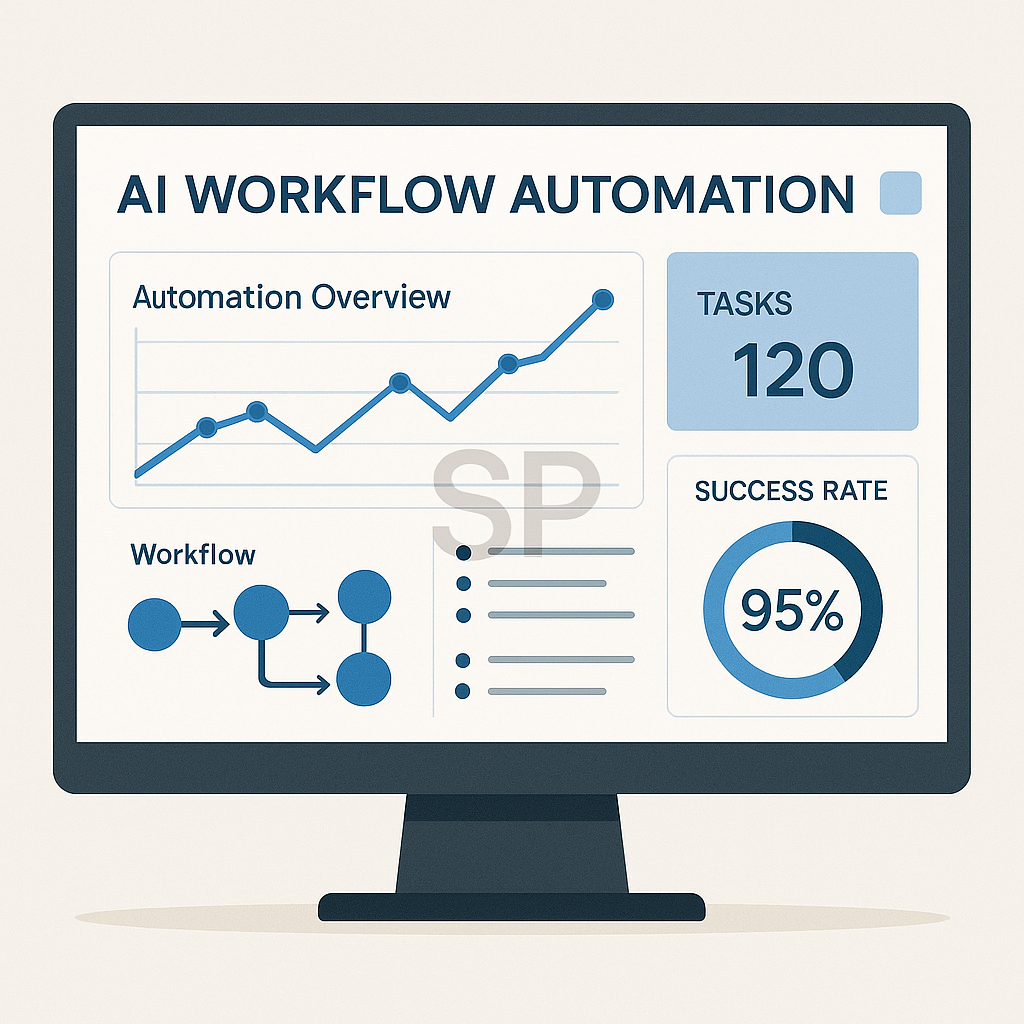
Many tools now provide analytics on your work patterns, helping you identify bottlenecks. Adjusting your workflow based on this data can lead to measurable productivity gains.
Batch Your Automation Setup
Instead of integrating tools one by one, dedicate a focused block of time to setting up multiple automations. This creates momentum and ensures your systems work together seamlessly.
While the five strategies outlined earlier can significantly enhance productivity, their true power emerges when they are integrated into a long-term workflow. The most successful automation setups are not one-off experiments—they evolve alongside your needs and adapt to changes in your work environment.
One common mistake I’ve seen is when people adopt too many tools at once without ensuring they work together. This often leads to fragmented processes, duplicated efforts, and confusion. Instead, focus on creating a cohesive automation ecosystem where each tool complements the others. For example, your task manager should sync with your calendar, your note-taking app should integrate with your project management system, and your analytics dashboard should pull data from all relevant sources.

Another important factor is habit formation. Even the most advanced AI tools are ineffective if you don’t build the habit of using them consistently. Start with a simple daily routine—such as reviewing your AI-generated task list each morning or checking your analytics dashboard every Friday. Over time, these small rituals become second nature and amplify the benefits of automation.
It’s also worth remembering that automation is not static. As your projects, team structure, or personal goals change, your systems should adapt. I recommend scheduling a quarterly “automation audit” to review which tools are still relevant, which need adjustments, and whether there are new AI capabilities worth adopting. This prevents your workflow from becoming outdated or bloated.
From my own experience, one of the most impactful shifts came when I stopped treating automation as a purely technical setup and began seeing it as a lifestyle design choice. For example, using AI to automatically log health data from my smartwatch helped me make better lifestyle decisions, not just work-related improvements. Similarly, automating financial reports gave me peace of mind and reduced decision fatigue.
Finally, don’t underestimate the value of sharing your automation wins with colleagues or peers. When others see how your workflow has improved, they’re more likely to adopt similar systems, creating a culture of efficiency. This can be especially powerful in remote or hybrid teams where alignment and productivity are often harder to maintain.
By combining the earlier five strategies with ongoing review, habit building, and a mindset of continuous improvement, you’ll create an automation system that not only saves time but also frees up mental space for the creative, strategic work that truly matters.
'Productivity Tools & Apps' 카테고리의 다른 글
| AI Automation Tools for Smarter Productivity (0) | 2025.08.23 |
|---|---|
| AI Task Manager: Turning Chaos Into Clear Routines (0) | 2025.08.22 |
| AI Productivity Tools That Actually Work (2) | 2025.08.21 |
| AI Productivity Tools: 5 Ways to Automate Workflows.. (1) | 2025.08.18 |
| AI Automation and Lifestyle Hacks (1) | 2025.08.12 |