AI Automation Tools for Work Efficiency: How to Save Time and Boost Productivity
Every day, professionals juggle countless repetitive tasks — from sorting emails to updating spreadsheets. Have you ever felt your valuable hours slipping away on work that doesn’t really require human creativity? I’ve been there too, staring at a long to-do list and wondering why my time disappears so quickly 😅. That’s where AI automation tools completely change the game. Instead of wasting energy on routine processes, you can set up smart workflows that handle them automatically, freeing you to focus on higher-value work.

One of the biggest advantages of AI automation is how quickly it integrates into daily routines. For example, tools like Zapier or Make (formerly Integromat) allow you to connect apps you already use. Imagine new emails in Gmail instantly logging into Google Sheets, or Slack messages triggering reminders on your calendar. At first, it might sound complicated, but the setup is surprisingly simple — drag, drop, and link apps together. Once you try it, you’ll wonder why you didn’t start sooner.
People often ask, “Do I need to know programming to use AI automation?” The answer is no. Most modern platforms are designed for non-technical users. Templates, drag-and-drop editors, and ready-made workflows make it easy. In fact, many small business owners who’ve never coded in their life are now automating customer service, marketing emails, and even invoice generation with just a few clicks.
Still, mistakes happen if you rush in without a plan. I once created an automation that copied files between two drives — but I forgot to set conditions. Within a day, I had thousands of duplicate files eating up storage. It was frustrating, but also a good reminder: always test on a small scale before rolling out large workflows. That small habit saves both time and headaches.
A bonus insight here is that AI automation doesn’t just save time; it improves accuracy. Humans get tired and overlook details, but automated workflows run the same way every time. For instance, an e-commerce seller I know reduced refund errors by 90% after automating the return approval process. Instead of manually checking every request, the system now flags only the exceptions. Less human error, happier customers, better reviews — all thanks to automation.
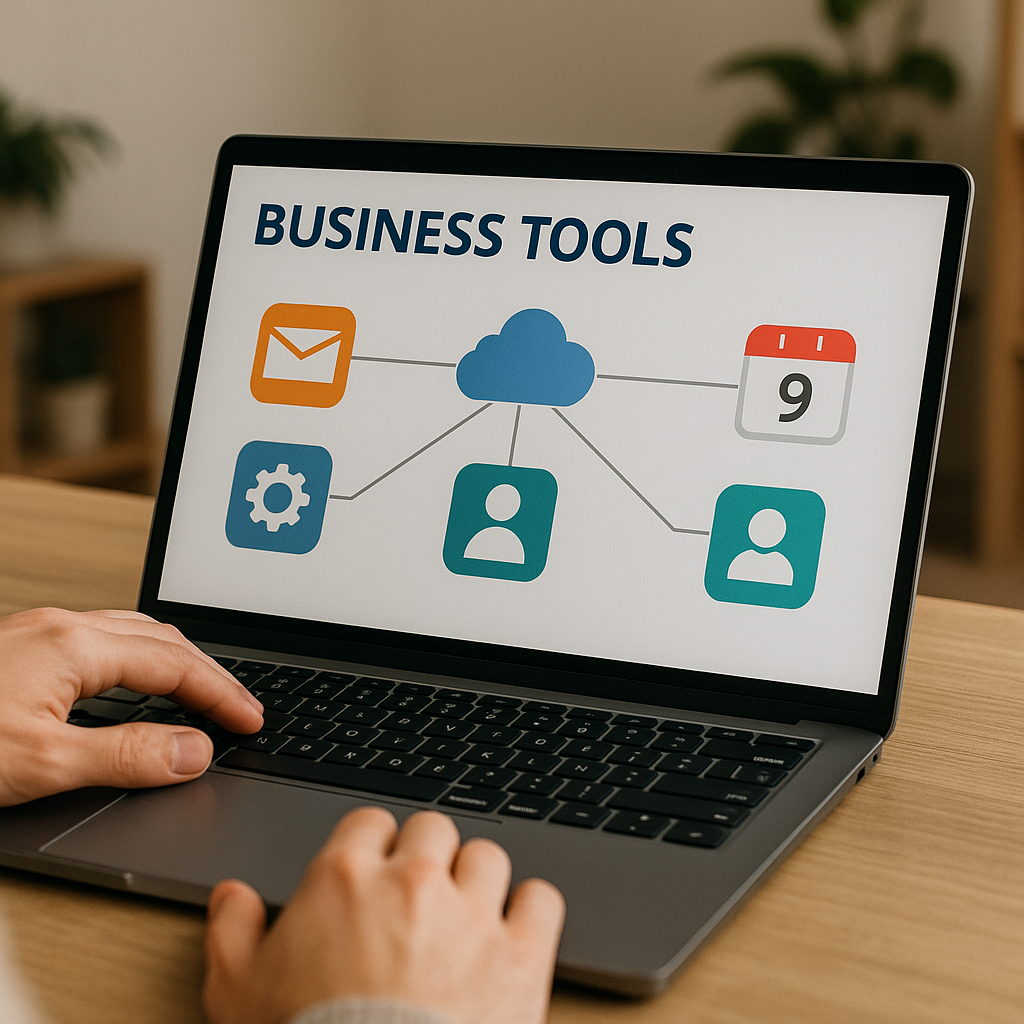
AI automation also links directly to personal productivity. By removing repetitive mental clutter, you free up cognitive energy. Think of it like decluttering your desk: once the unnecessary items are gone, your focus sharpens. The same applies digitally. When AI tools quietly manage background tasks, your brain gets more space for problem-solving and creative thinking.
Before wrapping up, let me leave you with one tip: start small. Don’t try to automate your entire workflow in one go. Pick one routine task that frustrates you most — maybe scheduling, maybe reporting — and automate that first. Once you see results, you’ll naturally expand step by step. That way, automation grows with you instead of overwhelming you.
In the end, AI automation tools are not just about technology. They’re about redesigning how we use our limited time. With the right setup, you can transform hours of repetitive work into minutes of automated flow, giving you more energy for things that truly matter in both work and life. 🌍✨
When I first started exploring AI automation, I assumed it would only benefit big companies with large budgets. But over time, I realized that even individual freelancers and small teams can see dramatic results. A solo content creator, for example, can set up an automation that drafts social media posts, resizes images, and uploads them at scheduled times. That workflow, once done manually, used to take hours every week. Now it runs in the background with barely any attention.
Another key advantage lies in decision-making speed. With AI-driven reports automatically generated from raw data, managers no longer need to spend late nights building slides. The system collects, organizes, and visualizes data in real time. This not only saves time but also allows leaders to make quicker and more confident choices. I personally remember how frustrating it was to spend two full days preparing a monthly performance report. After switching to automated dashboards, that work dropped to less than an hour. The mental relief was just as valuable as the time saved.
There are, of course, challenges to adopting automation. One common issue is tool overload. With so many platforms available, it’s tempting to sign up for multiple services at once. But without integration, you end up duplicating effort. A better strategy is to choose two or three core tools that align with your work environment. For example, if your company already uses Google Workspace, starting with Google Apps Script or Zapier integrations makes sense. Expanding later is easier once the foundation is stable.
Skepticism is also natural. Some colleagues might worry, “Will automation replace my job?” In reality, automation usually replaces repetitive tasks, not entire roles. In fact, employees who adopt automation often become more valuable because they focus on strategy, problem-solving, and creativity. Think of it like calculators: they didn’t eliminate accountants but instead allowed them to work on deeper financial analysis.
One piece of advice that helped me is to celebrate small wins. After automating just a single routine task, track how many minutes it saves daily. Multiply that by weeks and months, and you’ll see the real impact. This visible proof builds motivation and helps persuade skeptical team members. A designer I know resisted automation at first, but after seeing her reporting time drop by 70%, she became the strongest advocate in her office.
The truth is, automation doesn’t eliminate mistakes entirely, but it changes the type of mistakes. Instead of human oversight, the main risks are poor design or misconfigured triggers. That’s why regular reviews matter. Setting a monthly reminder to audit your workflows ensures that automations remain accurate and aligned with your evolving needs. It’s like checking the oil in your car — maintenance keeps everything running smoothly.
Finally, the future of AI automation is about personalization. As tools evolve, they learn user preferences, predict actions, and even suggest better workflows. Imagine logging in on a Monday morning and your system already presenting a prioritized to-do list, with recurring tasks handled automatically. This isn’t science fiction anymore; it’s slowly becoming reality.
So if you’ve been on the fence, take this as encouragement. You don’t need to master every tool right away. Start with the simplest automation in your daily routine, enjoy the benefits, and expand gradually. Over time, AI automation won’t just save you hours; it will reshape how you think about productivity, work-life balance, and even creativity itself. And perhaps the best part? Once you see how much time you get back, you’ll realize how valuable your focus and energy truly are. 🌟