AI Productivity Tools: 5 Ways to Automate Workflows and Upgrade Daily Routines
The pace of modern work can feel overwhelming 😅. Emails keep piling up, meetings stretch longer than expected, and daily tasks often leave little room for creative thinking. That’s where AI productivity tools step in. Instead of doing everything manually, you can let automation handle repetitive work and free up mental energy for what really matters. For me, discovering AI-powered digital tools was a game-changer—it felt like adding an invisible assistant who never gets tired. Let’s explore five ways these tools can transform workflows and daily routines.



Automating Workflow with Ease
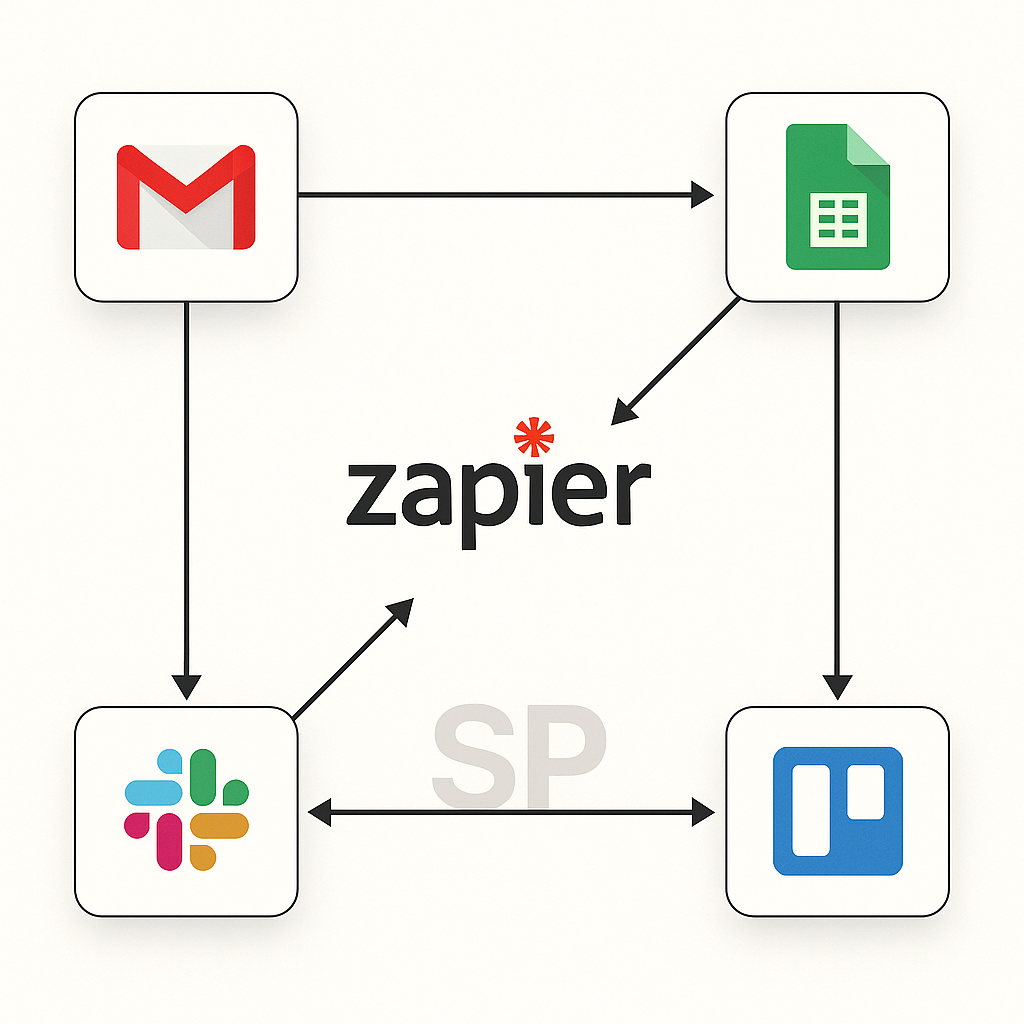
One of the biggest benefits of AI productivity tools is seamless workflow automation. From scheduling meetings to categorizing emails, AI can complete tasks in seconds that used to consume hours. For example, tools like Zapier or Notion AI connect apps together, allowing information to flow automatically. Instead of wasting time copying and pasting, you can focus on higher-value work. ^^


Lifestyle Hacking through Smart Systems
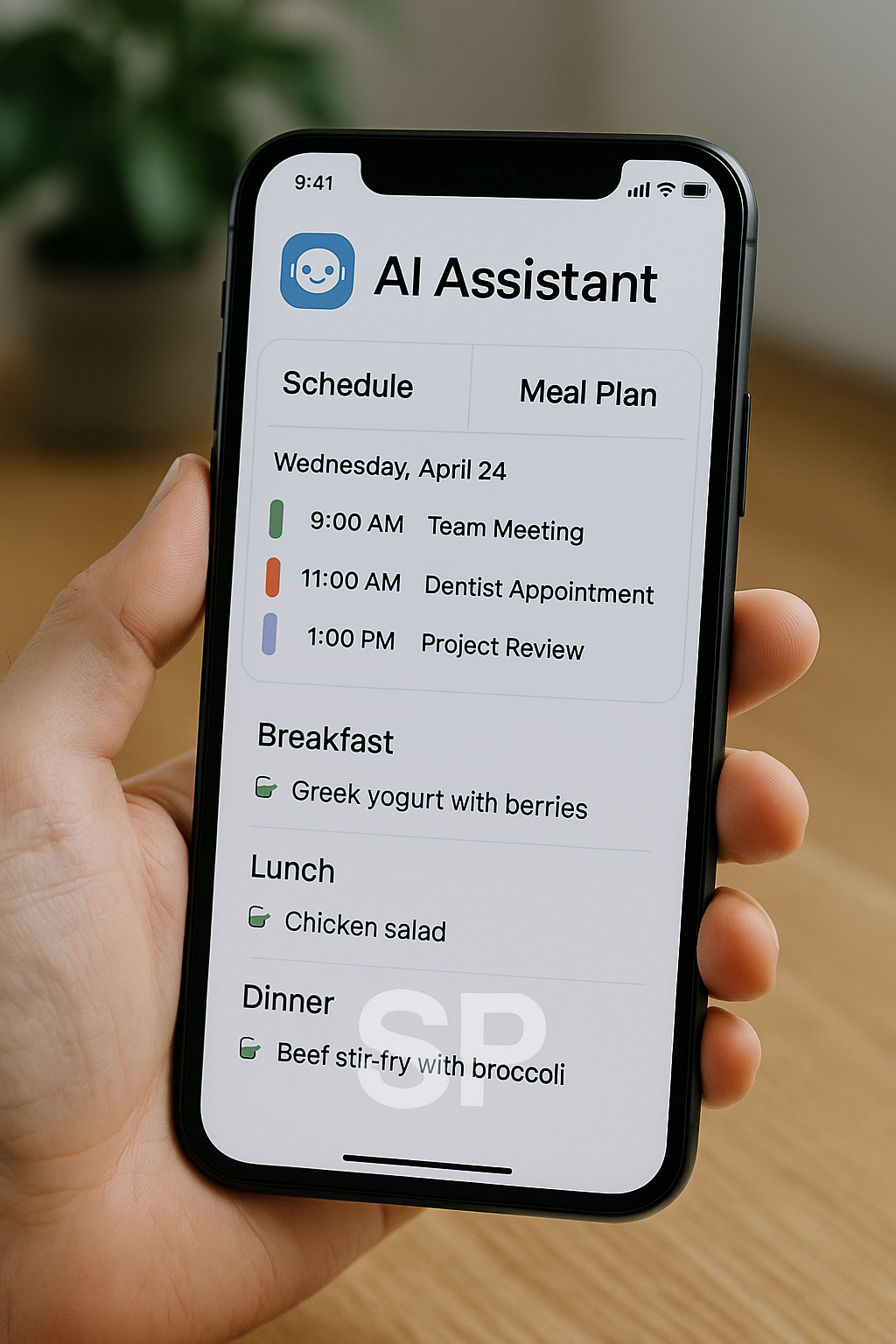
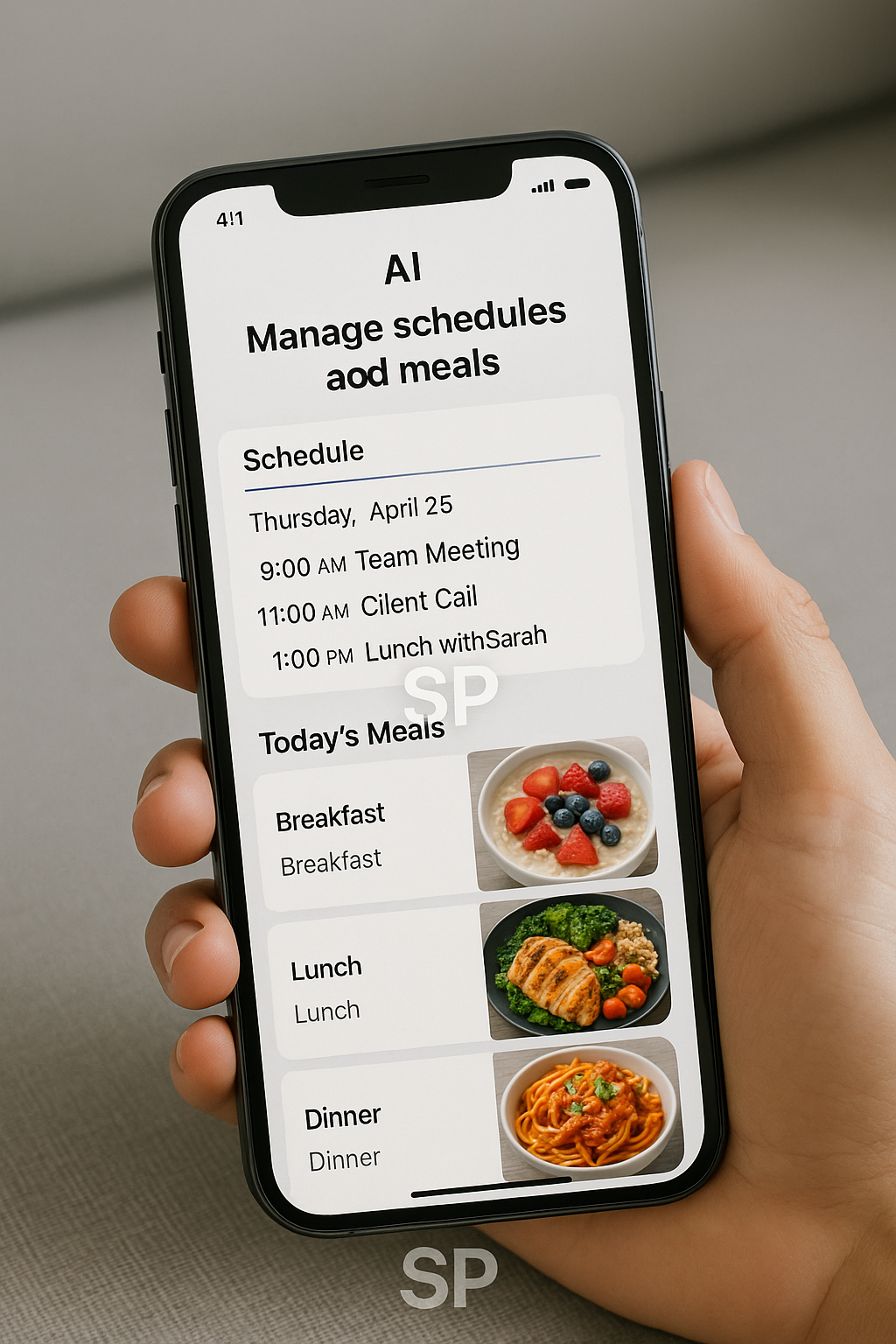
Beyond office work, AI supports lifestyle hacking as well. Imagine an app that organizes your grocery list, monitors your fitness routine, and automatically adjusts your calendar to fit everything in. These smart systems are not just about efficiency—they improve life balance. Personally, using AI to plan meals and workouts has saved me countless hours each week and reduced stress.


Leveraging Digital Tools for Creativity
Many digital tools are enhanced with AI capabilities that spark creativity. Writing assistants suggest better phrases, design platforms generate layouts, and brainstorming apps help visualize ideas. Instead of staring at a blank page, AI tools provide inspiration to kickstart the process. This synergy between human creativity and artificial intelligence creates results that feel both original and efficient 😊.


Building an Efficiency Routine
Consistency is the secret weapon of high performers. With AI, you can build an efficiency routine that keeps you on track. Morning reminders, task prioritization, and energy-based scheduling are just a few ways AI helps align daily habits with goals. By creating routines supported by smart tools, you eliminate decision fatigue and build long-term discipline.

Scaling Beyond Individual Productivity
The final advantage of AI productivity tools is scalability. What works for individuals can be applied to teams or even entire organizations. Shared dashboards, automated reporting, and collaborative AI platforms ensure that everyone works with the same information. This level of integration creates transparency and eliminates bottlenecks, leading to better teamwork and outcomes 🚀.


For many professionals, the challenge of modern work is not the lack of ambition but the overflow of tasks. This is exactly where AI productivity tools create real impact. Rather than adding more pressure, these tools relieve it by simplifying routines and introducing automation that feels almost invisible. The result is not only improved efficiency but also a healthier relationship with time and energy.

One of the clearest examples is in workflow automation. Instead of manually tracking projects, AI integrates calendars, task managers, and messaging apps into a single flow. When one update is made, every connected platform reflects it instantly. I remember working on a team project where tasks were scattered across emails, spreadsheets, and chat threads. Once we integrated AI-driven automation, updates were seamless, deadlines were visible to everyone, and productivity naturally improved.

Beyond professional use, the concept of lifestyle hacking has been transformed by AI. People are using personalized algorithms to build better sleep schedules, nutrition plans, and even social calendars. A friend of mine experimented with an AI planner that reorganized daily tasks based on energy levels. Surprisingly, this reduced burnout and created more free time for hobbies. This shows that technology doesn’t just optimize tasks—it can redesign life balance.

The influence of digital tools cannot be overlooked either. Many platforms now embed AI directly, from note-taking apps that summarize meetings to design tools that propose layouts. These tools no longer feel like add-ons but essential parts of daily work. Personally, using AI for brainstorming sessions has been invaluable. It doesn’t replace creativity but sparks it when ideas run dry. That extra push makes the difference between procrastination and progress 😊


Another underrated benefit is the establishment of an efficiency routine. By setting repeating tasks and reminders, AI reduces decision fatigue. Think about how much energy is lost deciding when to work out, what to cook, or which email to answer first. AI reduces this friction by making small but important choices on your behalf. Over time, these consistent nudges evolve into a strong routine that supports larger goals.

Finally, AI productivity tools are not static—they learn. Every interaction improves accuracy, from suggesting better time slots for meetings to recommending new apps that fit your workflow. This adaptability ensures that the longer you use these tools, the more personalized and effective they become. In the future, productivity will not just be about working harder or smarter, but about co-working with intelligent systems that grow alongside us ^^.


How I Automated My Daily Routine with Notion and AI Tools (And Turned It into Income)

If you're still checking emails manually every morning,
retyping your to-do list every day, or organizing your calendar by hand—
it’s time to automate your life.


With the rise of tools like Notion, Zapier, Make, and Tana,
you can now automate your daily routine without a single line of code,
and even turn that system into a digital product or service.

Let me show you how I built a fully automated workflow
that not only saved me time, but also generated real income.

Step 1: Map Your Daily Flow First
Automation doesn’t start with tools—it starts with understanding your routine.

Here’s what my basic daily flow looked like:

Morning news recap

Email inbox triage

Task sorting by priority

Content idea dumping

Expense & budget review at night

Write down your daily repeatables first.
This step will save you tons of time later when setting up workflows.

Step 2: Use Notion to Structure It
Once your flow is clear, move it into Notion.

Here’s what I automated inside Notion:

Daily page auto-created with date

Routine template inserted automatically

Reminder blocks inserted by time of day

AI-based text summaries via Notion AI or GPT plug-ins

I also integrated it with Zapier:

Gmail filters → auto-send notes to Notion

Calendar updates → sync with tasks

Budget spreadsheet → auto-linked from Notion expenses

You can build all of this in 1–2 hours and forget it after.
It literally changed how I operate day-to-day.

Step 3: Turn Your System into Digital Products
Here’s where things get spicy. 🔥

People will pay for organized systems.
You can turn your routine into:

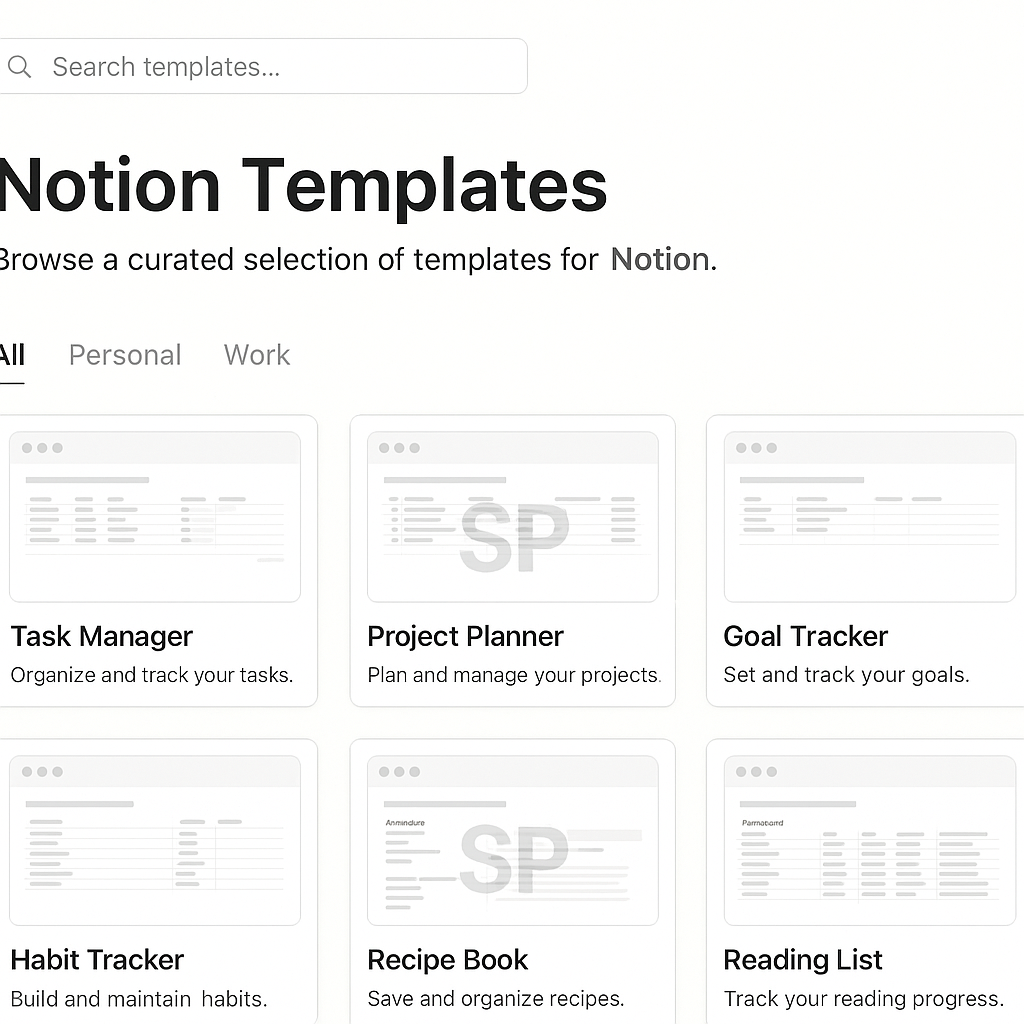
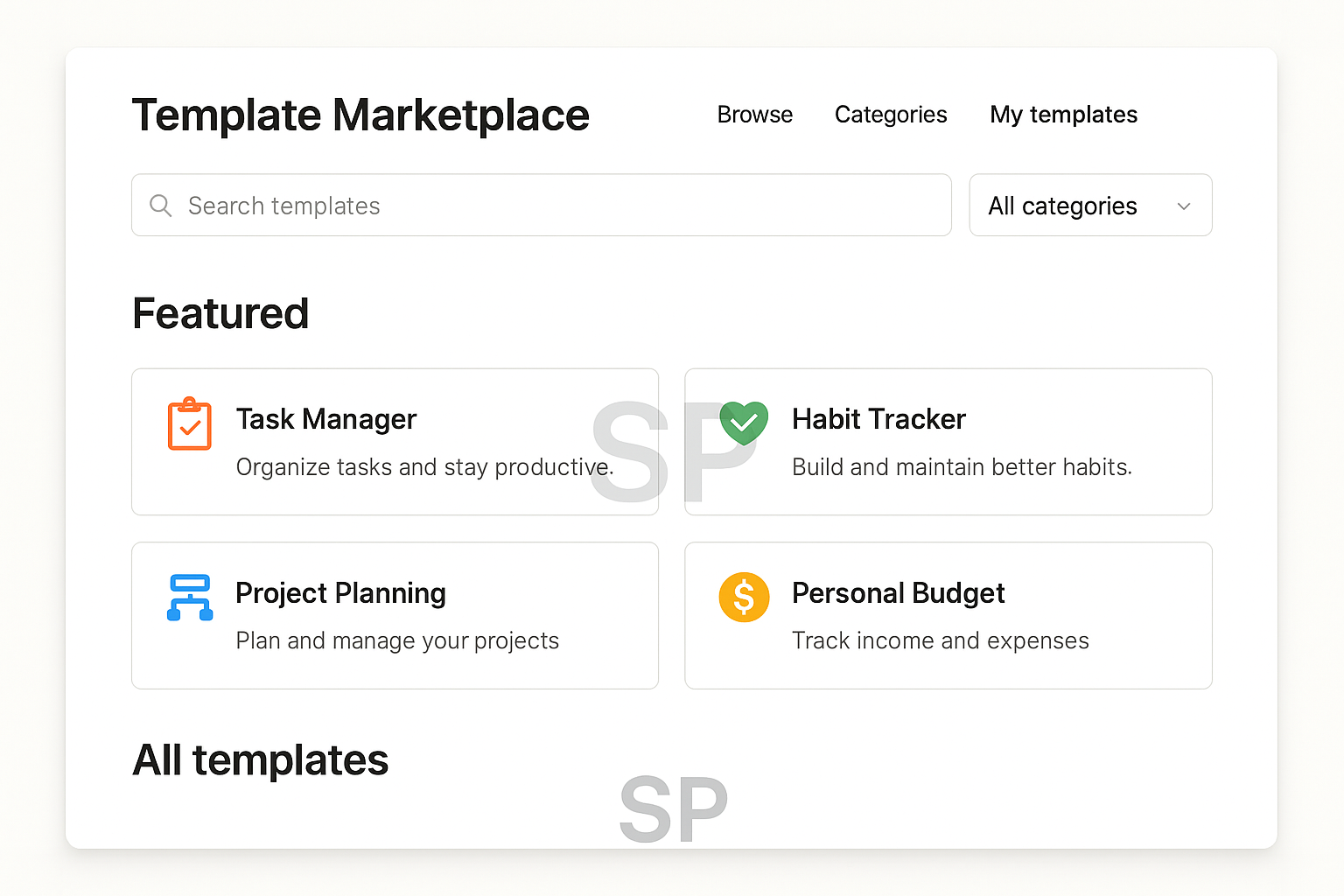
Notion templates (daily planner, budget tracker, etc.)

Zapier workflows (sell or share on platforms like Gumroad or Flowlist)

Routine automation tutorials (YouTube, Substack, or online courses)

Freelance setup service (Upwork, Fiverr, etc.)

If it worked for you, it can help someone else—and that’s where the value is.

Bonus: Build a “Systems Mindset”
Automation is not about perfection.
It’s about building a personal operating system that supports your goals.

Start asking:

“What do I repeat every day that drains energy?”

“What tools can take this off my plate?”

“Would others pay for a faster setup?”

Once you see your tasks this way,
you’ll never go back to manual mode.


From Personal Tool to Public Asset: Packaging Your System
Once your workflow is running smoothly,
the next step is productizing it.

But here's the catch:
Don't try to be perfect. Try to be useful.

Your Notion setup doesn’t have to be fancy.
Most people are looking for functional, clean, ready-to-use templates that save them time.

🔹 How to package it:

Record a Loom or Screen Studio video showing how it works

Write a simple use guide with real-life examples

Export your Notion template or Zapier flow with easy-to-click buttons

Offer bonus pages (e.g., habit tracker, goal board) to increase value

Upload it to Gumroad, Ko-fi, or even Google Drive with a tip jar.
Now it’s live. Anyone can download it, and you can start building an audience.

Where to Sell or Share Your Digital Routines
Even if you’re just starting out,
there are plenty of places to get visibility without spending money on ads.

Here are 5 high-converting platforms for digital routine tools:

Twitter/X – Build in public, share before/after shots, use #buildinpublic

Reddit – Subreddits like r/Notion or r/Productivity are gold mines

Product Hunt – For full systems, launch with a short case study

Notion Marketplaces – Like Notion Everything, Notionery, Easlo

LinkedIn – Share how you use your system in your work life

💡 Pro tip: Give away one free version, then upsell a “pro” version with automation flows or AI prompts.

Not Just for Creators: Use It as a Freelance Skill
Don’t want to sell digital products?
No worries—offer your skills as a freelance service.

Here’s how some people are doing it:

Setting up automation flows for solopreneurs

Building productivity dashboards for remote teams

Designing client onboarding systems in Notion

Writing newsletters about AI tools & workflow hacks

Even a basic setup can go for $200–500 depending on complexity.
And because it’s digital, you can reuse parts across clients.

Monetizing Without Being “Salesy”
If selling feels awkward,
try using a newsletter or free community to warm people up.

You can:

Start a Substack about productivity + AI tools

Create a Telegram/Discord space to share tips

Offer a “template of the week” email

Add affiliate links for tools you use (e.g., Notion, Tana, Grammarly)


💬 You’re not selling. You’re teaching what you actually use.

Eventually, your routine becomes your reputation—
and your system becomes a brand.

Final Thoughts: Build for Yourself, Then Share What Works
Your first automation system won’t be perfect.
But it will teach you how to:

Save 10+ hours a week

Feel less overwhelmed

Think like a systems designer

Make your knowledge valuable to others

You don’t need to become a full-time content creator.
You just need to build something once and reuse it often.

So whether it’s your personal planner, a budget tracker, or a content calendar—
turn that workflow into a shareable system.

Because if it worked for you,
chances are, someone out there will pay for it.

🧠 Digital Tools & AI Lifehacks 2025 — What Actually Works
Simple automations & mindset shifts I use daily (without feeling like a robot)

Let’s be honest — tech productivity content is often... too much 😅
12 systems, 5 dashboards, 3 morning routines — and still burnout?

In 2025, I finally found a rhythm using digital tools + AI lifehacks that actually help me do more with less stress.
No “optimize every minute” nonsense — just stuff that works 🙃

Here’s my real-life digital setup, and how I built routines I can actually stick to.


1. 🧘 Morning Start: Calm Calendar + Brain Dump
Before touching Slack or email, I open:

✅ Reclaim.ai → auto-schedules my day

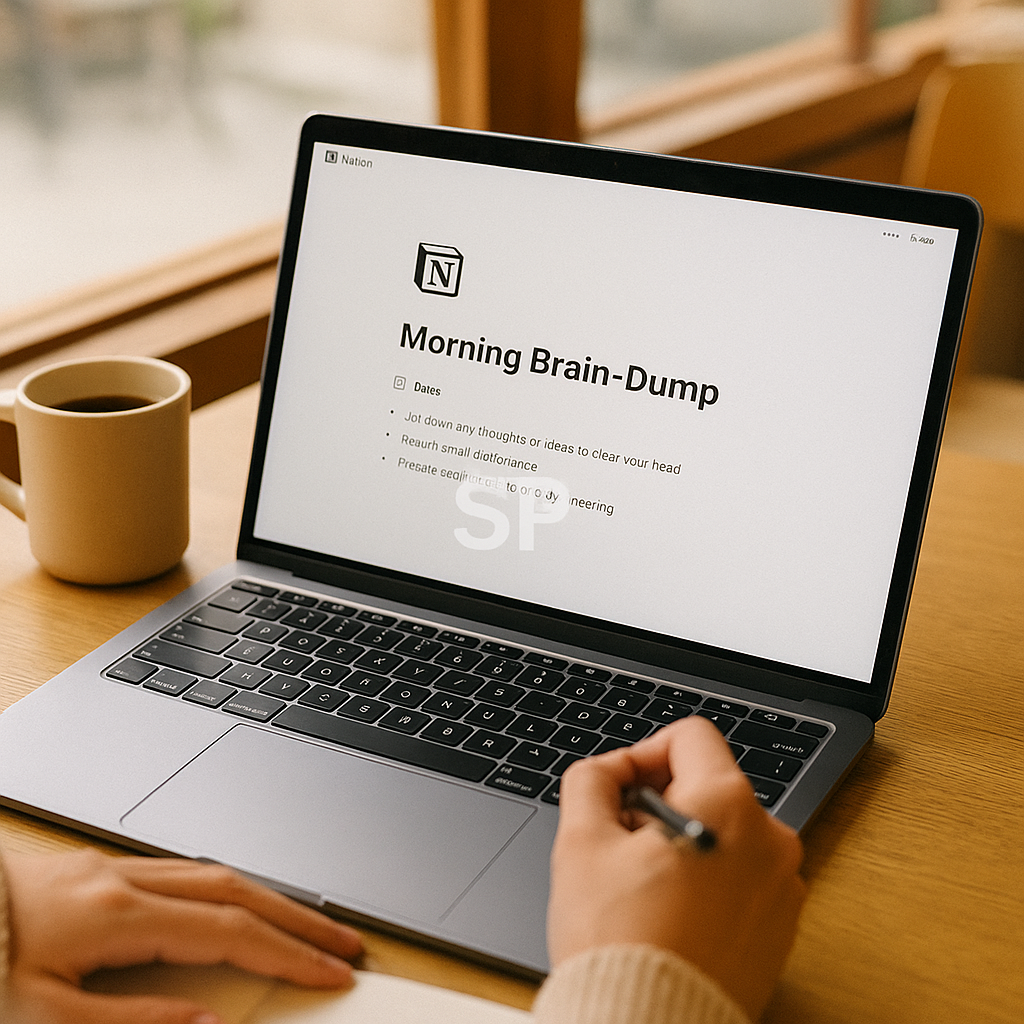
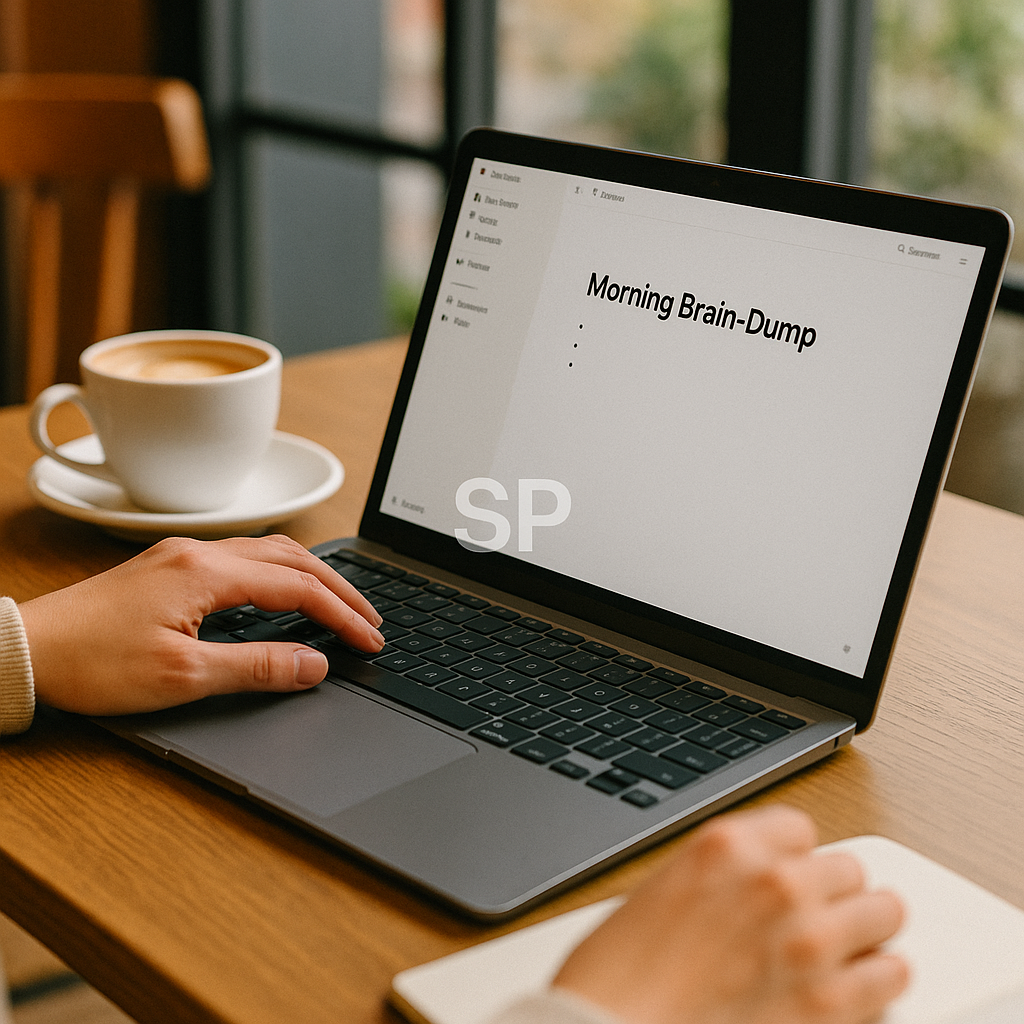
✅ Notion → quick “what’s on my mind” journal

✅ Endel → 15-minute focus sound

I call it my “reset triangle.”
This prevents mental chaos before it starts.

It takes less than 20 mins, and honestly makes me feel like I'm already winning 😊

2. 📥 Inbox That Sorts Itself (Mostly)
I switched to Shortwave this year and it changed my email life:

Smart bundling of newsletters

AI-generated reply drafts

Labels based on urgency + context

Calendar preview integration

It’s not perfect, but it feels like the inbox works for me now — not the other way aroud 😅


3. 🤖 Zapier = My Personal Digital Assistant
If I do something more than 2 times in a week, I automate it:

New Notion note → creates event in Google Calendar

New client form → sends me a Slack ping + updates CRM

Starred Gmail → adds task to ClickUp

I set it up once, and boom — my work just flows.
No code. No extra thinking. Just saved hours.

4. 🔐 Digital Boundaries = Digital Peace
Cool tools mean nothing if you don’t use them mindfully.

That’s why I have rules like:

❌ No screens 1 hour after waking

✅ Friday = Inbox Zero + unsubscribe day

⏳ One-hour "flow block" daily = AI-on, phone-off

📵 Weekly 24h no-scroll window (yes, it’s hard 😬)

Tech should serve your energy — not drain it.

5. 🧠 AI That Helps Me Think, Not Just Do
This surprised me:
Some of the best tools aren’t for productivity, but clarity.

Reflect.app → AI-guided journaling

Mindsera → emotion-based decision support

Fermat → helps me write & organize ideas from scratch

They feel less like tools and more like creative partners.
I don’t feel alone in the chaos anymore.


🎯 Summary: I Use Less Tech, But Use It Better
I don’t track every second.
I don’t need 10 dashboards.
I just have clear containers for:

Thinking

Doing

Resting

Creating

That’s it.

And when it works?
I get my time and my brain back.


🔁 Real-Life Tool Stack by Flow (Not Category)
I used to group tools by “type”: calendar, notes, automation...
Now I organize them by workflow — way more helpful.

✍️ Thinking → Notion + Reflect + Fermat
Brain-dump in Notion

Ask Reflect “why does this idea scare me?”

Use Fermat to shape draft content

🧠 Decision-Making → Mindsera + ChatGPT + calendar overlay
Mindsera = emotion tracking

ChatGPT = perspective shifting

Reclaim = can this even fit in my week?

📥 Action → Shortwave + ClickUp + Zapier
Email triggers tasks

Tasks generate blocks

Automation pushes reminders to Slack

This way, I don’t need to remember “what app?”
I just follow the flow 😌


😅 I Burned Out on Digital Systems Too
Used 5 apps to manage one project

Turned habit tracking into a full-time job

Tried “second brain” idea and forgot where my first brain lived 🤦‍♂️

What helped?

✔ A weekly audit: What tools did I actually use this week?
✔ Delete what I didn’t open
✔ Consolidate where possible
✔ Keep friction low — if it takes >2 taps, I’ll quit using it

Now?
📌 One app per function
📌 Weekly “digital cleaning” hour
📌 No shame for dropping what doesn’t stick

💬 Reader Q&A: Smart, Realistic Tech Habits
“What’s a routine I can start even if I’m overwhelmed?”

Start with Reclaim + Notion only.
Block 30 mins every Sunday: plan 3 things, dump your head into a doc, done.

“I hate automation. Feels cold. What should I do?”

You’re not alone.
Try automating only what frustrates you most.
Mine? Copying Zoom links between apps 😑
Zapier saved my last nerve.

“What’s the ONE tool you wouldn’t give up?”

Honestly? Reflect.app
It’s where I talk to myself when I’m lost.
No dashboards. Just space to be honest.

🧠 More Than Productivity: It’s About Sanity & Self-Trust
The more tools I used, the more I realized:

I wasn’t trying to “get more done.”
I was trying to feel less scattered.
Less reactive. More present.

So now, every tool has to answer one question:

“Does this help me feel more like me?”

If yes → keep.
If not → archive.

And AI?
It’s not just a time-saver.
It’s a mirror. A coach. A boundary-maker.

💛 Final Thought: Your System Should Support You
Don’t follow what that tech influencer uses.
Use what helps you breathe better, think clearer, feel steadier.

✔ Simple tools
✔ Clear flow
✔ Flexible mindset

That’s the real productivity in 2025.
Not apps.
Alignment. 🌿


AI Tools That Secretly Save Me Hours Every Week
Let’s be honest: we're all a little overwhelmed.
From endless emails to overflowing to-do lists, it feels like 24 hours just aren’t enough.
But what if I told you there are AI tools that quietly shave off hours of work from your week—without making a big deal about it?


These aren’t the flashy tools you hear about every day.
They’re the underrated ones—the ones that work silently in the background while you focus on bigger things.
Here are three AI tools that have secretly saved me hours every single week, and how you can use them too.

1. Magical AI – Auto-Type Anything, Anywhere
Magical is a Chrome extension that works like copy-paste on steroids.
Once you create templates, you can type just a short shortcut like “/intro” and it expands into a full sentence, paragraph, or email reply—instantly.

Use cases:

Repeating responses in customer service

Auto-filling forms

Sending outreach emails faster

It doesn’t just save time. It saves brain energy.
After using Magical, I realized how much time I spent repeating the same phrases.
It quietly became a must-have tool in my daily workflow.


2. Otter.ai – Meeting Transcription That Actually Works
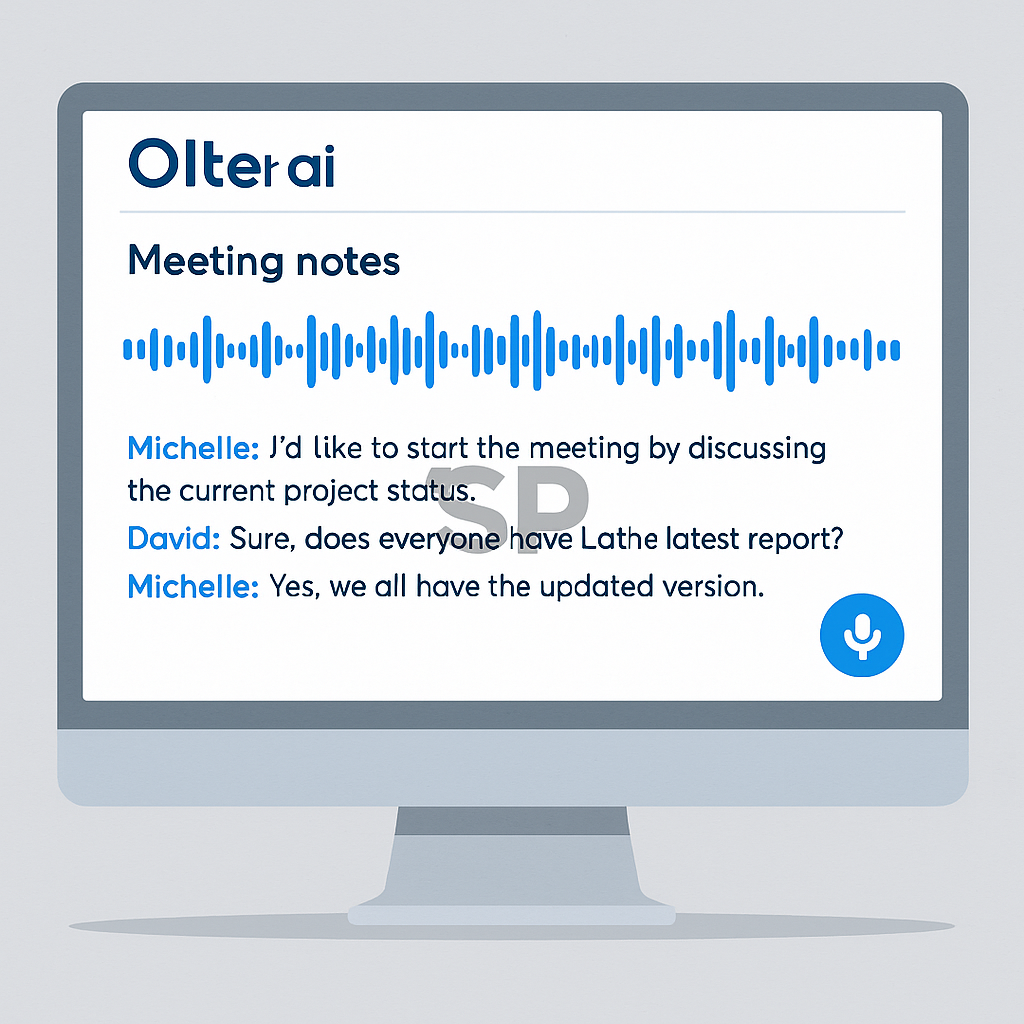
If you’ve ever taken notes during a meeting and missed key details, Otter.ai will change your life.
It listens in real time and creates accurate transcripts for Zoom, Google Meet, or even in-person meetings.

Why it’s a time-saver:

You no longer need to manually summarize meetings

You can search past transcripts like Google

It auto-tags speakers and even picks up action items

I’ve used Otter for weekly team syncs and client calls, and it catches everything I miss when I’m multitasking.
It’s like having a quiet assistant in the corner, taking flawless notes for you.


3. Cleanvoice AI – Make Your Voice Recordings Sound Pro
Have you ever recorded a voice memo, podcast, or video and spent hours removing filler words like “um,” “uh,” or awkward silences?
Cleanvoice AI does it in seconds.

You just upload your audio file, and it:

Automatically removes filler sounds

Fixes dead air gaps

Cleans up background noise

I used it recently for a video voiceover and it saved me over an hour in editing.
The output sounded like I had a professional editor.
It’s especially helpful for creators, educators, or anyone who works with audio regularly.

Why These “Quiet Tools” Matter
We often focus on the most powerful or trending AI tools, but forget the little ones that quietly improve our daily flow.
These aren’t just about saving time—they reduce mental clutter, boost consistency, and help us stay focused.

You don’t need to completely overhaul your workflow.
Start by adding just one tool from this list and see how much smoother your day becomes.


Call to Action
Try any of these tools for a week, and notice how they affect your daily routine.
Better yet, combine them: use Magical to speed up writing, Otter to forget manual notes, and Cleanvoice to polish your voice content.

If you’ve got any underrated AI tools that save you time, share them below—I’d love to test them out too.


Best AI Lifehacks You Haven’t Tried Yet|Save Time Every Single Day

Ever feel like you’re stuck doing the same repetitive stuff over and over again?
That was me—until I discovered a few AI lifehacks that honestly changed how I work (and live) 
And no, I’m not talking about “use ChatGPT to write an essay”– everyone knows that.

Here are some clever, underrated ways to use digital tools that can genuinely free up hours of your time each week.


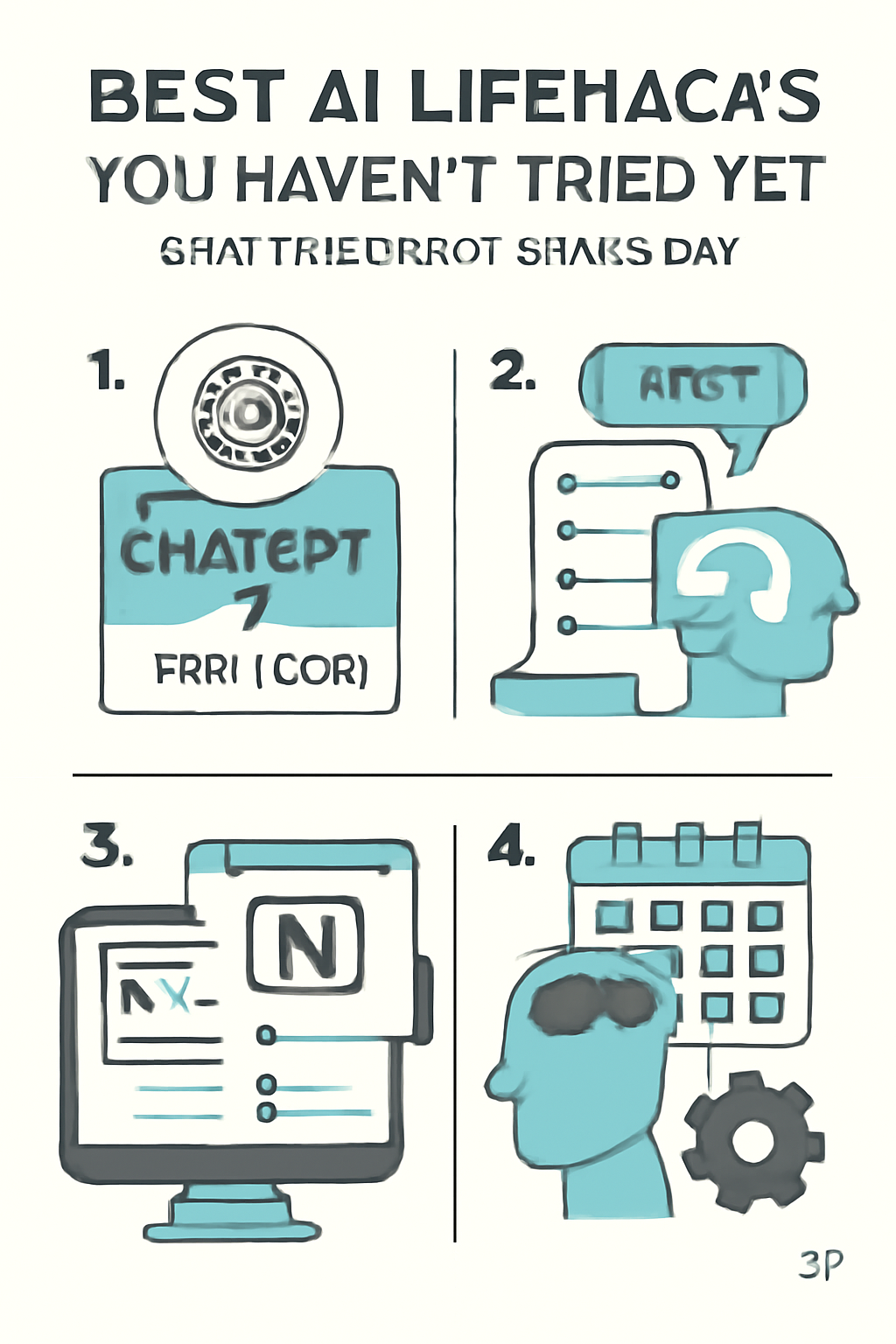
1. Use ChatGPT as a decision helper
Prompt it with “Give me pros and cons of [your choice]”

It helps you think faster and avoid indecision

This is my #1 everyday AI lifehack

 2. Summarize PDFs instantly with Claude or ChatPDF
Upload boring PDFs → Get clean bullet summaries

Ideal for research, reports, contracts

Saves so much time


3. Automate your to-dos using Notion AI
Let it organize, rewrite, and suggest based on your own notes

I even use it for habit tracking + journaling templates

One of my favorite digital tools ever


 4. Set up daily automations with Bardeen
Ex: Open Google Drive and specific tabs every morning

It's browser-based and very customizable

Tiny effort → huge mental relief

Try just one of these this week.
You’ll be amazed at how much easier your daily flow becomes.
AI lifehacks aren’t just for geeks anymore – they’re for everyone who wants to reclaim their time 

+ Recent posts