Boosting Productivity with AI Tools: Automation Routines for Work and Life
Hello everyone 👋 In today’s world, where distractions are everywhere and time feels shorter than ever, learning how to automate your tasks is one of the smartest ways to reclaim focus. For a long time, I thought productivity hacks were about squeezing more into my schedule—waking up earlier, multitasking, or cutting breaks. But as I experimented with digital tools and AI-driven automation, I realized true productivity isn’t about doing more, it’s about doing less manually. By offloading repetitive work to technology, I created space for deeper focus, creativity, and even rest.
I still remember my first attempt at automation. It was something small: setting up an AI email filter to sort newsletters into folders. At the time, I didn’t think it would matter much. But a month later, I noticed I had saved hours I used to waste clearing my inbox. That one small win encouraged me to explore more tools, and eventually I built routines that touched nearly every part of my work and lifestyle. Today, I’ll share some of the methods and lessons that helped me the most.
Automating Repetitive Work Tasks
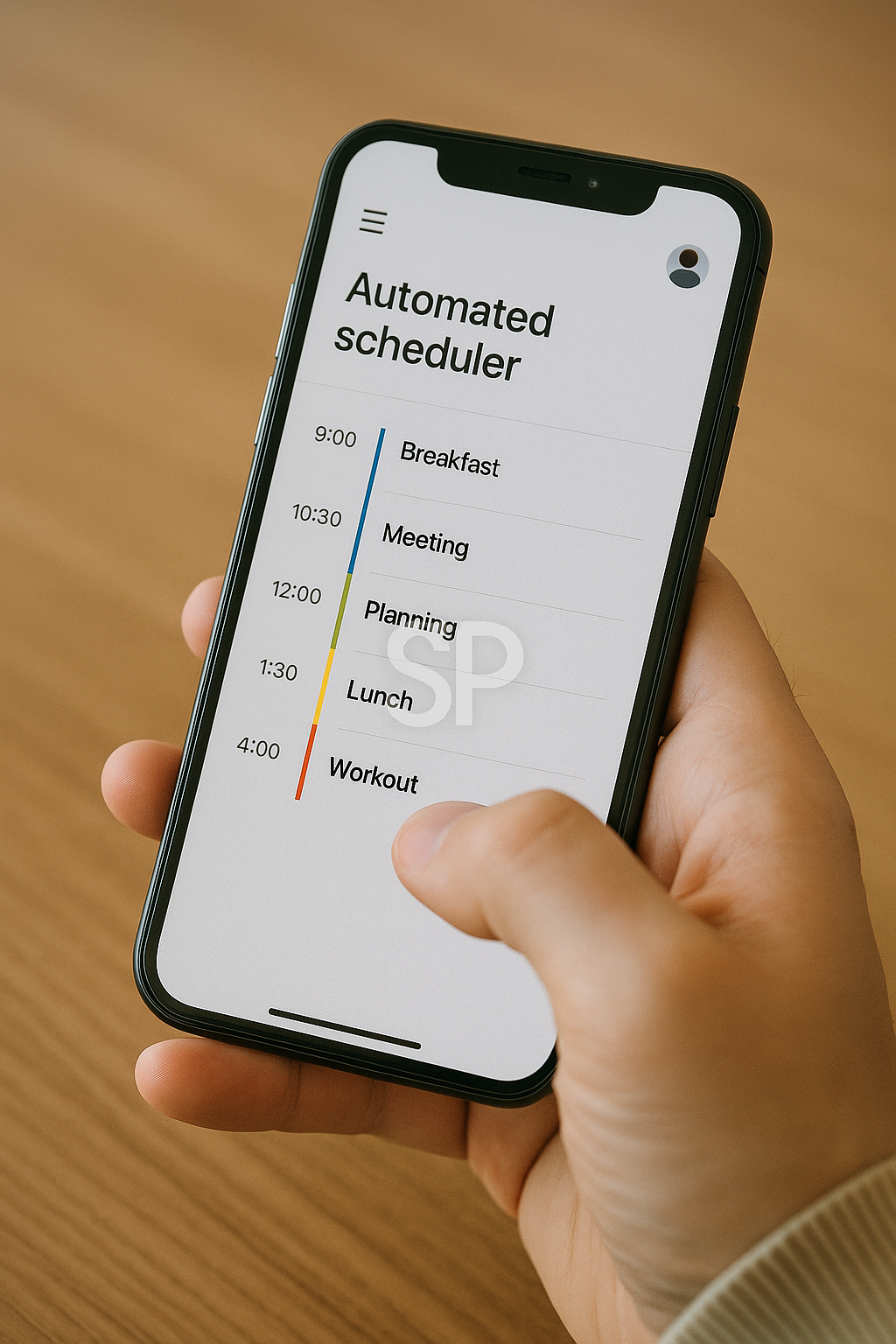
The first area I targeted was administrative work. Scheduling, file organization, and data entry consumed more energy than I realized. By using AI assistants, I automated calendar scheduling and report generation. Suddenly, I had mornings free for actual problem-solving instead of logistics.
👉 Example: Instead of manually copying meeting notes, I now use AI transcription tools. They not only capture conversations but also summarize key action items, so I can immediately move forward without losing momentum.
Optimizing Daily Routines with Smart Apps
Automation isn’t just for offices. I use apps that track sleep, meals, and exercise to align my lifestyle with my goals. One app automatically logs my workouts and suggests recovery times, while another connects with my grocery list and adjusts it based on weekly consumption. These small tweaks transformed daily chores into effortless routines.
Mistakes That Taught Me
Of course, I didn’t get it right the first time. At one point, I overloaded myself with too many apps and dashboards. Ironically, the tools designed to save time started consuming it. The lesson? Automation should simplify, not complicate. Now I adopt new tools slowly, testing them for a few weeks before fully integrating them into my routine.
Building Long-Term Sustainability
The most important discovery was that automation isn’t about perfection—it’s about consistency. Instead of chasing every new AI tool, I focused on building a core system: email filters, calendar automations, budgeting apps, and a task manager. With that foundation in place, I can experiment with new features without disrupting my routine.
The Emotional Side of Automation
What surprised me most was the relief I felt. I used to feel guilty for forgetting tasks or missing deadlines. Now, with reminders and smart workflows in place, I feel lighter. It’s not that I never make mistakes, but the system catches most of them before they snowball. That peace of mind is, for me, the real productivity boost. 🌱
Automation isn’t about replacing human effort—it’s about supporting it. By designing smart routines with AI, you can free yourself from repetitive work and invest energy into the things that matter most.
When I think about how automation has reshaped my life, the biggest difference is mental clarity. Before, I constantly carried small reminders in my head: pay that bill, send that email, check that subscription. It felt like my brain was a messy desktop full of sticky notes. Once I set up automated reminders and recurring tasks through apps, that mental clutter started to fade. Suddenly, I had space to think creatively instead of reactively.
One of my most impactful routines was linking my budget app with my bank accounts. In the past, I always underestimated my spending. I’d check at the end of the month and feel frustrated. But with real-time tracking and alerts, I could adjust mid-week instead of waiting for a shock at the end. That simple integration changed the way I made decisions day to day.
Of course, not everything worked smoothly. I remember when I tried connecting too many services at once—calendar apps, to-do lists, fitness trackers—and ended up with endless notifications. It felt like the tools were managing me, not the other way around. That taught me an important lesson: automation should reduce decisions, not multiply them. Now I only keep the essentials, and the rest I let go.
There’s also an emotional comfort in trusting the system. I no longer feel guilty about forgetting small things because I know my workflows are there as a safety net. This doesn’t mean I rely blindly on tech—I still review my setup monthly—but having that baseline reliability lets me focus on long-term goals like writing projects or personal growth.
What surprised me most is how these digital habits spilled into other parts of life. I started decluttering my workspace, simplifying my routines, and even saying “no” more often to tasks that didn’t align with my priorities. It’s as if the act of automating external tasks trained me to streamline internal ones as well. 🌱
If you’re curious about starting, I’d recommend choosing one area where you feel the most friction—maybe emails, budgeting, or scheduling—and automate just that. Once you experience the relief, it becomes natural to expand gradually. Automation is not about having the perfect system overnight—it’s about building a rhythm that quietly supports your best work and lifestyle.
'Remote Work Optimization' 카테고리의 다른 글
| Mastering Daily Workflow with AI Productivity Tools for Seamless Automation (0) | 2025.08.31 |
|---|---|
| Smart AI Tools for Daily Workflow Automation and Productivity Hacks in 2025 (0) | 2025.08.29 |
| AI Workflow Automation in 2025 (0) | 2025.08.25 |
| AI Productivity Apps That Redefine How We Work in 2025 (0) | 2025.08.24 |