Smart AI Tools for Daily Workflow Automation and Productivity Hacks in 2025
It’s fascinating how quickly everyday work has changed in just a few years. Many people still think automation is only for big companies or programmers, but that’s no longer true. Today, you can use AI productivity tools for workflow automation that fit right into your personal routine—whether you’re managing emails, scheduling tasks, or even organizing your finances. In this post, I’ll share how these tools can help you build a daily system that saves hours each week and keeps your mind free for more creative work.
Example Table for Readers (Inside the Blog Post)
| Zapier | Automating repetitive tasks | Connects 5,000+ apps, easy no-code workflows | Saves hours by removing manual data entry |
| Motion | Smart scheduling | Auto-plans your day, adjusts tasks in real-time | Prevents overbooking and protects focus time |
| Notion AI | Organizing knowledge | Summarizes notes, auto-categorizes info | Reduces digital clutter and boosts clarity |
| Reclaim AI | Calendar optimization | Syncs work & personal tasks, auto-reschedules | Keeps life balanced without manual effort |
| Mem AI | Knowledge recall | Finds and reminds you of past notes instantly | Acts like an intelligent memory for your workflow |

Automating Repetitive Daily Tasks
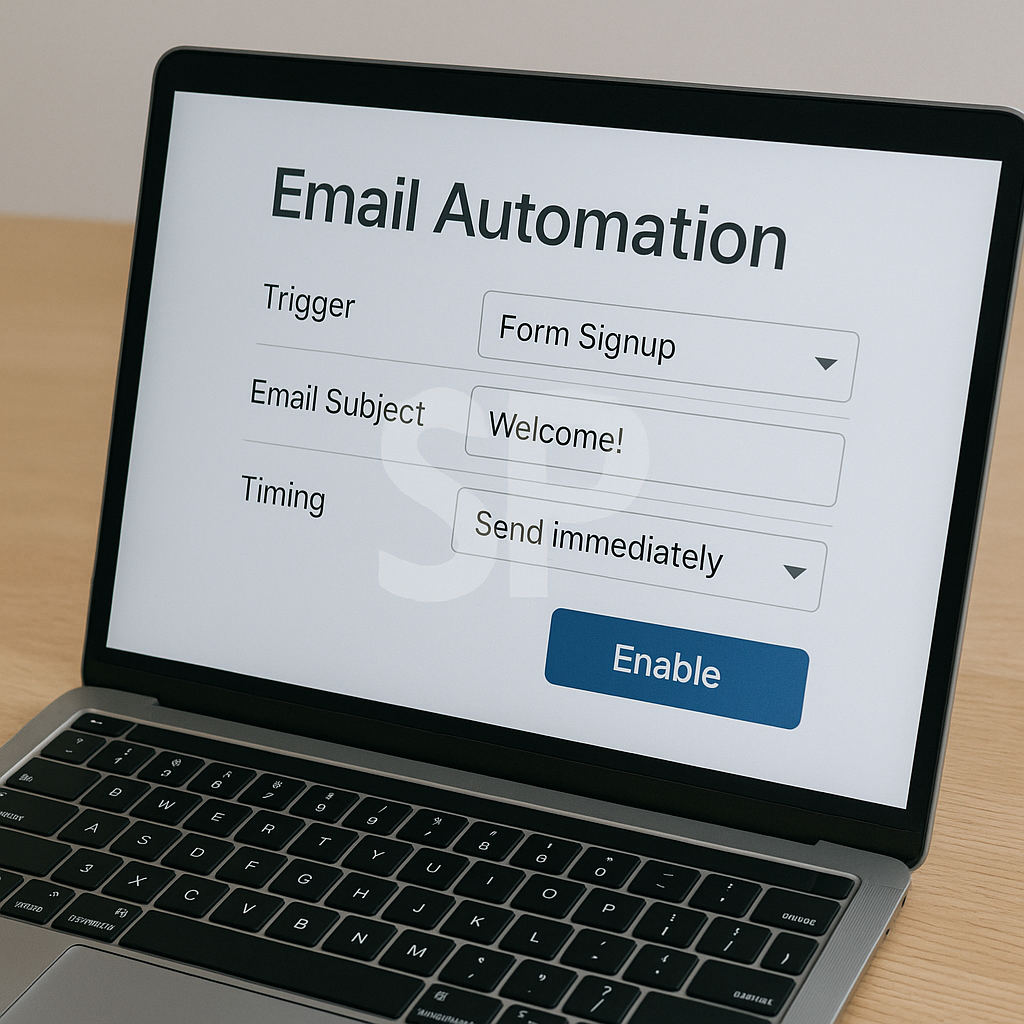
One of the biggest time drains is repetitive work. Writing the same type of email, moving files from one folder to another, or copying data between apps wastes more energy than you realize. AI tools like Zapier, Make, or even Gmail’s smart compose can automatically handle these tasks. Once you set up a rule, you’ll never have to think about it again. Think of it like a personal assistant who never forgets instructions.
AI for Smarter Scheduling
If you often lose time deciding when to meet or what to prioritize, AI-powered calendar assistants can completely change your day. Tools like Motion or Reclaim AI analyze your calendar and automatically place tasks in the most efficient time slots. Instead of constantly shifting plans, you get a balanced schedule that adjusts itself as new tasks come in. This is especially powerful if you’re juggling work and personal commitments.
Reducing Digital Clutter with AI Organization
How many tabs do you have open right now? 😅 Most people admit it’s way too many. AI note-taking and organization tools like Notion AI or Mem can summarize content, categorize information, and remind you of what matters. This prevents overwhelm and helps you focus on what’s truly important. Imagine walking into a messy room that cleans itself every time you leave—it feels like that.
Common Mistakes When Using AI Tools
Even with great software, some people end up feeling more stressed. Why? Because they try to adopt too many tools at once. Jumping between 10 different platforms actually creates more chaos. The key is to pick two or three AI tools that solve your biggest problems and build routines around them. Consistency matters more than variety.
Extra Insight You Might Not Expect
Here’s something many users miss: AI productivity tools also improve your mental energy. When you know small tasks are handled automatically, you stop worrying about forgetting something. This frees up brainpower for deep work or creative projects. It’s not just about time saved—it’s about feeling lighter and more focused every single day.
Sometimes mornings feel overwhelming—checking emails, updating task lists, planning meetings, and trying to figure out what matters most. This is where AI workflow tools can quietly step in and lift a weight off your shoulders. They don’t just automate technical steps; they reshape how your daily energy is spent. Many users who adopt AI assistants find that their routines become lighter, not because they are doing less, but because the most draining decisions are handled automatically in the background.
One of the most underestimated advantages of AI automation is its ability to protect your focus. For example, when notifications pile up, it’s easy to slip into reactive mode, jumping between apps. AI filters and priority managers can cut through the noise, delivering only the messages or alerts that truly matter. Instead of wasting 30 minutes scanning updates, you can immediately deal with what’s essential. Over time, this small difference compounds into hours of saved time each week.
There’s also a psychological benefit. Knowing that you have a “safety net” makes you less anxious about forgetting something. Imagine having a virtual assistant that reminds you of tasks, reschedules when you miss them, and even suggests when to take breaks. That reassurance translates into better emotional balance, which is often ignored in traditional productivity advice.

Of course, adopting AI tools is not without challenges. Many users struggle at first because they expect instant transformation. The reality is that AI systems need to learn your habits, and you need time to trust them. At the beginning, it might feel slower to set up automations than just doing things manually. But like building muscle memory, once the system is in place, you won’t imagine going back to the old way.
Something else worth noting is how AI tools blend personal and professional life. A scheduling assistant doesn’t just manage work meetings; it can also remind you to call a friend, block time for exercise, or schedule grocery shopping. By removing the invisible mental load of everyday chores, these tools give you freedom to enjoy your day without constantly juggling small reminders.
There are plenty of success stories where individuals reduced their workload significantly. Freelancers who once spent evenings catching up on admin tasks now finish earlier because invoicing, file sharing, and client updates run automatically. Remote teams scattered across time zones keep their collaboration smooth with AI-driven project trackers that update progress in real time. These aren’t futuristic scenarios; they’re happening every day in 2025.
But here’s a caution: don’t let automation replace your awareness. It’s easy to hand everything to AI and stop checking whether the system still fits your goals. Review your setup regularly. A task that was important six months ago may no longer matter, yet the automation could still be running. Simplifying your setup from time to time ensures that you’re not just adding layers of complexity disguised as productivity.
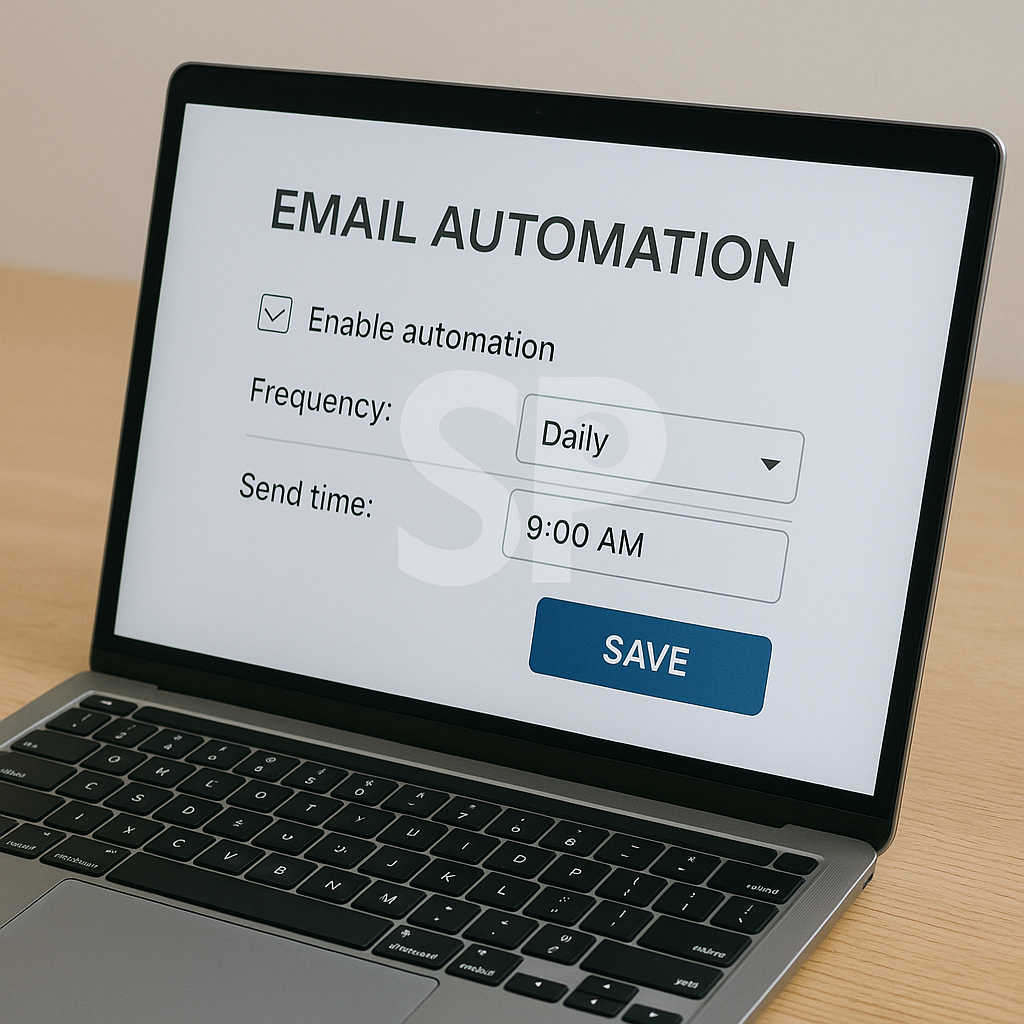
Looking ahead, the integration of AI into wearable devices will take daily automation even further. Imagine your smartwatch not just counting steps but suggesting when to pause work because your focus has dropped, then rescheduling your tasks accordingly. This kind of adaptive system is the next step in building a routine that feels both efficient and human.
To make the most of AI productivity tools, start small but stay consistent. Pick one workflow—maybe email triage, maybe calendar scheduling—and automate it fully. Once you feel the relief it brings, expand into other areas of your day. Soon you’ll notice that your evenings feel freer, your mornings clearer, and your overall energy less scattered. The power of AI is not in doing everything at once, but in creating a steady rhythm that grows with you.
'Remote Work Optimization' 카테고리의 다른 글
| Boosting Productivity with AI Tools: Automation Routines for Work and Life (0) | 2025.09.15 |
|---|---|
| Mastering Daily Workflow with AI Productivity Tools for Seamless Automation (0) | 2025.08.31 |
| AI Workflow Automation in 2025 (0) | 2025.08.25 |
| AI Productivity Apps That Redefine How We Work in 2025 (0) | 2025.08.24 |