AI Productivity Tools for Remote Work Automation: Proven Tips for Daily Efficiency
| Smart Scheduling | AI blocks focus time automatically | Gain back 3–5 hours weekly ⏰ |
| Auto Note-Taking | Meeting notes & summaries created for you | Focus on people, not typing 💬 |
| Task Automation | Connects apps to cut copy-paste work | Eliminate repetitive clicks 🔄 |
| Knowledge Search | Search across Slack, Docs, Emails in seconds | No more endless scrolling 🔍 |
| Routine Optimization | Aligns tasks with your sleep & energy patterns | Work when you’re at your best ⚡ |
| Extra Tip | Start small with one task (like email overload) | Build momentum step by step 🚀 |
Hello there, how has your day been so far? ☀️ Some people start their mornings with a hot coffee, others with a quick workout—but for many remote workers, the first struggle is staring at a crowded task list. If you’ve ever felt that endless to-do lists drain more energy than the tasks themselves, you’re not alone. And here’s the twist: AI-powered productivity tools can literally cut that burden in half.
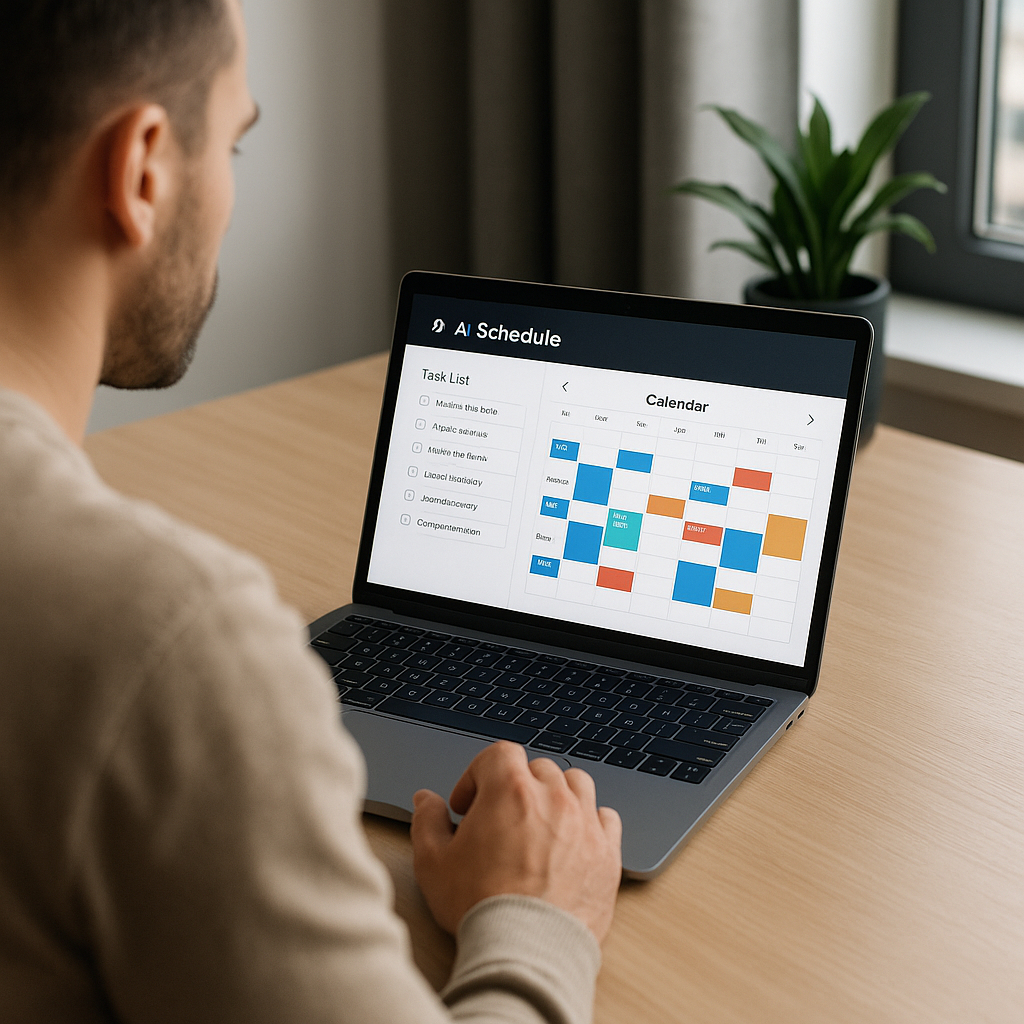
Smart Scheduling That Learns Your Routine
Instead of manually rearranging meetings every week, tools like AI calendar assistants learn your patterns. Imagine an app noticing that you always hit peak focus at 10 AM and automatically blocking that time for deep work. That’s not just convenience; it’s a measurable efficiency gain. A recent survey showed that remote employees using smart scheduling saved an average of 3–5 hours per week. Doesn’t that sound like an extra half-day off?
Automated Note-Taking & Summaries
Have you ever joined a meeting and realized you spent the whole time typing instead of thinking? AI transcription tools solve that instantly. They capture every word, highlight key actions, and send you a neat summary. The magic here is not the technology itself, but the mental space it frees up. One freelancer told me she finally stopped dreading client calls because she could focus on talking rather than typing.
Task Automation Across Apps
Here’s something surprising: 70% of workers still copy-paste between apps daily. That’s hours wasted. With AI automation platforms, a single trigger (say, receiving an email with an invoice) can automatically update your finance sheet, notify your team, and set a reminder. Think about it—what repetitive action eats most of your time? There’s a high chance AI can already handle it.

Personalized Knowledge Search
Scrolling through hundreds of Slack messages just to find a single link? Painful. AI knowledge hubs index your chats, docs, and emails into a personal search engine. Instead of asking, “Where did I see that file?”, you simply type a natural-language query like, “Show me the PDF John shared last week.” Boom—done in seconds. This isn’t just a time-saver, it reduces the micro-frustrations that quietly drain your focus.
Daily Routine Optimization
This might surprise you: AI isn’t only about tasks, but also lifestyle. Sleep trackers connected with task planners can nudge you: “You slept poorly, maybe move that creative work to the afternoon.” It feels almost like having a gentle coach watching your energy patterns. Some people resist it at first (“Do I really need an app telling me when to rest?”), but after a week of balanced routines, the benefits speak louder than any doubt.
💡 Here’s an extra thought: Don’t try to automate everything at once. Pick one pain point—like email overload—and let AI handle just that. The psychological win of solving one headache builds momentum for the rest.
Q&A Block
Q: Will AI tools replace human decision-making?
A: Not at all. They replace the repetitive clicks, not your creative judgment. You remain the strategist; AI is the silent worker in the background.
Bonus Insight
A friend once joked, “I didn’t need a new productivity tool—I needed fewer tasks!” 😅 That’s partially true. But in practice, AI cuts the noise so you can finally see the tasks that do matter. And that shift—seeing what truly matters—is where the real productivity boost begins.
Transitioning from basic awareness of AI productivity tools into long-term adoption is often the real challenge. Many remote workers download apps with excitement, use them for a week, and then quietly let them fade into the background. Why? Because tools alone do not create habits. Sustainable automation requires a mindset shift, and that’s where lifestyle hacking blends with technology.
Think about this scenario: you install an AI task manager. For the first few days, you admire the clean interface and smart reminders. By the second week, notifications pile up, you snooze them, and the app becomes digital clutter. It’s not a failure of the tool; it’s a misalignment with your natural rhythm. The solution lies in personalization. For instance, if you’re a night owl, forcing 6 AM reminders is doomed from the start. Instead, let the AI observe your activity windows and adjust prompts around your energy curve.
Another overlooked dimension is micro-automation. People often aim for big transformations—automating finances, reports, or project dashboards. Yet, some of the most powerful wins come from tiny automations: automatically archiving old emails, categorizing receipts, or even generating daily gratitude notes in your journal app. These micro-actions stack quietly, and their cumulative effect after a month is profound. In fact, studies on behavioral design show that small, consistent wins drive long-term adoption more effectively than massive overhauls.
One fascinating story comes from a digital nomad in Lisbon. He combined an AI scheduling bot with location-aware triggers. When he entered a coworking café, his phone muted notifications and queued up his deep work playlist. The first time, he laughed at how “sci-fi” it felt. Two weeks later, he realized his writing output had doubled without deliberate effort. This shows how automation, when tied to environment cues, can seamlessly blend into lifestyle without feeling forced.
But let’s address the skepticism. Some argue that over-reliance on AI makes people passive, even lazy. There is a kernel of truth here: outsourcing every tiny decision can dull initiative. The key is balance. AI should remove friction, not replace agency. Think of it like wearing glasses—you see more clearly, but you still decide where to look. Framing AI as an extension of human intention rather than a substitute prevents dependency.
There’s also the psychological effect of “decision fatigue.” Remote workers make hundreds of micro-decisions daily: when to reply, what to prioritize, how to phrase messages. Over time, this drains willpower. AI’s subtle strength is not only efficiency but also mental decluttering. Imagine an assistant that drafts three email replies, and you just choose one. You’re still in control, but the cognitive load is halved. That shift frees creative energy for more meaningful tasks.

A counterpoint worth mentioning: not every tool works for everyone. Some freelancers thrive with minimalist setups—a single calendar and a note app. Others crave complex integrations across project boards, CRMs, and time trackers. The beauty of AI ecosystems is flexibility. Rather than debating “one best tool,” the smarter approach is experimenting until you find a natural fit. And experimentation itself is a productivity skill—knowing when to keep, when to discard, and when to scale.
let’s talk about the human side. Productivity is often framed as output: more words written, more code shipped, more tasks completed. But for remote workers, especially those blurring lines between home and office, productivity also means recovery. AI wellness apps now suggest stretch breaks, hydration reminders, or even brief meditation windows based on biometric signals. It may sound trivial, yet those small nudges reduce burnout risk dramatically. A rested mind processes information faster than an exhausted one, no matter how advanced the tool.
In conclusion, adopting AI productivity tools for remote work automation isn’t a single switch—it’s a layered process. Start small, personalize ruthlessly, experiment boldly, and remember that efficiency is not just about doing more, but doing better with less stress. If you ever feel overwhelmed, step back and ask: Which task drains me most? That’s where AI belongs first. From there, momentum builds naturally, turning scattered apps into a genuine lifestyle upgrade.