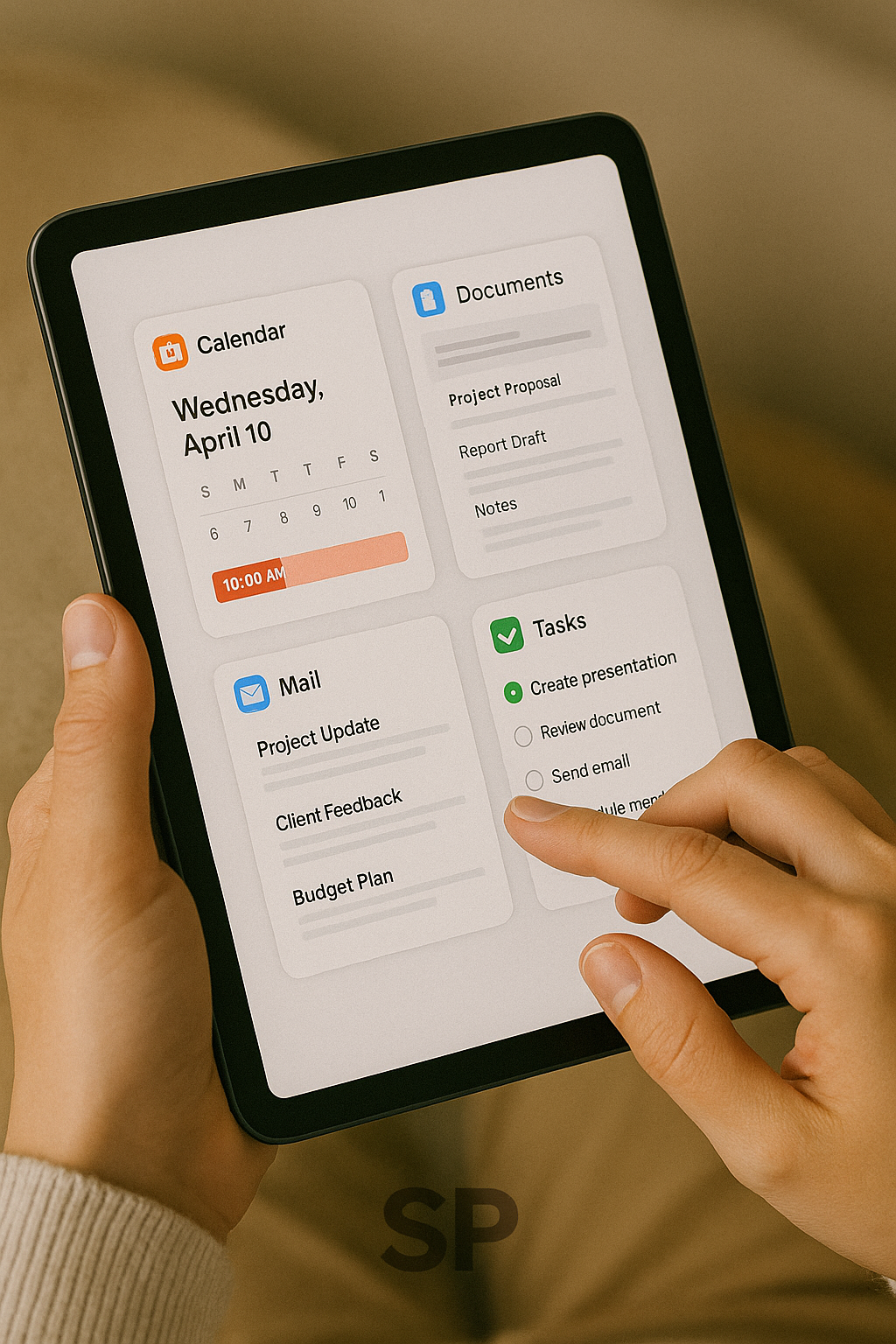
Digital Tools and AI Automation, Building a Productive Lifestyle That Works for You
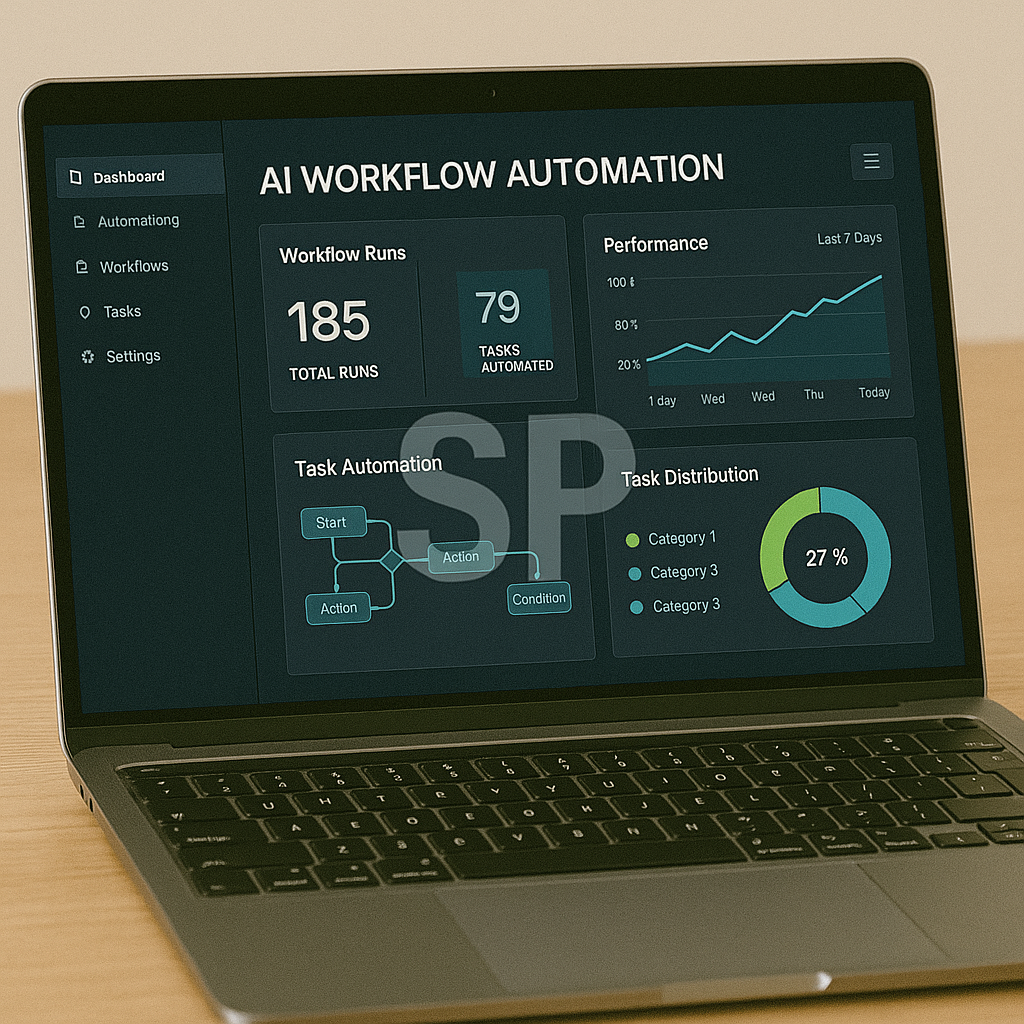
In today’s world, productivity is no longer just about working harder — it’s about working smarter.
With the right digital tools and a bit of AI-powered automation, you can cut repetitive tasks, focus on high-value work, and even create more space for the things you enjoy.
Here’s how to build a productivity lifestyle powered by smart tech and automation.
Identify Your Workflow Pain Points
Before diving into tools, map out your daily and weekly routines.
Where are you spending time on repetitive, low-value tasks?
Examples might include:
Sorting and replying to repetitive emails
Updating multiple spreadsheets manually
Scheduling meetings across time zones
Copy-pasting data between apps
By identifying these “time leaks,” you’ll know exactly where automation will have the biggest impact.
Choose Tools That Integrate Seamlessly
You don’t need dozens of tools — you need a few that work well together.
For example:
Notion for project and knowledge management
Google Workspace for communication and file sharing
Zapier or Make (Integromat) to connect everything and trigger automations
Calendly for effortless scheduling
Choose tools that have APIs or built-in integration options so they can “talk” to each other without manual input.
Automate Repetitive Tasks with AI

AI tools are no longer a luxury — they’re essential for modern workflows.
Some examples:
ChatGPT for drafting emails, summaries, or brainstorming ideas
Otter.ai or Fireflies.ai for meeting transcription and action item extraction
Canva’s AI features for creating graphics in minutes
Copy.ai for marketing copy generation
Start small: pick one task you do daily and automate it. You’ll be surprised how quickly the saved minutes add up.
Build a Morning Productivity Ritual
Your tools are only as effective as your routines.
Create a short daily ritual to set up your day:
Review your task list in Notion or Todoist
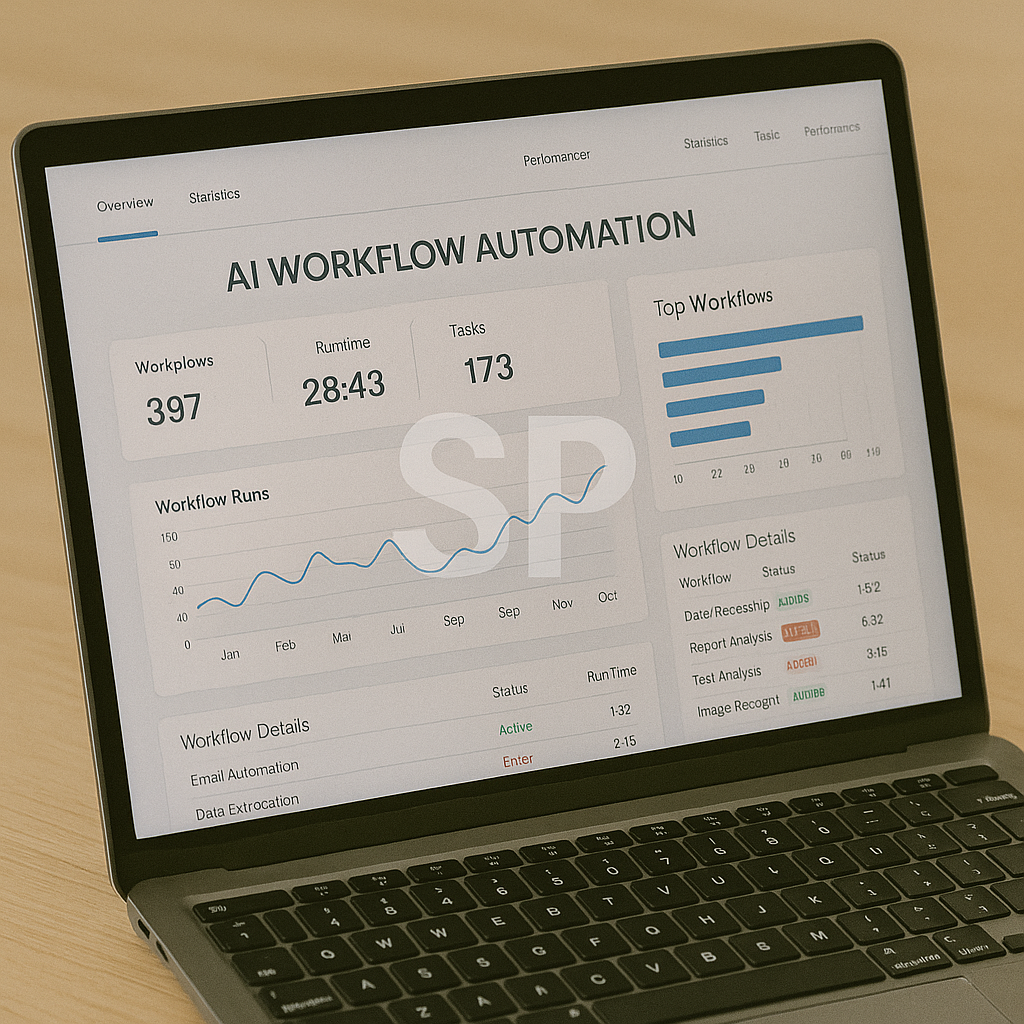
Check automation dashboards (Zapier runs, email filters)
Spend 10 minutes learning a new feature in one of your tools
This ensures your tech is running smoothly and you’re continuously leveling up.
Track and Optimize Your System
The beauty of digital tools is that they generate data. Use it:
See how much time you’ve saved using RescueTime or Toggl
Review task completion trends
Adjust automations that aren’t delivering expected results
Optimization is ongoing — treat your system as a living project.
Conclusion
By combining the right digital tools with AI-powered automation, you can design a work and life system that doesn’t just make you more productive — it makes work feel lighter and life feel more intentional.
Many people start using new apps and services without a clear plan, hoping they’ll magically make work easier.
But true productivity gains come from intentional system design — building a setup that fits your personal workflow and lifestyle.
1. Focus on “System Over Tools”
It’s easy to get distracted by the latest app launches, but constantly switching tools can create more friction than it removes.
Instead, think of your productivity setup as a system — each tool should have a defined role.
Example system breakdown:
Capture & Organize: Notion or Evernote
Communication: Slack or Google Chat
Scheduling: Calendly or Fantastical
Automation: Zapier, Make
File Management: Google Drive, Dropbox
By defining roles, you reduce overlap and keep your digital environment tidy.
2. Embrace “Micro-Automations”
Not every automation has to save hours — sometimes saving just 30 seconds repeatedly can free up hours over a month.
Micro-automation ideas:
Auto-tagging incoming emails based on sender
Auto-saving attachments to a cloud folder
Auto-generating meeting notes from transcripts
Creating a recurring task in your project manager when a form is submitted
The real magic is when these micro-automations stack together.
3. Batch Similar Tasks for Deep Focus
Automation handles the repetitive work, but batching keeps your human energy focused.
Group similar tasks and do them in dedicated blocks:
Process all emails twice a day instead of constantly checking
Record multiple short videos in one sitting
Review all client projects in one weekly session
Batching + automation ensures you’re not losing mental energy to context switching.
4. Build “Fail-Safe” Routines
Even the best systems can fail — an automation might break, or a tool might go offline.
Have manual backup routines in place:
A daily “manual sync” list for critical tasks
Export key data weekly to a safe backup location
Keep simple offline tools (like a paper notebook) for emergencies
Fail-safes protect your workflow from downtime and give you peace of mind.
5. Make Continuous Learning Part of the Game
The tools you use will evolve, and so will your needs.
Schedule micro-learning sessions:
Watch one 5-minute tutorial daily
Follow tool update blogs or newsletters
Join communities where people share automation tips
These small learning habits keep your system sharp without overwhelming you.
6. Design for Both Work and Life
A truly effective productivity system doesn’t just make your job easier — it also improves your personal life.
You can automate:
Grocery list creation from recurring meal plans
Monthly bill payments and reminders
Photo backups and organization
Travel itinerary syncing to your calendar
When your work and personal systems align, you experience less stress and more flow.
Final Thought
Your tech stack is like a personal assistant — but only if it’s carefully trained.
Start with a few essential tools, connect them with smart automations, and keep refining.
The goal isn’t to work more; it’s to create space for meaningful work and life.