How I Use AI to Supercharge My Daily Routine (Real-World Guide, 2025)
Let’s be honest — managing life without digital tools these days feels almost impossible 😅
With new AI tools popping up every week, it’s easy to feel overwhelmed. I’ve been there too.
So today, I want to share how I personally use AI apps throughout the day — from the moment I wake up to the time I go to bed.
These aren’t just cool ideas. They’re real tools I actually use, and they’ve saved me time, energy, and (sometimes) my sanity 🙃
Morning: Auto-planning My Day with AI Calendar Tools
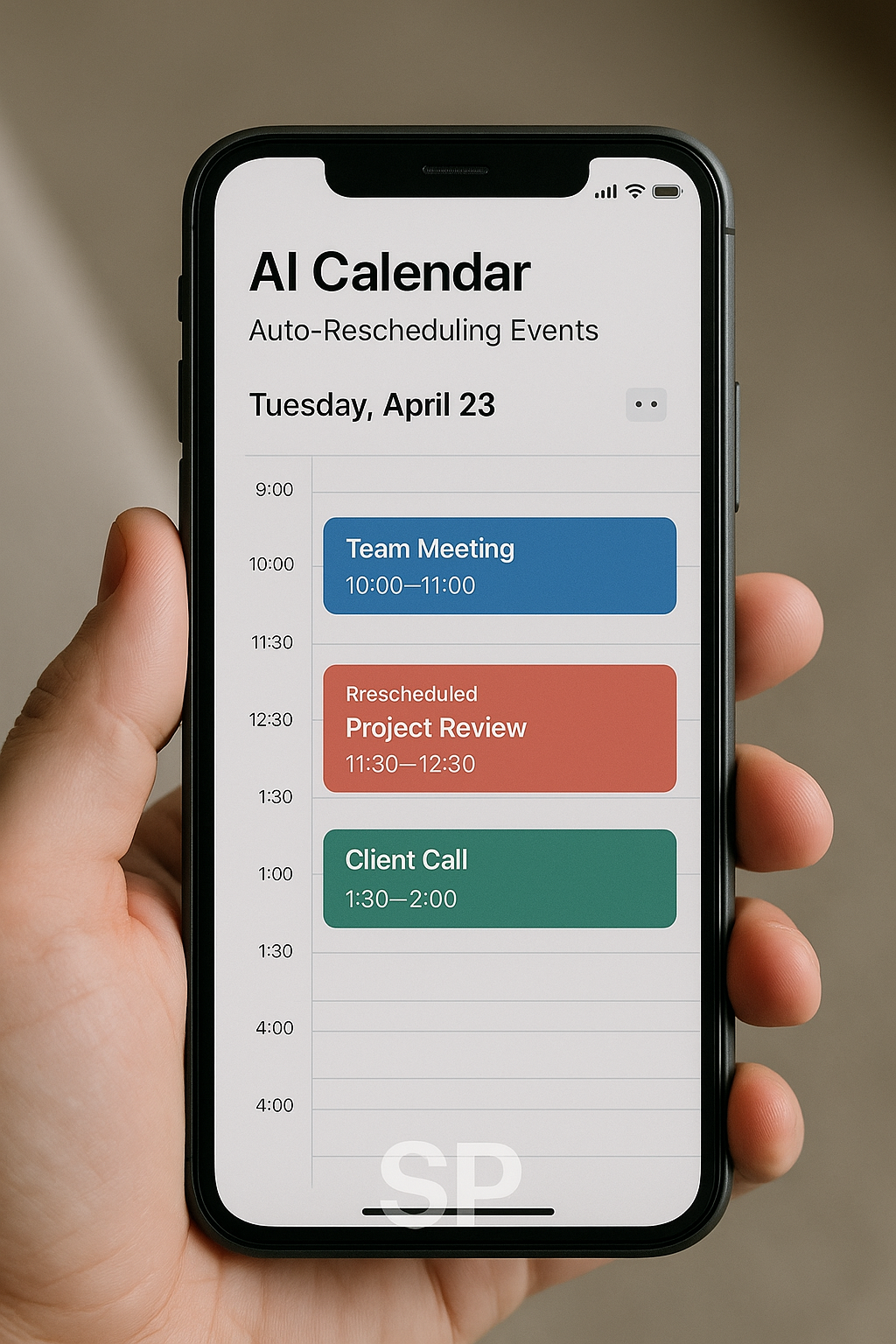
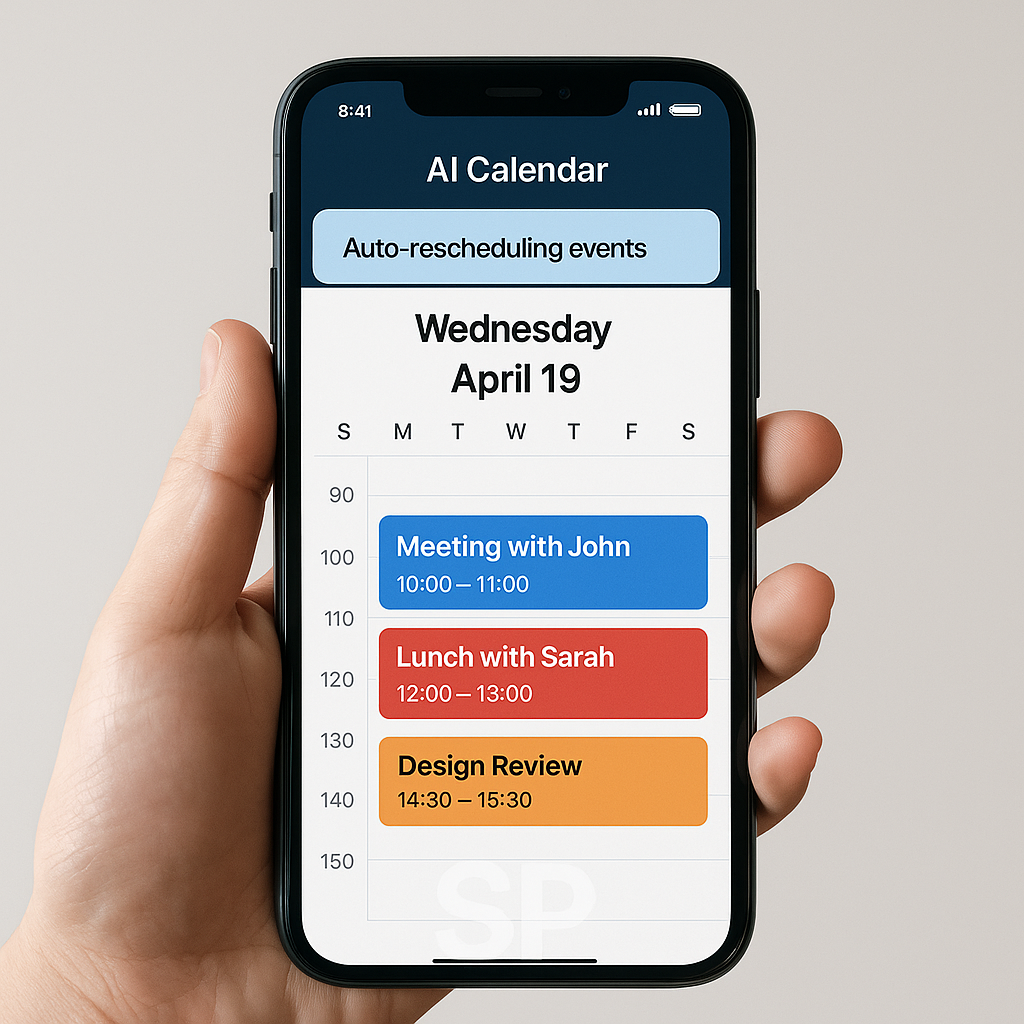
Right after I wake up, I check my phone — not for Instagram, but for my AI-powered schedule.
I use tools like Motion and Reclaim.ai, which automatically prioritize my tasks and reschedule meetings when conflicts come up.
I honestly love how I don’t have to manually juggle time blocks anymore.
The AI just looks at my day and rearranges everything in a way that works. It feels like having a personal assistant — minus the salary 😆
During Work: Email Summaries & AI Meeting Notes
Emails used to take up half my morning. Now? I let Shortwave handle it.
It automatically summarizes email threads and suggests quick replies —
which, by the way, saves me over 60% of the time I used to spend on inbox management!
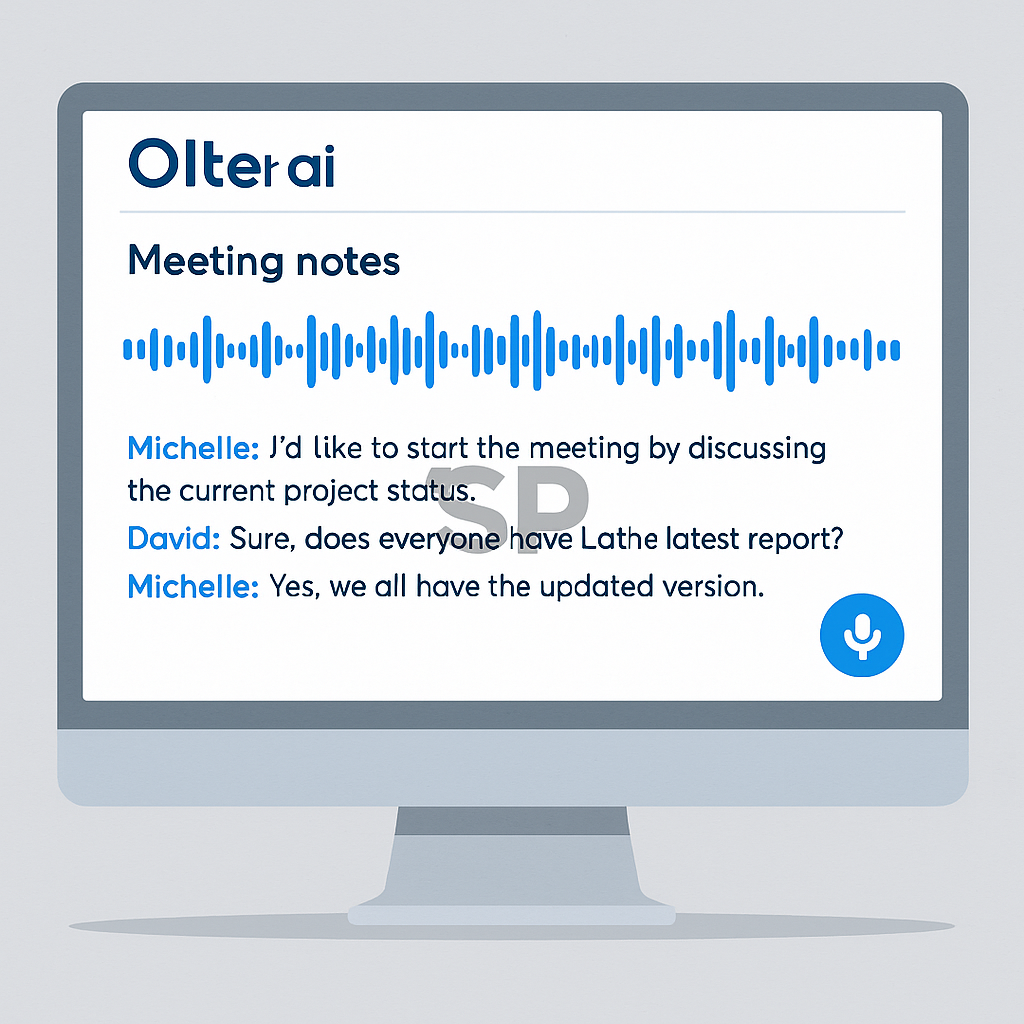
As for meetings, I record them using AudioPen, which turns voice into beautiful summaries.
Not gonna lie — the first time I saw it rewrite my messy thoughts into clean notes, I was impressed 🤯

After Lunch: Smarter Browsing with AI Sidekicks
You know that post-lunch energy crash? Yeah, me too.
That’s when I tend to get distracted browsing the web.
But tools like Heyday have been a game changer.
It quietly works in the background, saving everything I read and then resurfaces it later — even months later!
It feels like my brain has a second memory — and sometimes, it's better than mine 😂
Late Afternoon: Automating Boring Tasks with Zapier & Make
Around 4 PM is when I start getting tired of repetitive tasks — sending emails, logging info into Notion, checking new form submissions... ugh.
That’s why I set up automations using Zapier and Make.
Now, when someone fills out a form on my site, it gets sent to Slack, saved to a database, and triggers a follow-up email. All without me doing a thing.
Honestly, this was a lifesaver 🫠
It took a few hours to set up, but I haven’t touched those workflows since.
Highly recommend it if you’re drowning in repeat work.
Night Routine: AI Journaling & Reflecting
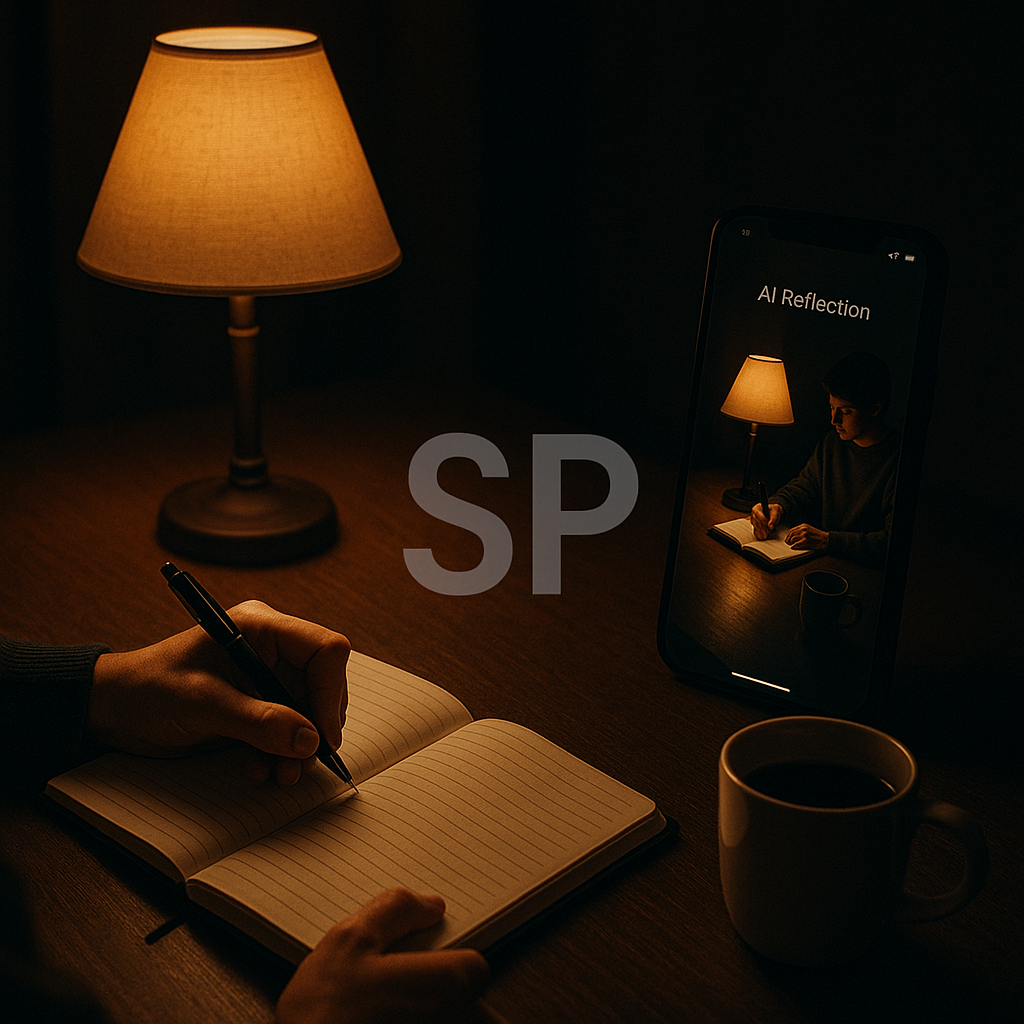
Before bed, I’ve started using Reflect — an AI journaling tool.
I’ll type a quick sentence about how I felt during the day, and the AI will expand on it, suggest insights, and even track emotional trends over time.
Sometimes it says things like
"You’ve had a lot of stress this week. Maybe tomorrow, try a slower morning."
Honestly? It feels weirdly comforting. Like my journal gets me. 🥲
🌟 Bonus: Small AI Habits That Changed Everything for Me
There are tools that do the heavy lifting — and then, there are tiny AI hacks that quietly changed my flow.
Honestly, I didn’t expect much from these at first, but over time, they became essential. Like, can’t-go-back kind of essential 😅
🧠 AI Memory Boosters: Never Forget What You Read Again
I read a lot online — blogs, newsletters, documentation. But remembering all that? Nope.
So I started using Glasp — a browser extension that lets me highlight any text,
and then automatically stores and summarizes it later using AI.
At first, it just felt “cool.”
But one day, I was prepping for a project and realized Glasp had saved all the notes I forgot I even took 🙃
I was like, “Past me was so smart.”
If you’re a serial reader like me, this is gold. Seriously.
📋 Quick Capture + Instant Summary = Less Mental Clutter
Sometimes ideas hit me in the shower or while waiting for coffee.
Before, I used to open Notion, get distracted by something else, and forget what I wanted to write 💀
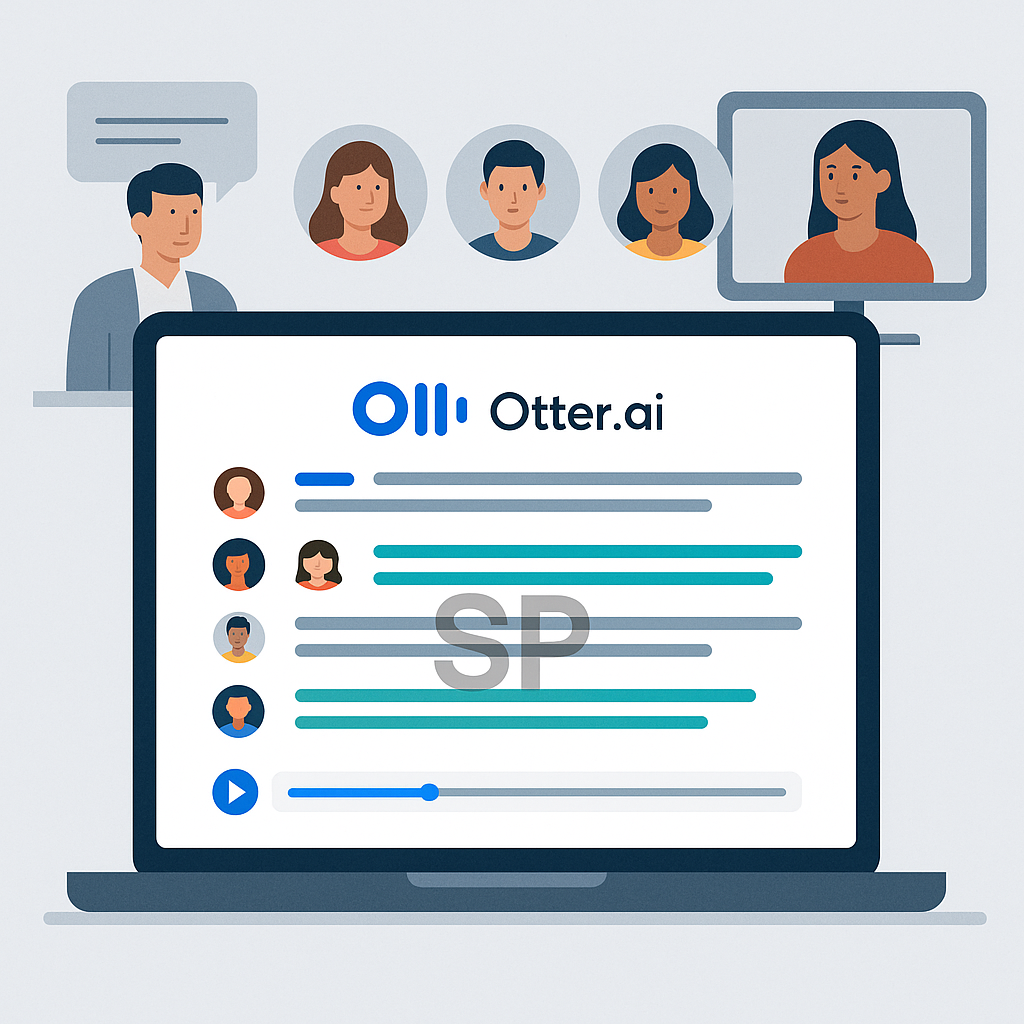
Now, I just talk into AudioPen or even use Otter, and boom —
AI organizes it into coherent thoughts.
It even detects topic shifts and creates bullet lists for me (which is wild).
It honestly makes me feel like I have a personal editor in my pocket 🫠
⚙️ Pro Tip: Use AI Tools with Triggers, Not Manually
This one took me a while to figure out.
Using AI manually is okay, but if you want real time savings, set triggers.
For example:
Every Friday at 6PM → Reclaim auto-blocks a “Weekly Review” session
Every new email from a client → Zapier sends it to my Notion workspace
Every time I tweet → A backup gets saved in Google Sheets via Make
I used to forget to do half these things... now I don’t even think about them ^0^
😬 What I Did Wrong at First (Learn from My Mistakes!)
Let me be honest — I made some rookie mistakes when I first started playing with AI tools.
Like:
Using too many apps at once → It became chaos.
Skipping the onboarding/tutorials → I didn’t know 80% of the features.
Expecting AI to "do everything" → It’s not magic. You still need structure.
What really helped me was slowing down and focusing on just 2 tools at a time.
That’s when everything clicked.
Personal note:
I used to think, “Why isn’t this working for me like it does for YouTubers?”
Turns out... I was the problem. Not the tool 😅
🧘♀️ Final Thoughts: Automate Less, Align More
If there's one thing I’ve learned, it’s this:
AI isn’t just for doing things faster — it’s for making space for what matters.
The best tools aren’t the most powerful —
they’re the ones that quietly align your work with your energy.
Some days, that means batching 3 hours of deep work using Motion.
Other days, it’s journaling with Reflect and realizing I need to take a walk 🌿
Either way, these tools are here to help you, not replace you.
Let them do the busy work, so you can do the meaningful work. ❤️