AI Tools That Secretly Save Me Hours Every Week
Let’s be honest: we're all a little overwhelmed.
From endless emails to overflowing to-do lists, it feels like 24 hours just aren’t enough.
But what if I told you there are AI tools that quietly shave off hours of work from your week—without making a big deal about it?

These aren’t the flashy tools you hear about every day.
They’re the underrated ones—the ones that work silently in the background while you focus on bigger things.
Here are three AI tools that have secretly saved me hours every single week, and how you can use them too.
1. Magical AI – Auto-Type Anything, Anywhere
Magical is a Chrome extension that works like copy-paste on steroids.
Once you create templates, you can type just a short shortcut like “/intro” and it expands into a full sentence, paragraph, or email reply—instantly.
Use cases:
Repeating responses in customer service
Auto-filling forms
Sending outreach emails faster
It doesn’t just save time. It saves brain energy.
After using Magical, I realized how much time I spent repeating the same phrases.
It quietly became a must-have tool in my daily workflow.

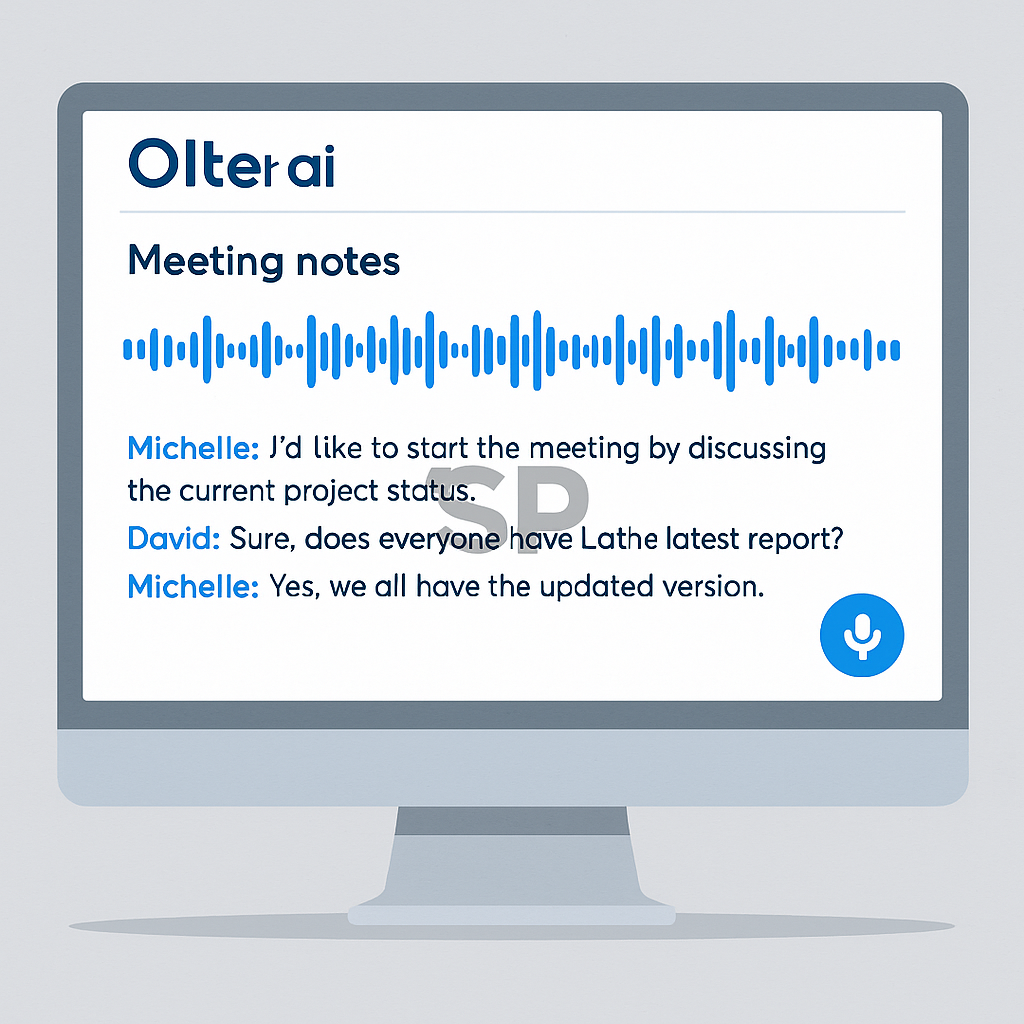
2. Otter.ai – Meeting Transcription That Actually Works
If you’ve ever taken notes during a meeting and missed key details, Otter.ai will change your life.
It listens in real time and creates accurate transcripts for Zoom, Google Meet, or even in-person meetings.
Why it’s a time-saver:
You no longer need to manually summarize meetings
You can search past transcripts like Google
It auto-tags speakers and even picks up action items
I’ve used Otter for weekly team syncs and client calls, and it catches everything I miss when I’m multitasking.
It’s like having a quiet assistant in the corner, taking flawless notes for you.
3. Cleanvoice AI – Make Your Voice Recordings Sound Pro
Have you ever recorded a voice memo, podcast, or video and spent hours removing filler words like “um,” “uh,” or awkward silences?
Cleanvoice AI does it in seconds.
You just upload your audio file, and it:
Automatically removes filler sounds
Fixes dead air gaps
Cleans up background noise
I used it recently for a video voiceover and it saved me over an hour in editing.
The output sounded like I had a professional editor.
It’s especially helpful for creators, educators, or anyone who works with audio regularly.
Why These “Quiet Tools” Matter
We often focus on the most powerful or trending AI tools, but forget the little ones that quietly improve our daily flow.
These aren’t just about saving time—they reduce mental clutter, boost consistency, and help us stay focused.
You don’t need to completely overhaul your workflow.
Start by adding just one tool from this list and see how much smoother your day becomes.

Call to Action
Try any of these tools for a week, and notice how they affect your daily routine.
Better yet, combine them: use Magical to speed up writing, Otter to forget manual notes, and Cleanvoice to polish your voice content.
If you’ve got any underrated AI tools that save you time, share them below—I’d love to test them out too.