How I Automated My Daily Routine with Notion and AI Tools (And Turned It into Income)
If you're still checking emails manually every morning,
retyping your to-do list every day, or organizing your calendar by hand—
it’s time to automate your life.
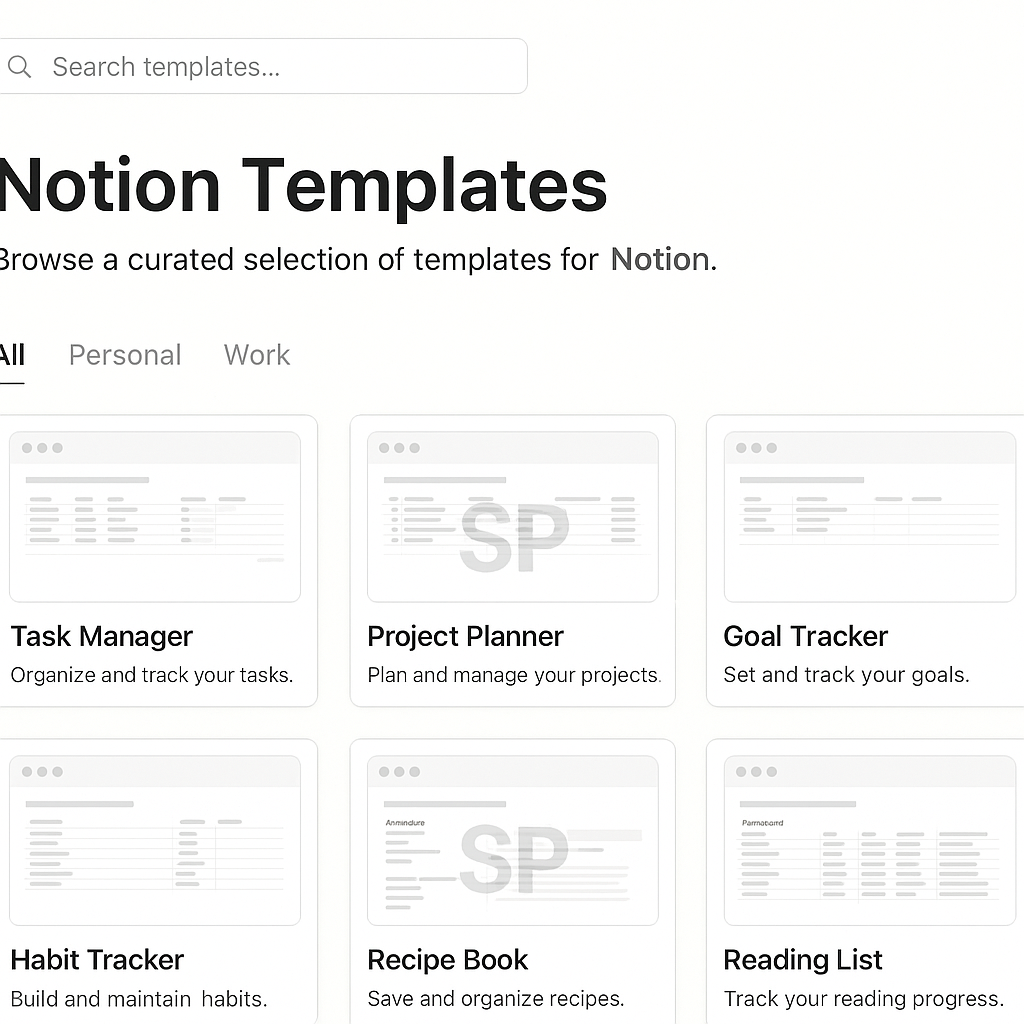
With the rise of tools like Notion, Zapier, Make, and Tana,
you can now automate your daily routine without a single line of code,
and even turn that system into a digital product or service.
Let me show you how I built a fully automated workflow
that not only saved me time, but also generated real income.
Step 1: Map Your Daily Flow First
Automation doesn’t start with tools—it starts with understanding your routine.
Here’s what my basic daily flow looked like:
Morning news recap
Email inbox triage
Task sorting by priority
Content idea dumping
Expense & budget review at night
Write down your daily repeatables first.
This step will save you tons of time later when setting up workflows.
Step 2: Use Notion to Structure It
Once your flow is clear, move it into Notion.
Here’s what I automated inside Notion:
Daily page auto-created with date
Routine template inserted automatically
Reminder blocks inserted by time of day
AI-based text summaries via Notion AI or GPT plug-ins
I also integrated it with Zapier:
Gmail filters → auto-send notes to Notion
Calendar updates → sync with tasks
Budget spreadsheet → auto-linked from Notion expenses
You can build all of this in 1–2 hours and forget it after.
It literally changed how I operate day-to-day.
Step 3: Turn Your System into Digital Products
Here’s where things get spicy. 🔥
People will pay for organized systems.
You can turn your routine into:
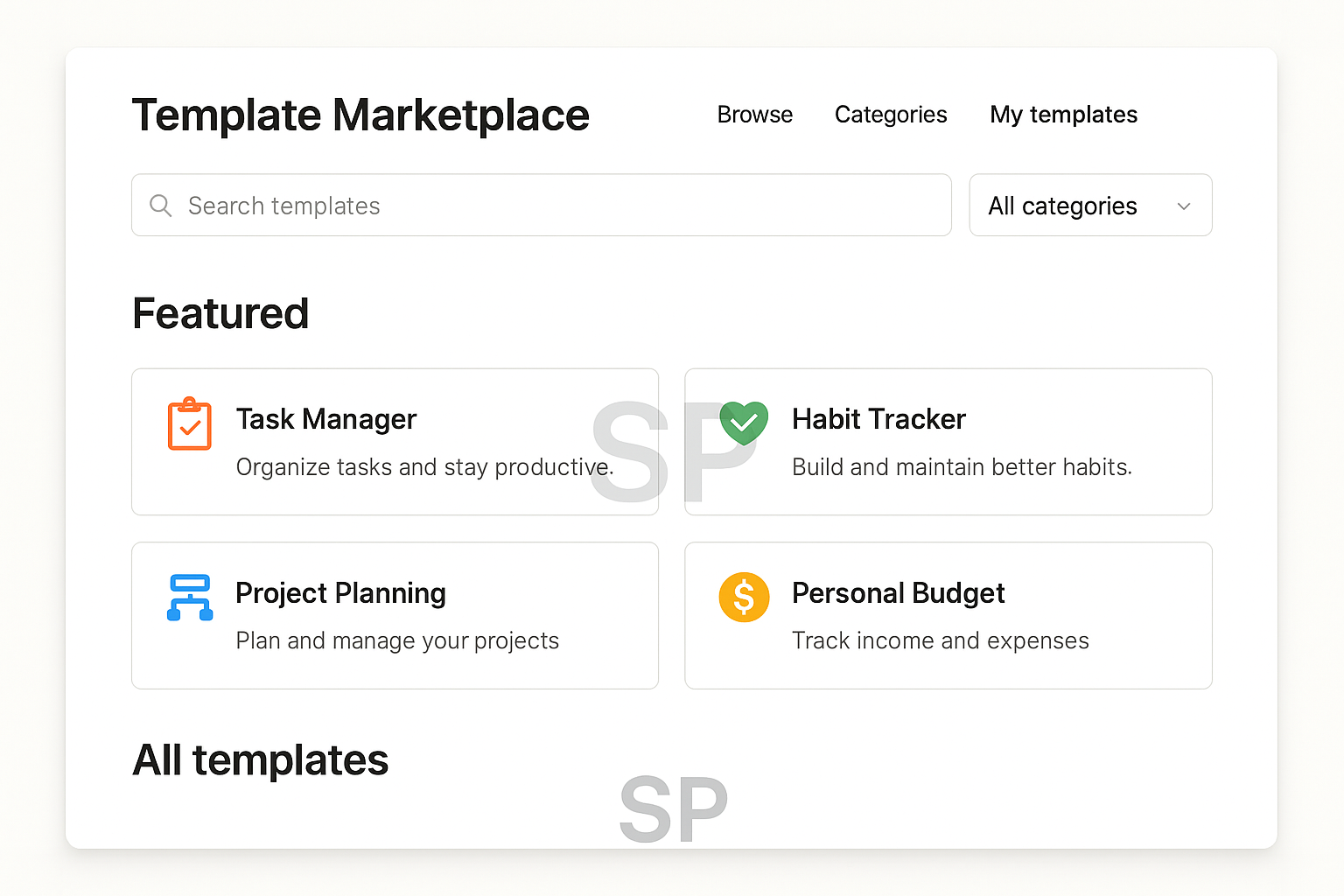
Notion templates (daily planner, budget tracker, etc.)
Zapier workflows (sell or share on platforms like Gumroad or Flowlist)
Routine automation tutorials (YouTube, Substack, or online courses)
Freelance setup service (Upwork, Fiverr, etc.)
If it worked for you, it can help someone else—and that’s where the value is.
Bonus: Build a “Systems Mindset”
Automation is not about perfection.
It’s about building a personal operating system that supports your goals.
Start asking:
“What do I repeat every day that drains energy?”
“What tools can take this off my plate?”
“Would others pay for a faster setup?”
Once you see your tasks this way,
you’ll never go back to manual mode.
From Personal Tool to Public Asset: Packaging Your System
Once your workflow is running smoothly,
the next step is productizing it.
But here's the catch:
Don't try to be perfect. Try to be useful.
Your Notion setup doesn’t have to be fancy.
Most people are looking for functional, clean, ready-to-use templates that save them time.
🔹 How to package it:
Record a Loom or Screen Studio video showing how it works
Write a simple use guide with real-life examples
Export your Notion template or Zapier flow with easy-to-click buttons
Offer bonus pages (e.g., habit tracker, goal board) to increase value
Upload it to Gumroad, Ko-fi, or even Google Drive with a tip jar.
Now it’s live. Anyone can download it, and you can start building an audience.
Where to Sell or Share Your Digital Routines
Even if you’re just starting out,
there are plenty of places to get visibility without spending money on ads.
Here are 5 high-converting platforms for digital routine tools:
Twitter/X – Build in public, share before/after shots, use #buildinpublic
Reddit – Subreddits like r/Notion or r/Productivity are gold mines
Product Hunt – For full systems, launch with a short case study
Notion Marketplaces – Like Notion Everything, Notionery, Easlo
LinkedIn – Share how you use your system in your work life
💡 Pro tip: Give away one free version, then upsell a “pro” version with automation flows or AI prompts.
Not Just for Creators: Use It as a Freelance Skill
Don’t want to sell digital products?
No worries—offer your skills as a freelance service.
Here’s how some people are doing it:
Setting up automation flows for solopreneurs
Building productivity dashboards for remote teams
Designing client onboarding systems in Notion
Writing newsletters about AI tools & workflow hacks
Even a basic setup can go for $200–500 depending on complexity.
And because it’s digital, you can reuse parts across clients.
Monetizing Without Being “Salesy”
If selling feels awkward,
try using a newsletter or free community to warm people up.
You can:
Start a Substack about productivity + AI tools
Create a Telegram/Discord space to share tips
Offer a “template of the week” email
Add affiliate links for tools you use (e.g., Notion, Tana, Grammarly)
💬 You’re not selling. You’re teaching what you actually use.
Eventually, your routine becomes your reputation—
and your system becomes a brand.
Final Thoughts: Build for Yourself, Then Share What Works
Your first automation system won’t be perfect.
But it will teach you how to:
Save 10+ hours a week
Feel less overwhelmed
Think like a systems designer
Make your knowledge valuable to others
You don’t need to become a full-time content creator.
You just need to build something once and reuse it often.
So whether it’s your personal planner, a budget tracker, or a content calendar—
turn that workflow into a shareable system.
Because if it worked for you,
chances are, someone out there will pay for it.