🧠 2025 Digital Lifehacks That Actually Work (From Someone Who Hates Productivity Bros)
Simple, AI-powered tools to help you get stuff done — without burning out
I’m not a productivity guru.
I don’t wake up at 5 AM. I don’t use 12 apps to track my to-do list. 😅
But I do use tech — smartly.
And in 2025, that means leaning on AI where it actually makes sense.
Here’s a real-world guide to AI digital tools and lifehacks that have helped me work faster, feel calmer, and stop drowning in tabs.
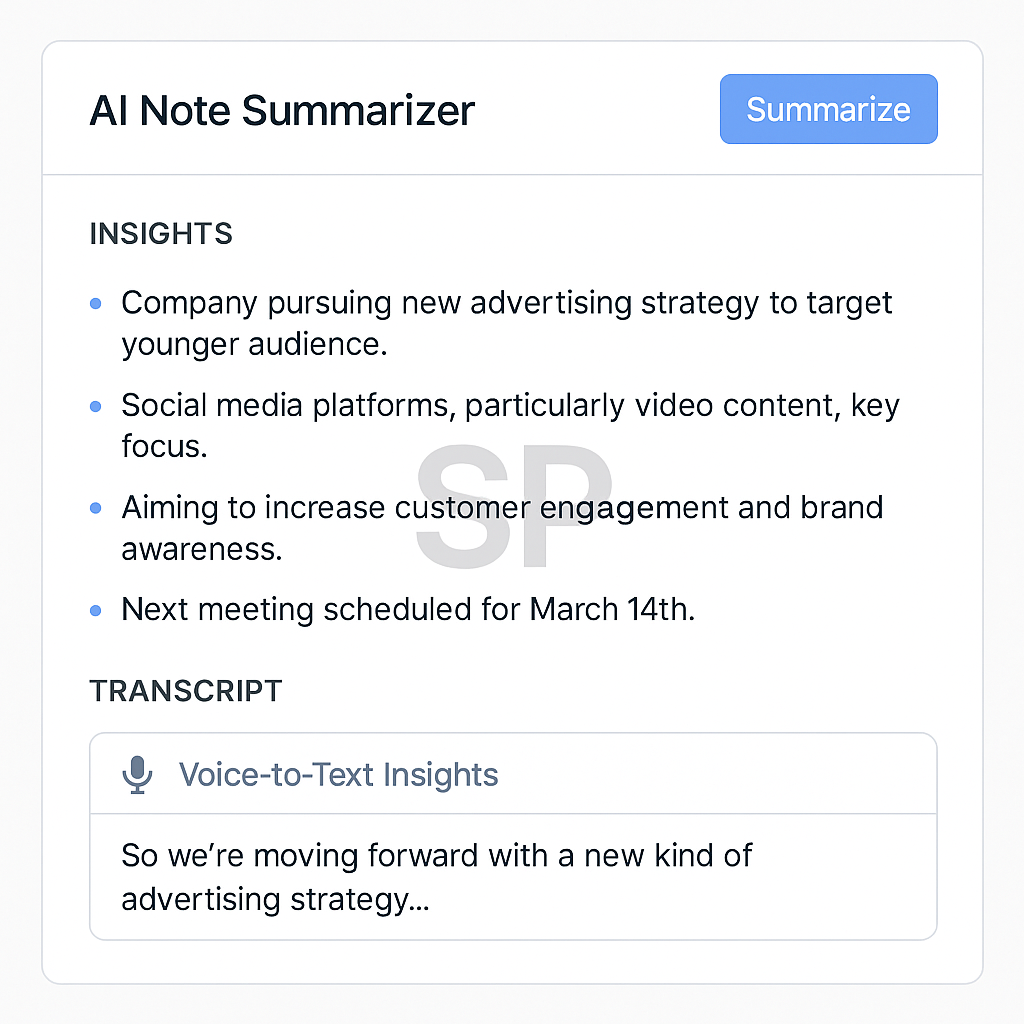
1. 📅 Calendar AI That Fixes My Schedule (Before I Melt Down)
My #1 digital lifesaver = Reclaim.ai
It reads my calendar + to-do list
It reshuffles meetings when conflicts arise
It protects focus time automatically (bless you 😭)
Bonus tip: connect Google Tasks or Todoist → it’ll schedule tasks for you.
I used to triple-book myself by accident.
Now, I let my calendar do the arguing.
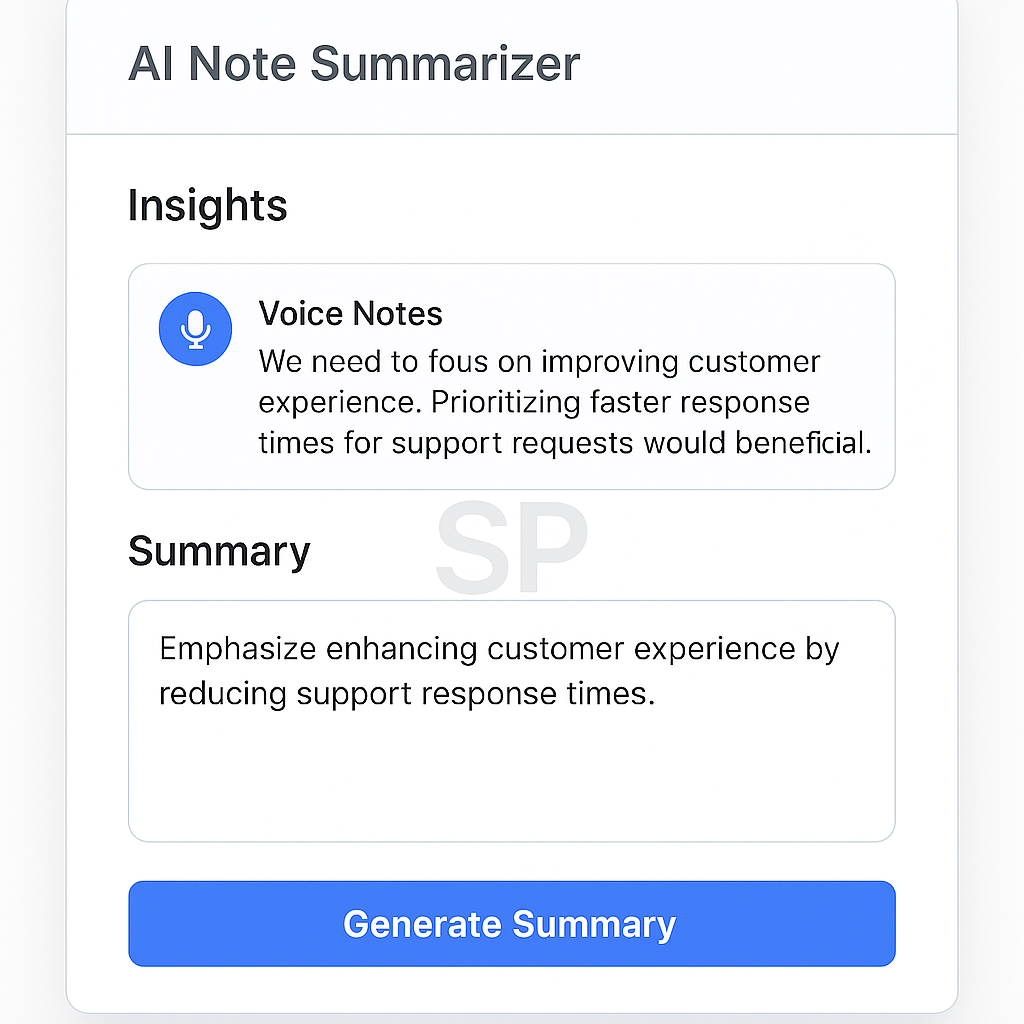
2. ✍️ Audio to Text → Insight with One Click
Meetings, voice notes, messy rants in the car...
I drop it all into AudioPen or Otter, and they spit out:
Clear summaries
Quotes
Next steps
I literally wrote half this blog post by talking to my phone 😅
It’s not just transcription. It’s structured thought extraction.
3. 💌 AI That Cleans My Inbox (So I Don’t Cry)
I’m not proud of this, but… my inbox had over 24,000 unread emails last year.
Enter: Shortwave
Smart summaries
Bundled newsletters
Fast replies with AI suggestions
Labels based on tone + urgency
I now actually know what’s in my inbox.
It’s still chaotic. But now it’s intentionally chaotic.
4. 🤖 Automation Without Writing a Single Line of Code
If you haven't tried Zapier or Make.com,
you’re missing out on magic.
My personal favorite flows:
New newsletter signup → welcome email + Airtable update
New Notion entry → Slack notification + Google Calendar block
Starred Gmail → task creation in ClickUp
I set this up once. Now I forget it exists — and it just… works.
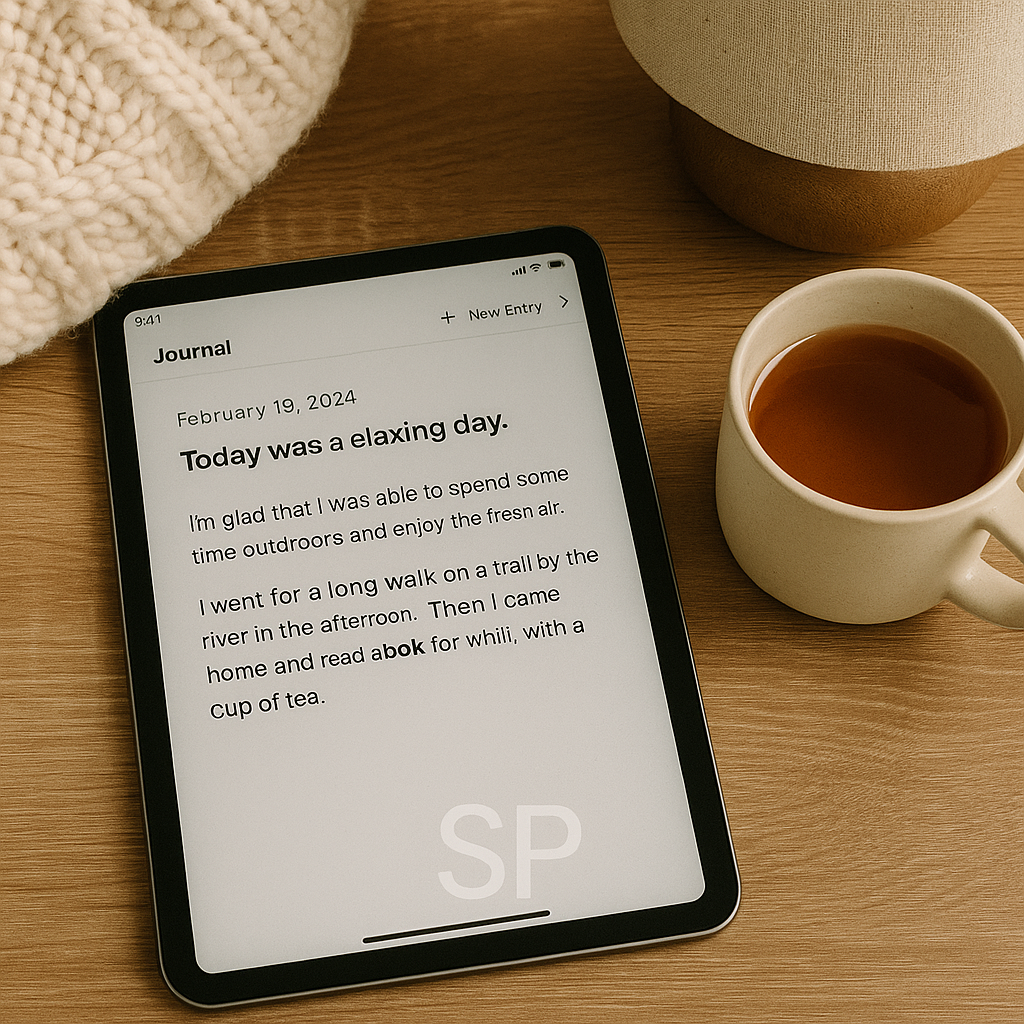
5. 🧘♀️ Mental Health Stack (Yes, This Is Digital Too)
AI isn’t just for hustle.
I also use it to protect my brain.
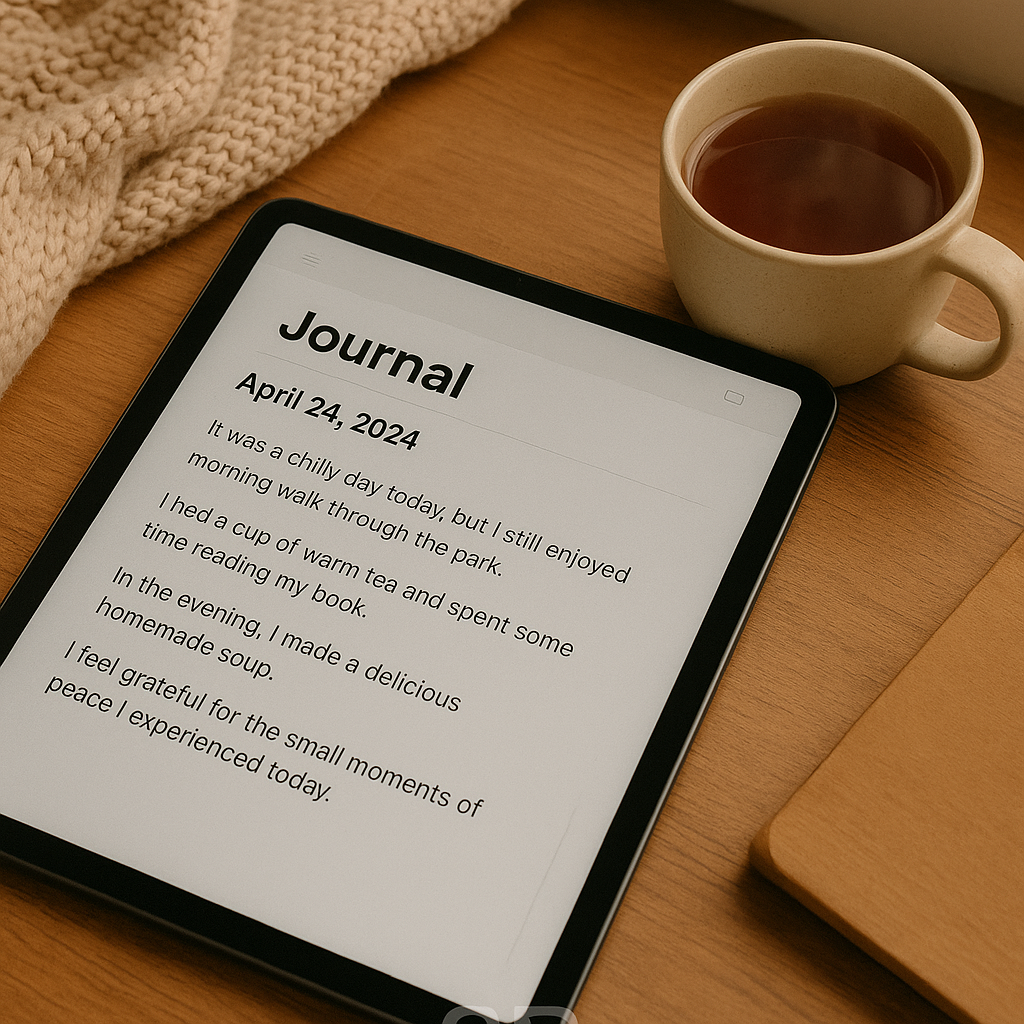
Reflect.app = AI-guided journaling
Mindsera = coaching-style prompts
Endel = adaptive soundscapes to focus or sleep
And here’s the biggest hack:
I schedule these like meetings. Because if it’s not on my calendar, it won’t happen.
🎯 Summary: My Life Runs on Routines, Not Just Apps
All these tools help, but what really changed my life?
Making them part of my routine.
Monday = Inbox day.
Wednesday = Automation review.
Friday = Journal & reflect.
It’s not about doing more. It’s about doing less, on purpose.
You don’t need to be a tech wizard.
You just need a flow that respects your energy — and helps you focus on what matters 💛
🧩 App Stack by Routine (So I Don’t Lose My Mind)
Sometimes, the best AI tool is the one you actually remember to use.
So I simplified things into "routine bundles" like this:
☀️ Morning: Clarity First
Notion (quick capture)
Reclaim (sync schedule)
Endel (focus music)
💻 Work Blocks: Action Mode
Fermat AI (research assistant)
Shortwave (email calm)
ClickUp or Sunsama (task management)
🌙 Wind Down: Reflect & Recover
Reflect.app (AI journaling)
Mindsera (mood coaching)
Readwise Reader (save, synthesize, breathe)
I keep these pinned in one folder on my phone.
One tap = no decision fatigue 🙃
🧹 Digital Minimalism: Clean Stack = Clean Mind
Let’s be honest: most of us have way too many apps.
I used to:
❌ Download every new productivity tool
❌ Sync 4 different calendar services
❌ Forget which app had what note 😩
Now I ask:
“If this app shut down tomorrow, would I miss it?”
If not → delete.
I now cap myself at 3 core apps per category:
Calendar: Reclaim
Tasks: ClickUp
Notes: Notion
Automation: Zapier
Inbox: Shortwave
Life feels lighter — digitally and emotionally 💛
😅 Mistakes I Made So You Don’t Have To
Used automation to over-optimize everything → stress doubled
Tracked tasks and time and habits → never looked at any of it
Tried 7 journaling apps… didn’t stick with one
What saved me?
✔ Choosing tools that match my energy, not some productivity bro on YouTube
✔ Building in buffer blocks for transitions
✔ Letting go of “perfect systems” and embracing good enough 🧘♂️
💬 Common Qs I Get in DMs & Meetups
“What’s the first AI tool I should try if I’m overwhelmed?”
Start with Reclaim or Motion — they build your day for you.
Low friction, high impact.
“Do you really need separate tools for journaling, notes, and tasks?”
Not always.
If you find one app that can do all three well and feels natural → go for it.
But splitting them helps me focus better.
“Is this much digital input… healthy?”
Great question.
That’s why I also use tech to set off switches:
App limits
Sunday screen detox
Scheduled inbox pauses
🧠 More Than Productivity: Digital Tools as Emotional Anchors
Here’s the part no one talks about:
My favorite AI tools help me feel calm, not just efficient.
✔ Reclaim makes me feel held
✔ Reflect makes me feel heard
✔ Zapier makes me feel like I have backup
Tech can feel overwhelming — or it can feel like a hug.
It depends on how you use it.
When I built routines around protection, reflection, and rhythm,
my screen time became a source of peace, not panic 🌿